
🧠 AI Quiz
Think you really understand Artificial Intelligence?
Test yourself and see how well you know the world of AI.
Answer AI-related questions, compete with other users, and prove that
you’re among the best when it comes to AI knowledge.
Reach the top of our leaderboard.


















VoiceAILabs
What is VoiceAILabs?
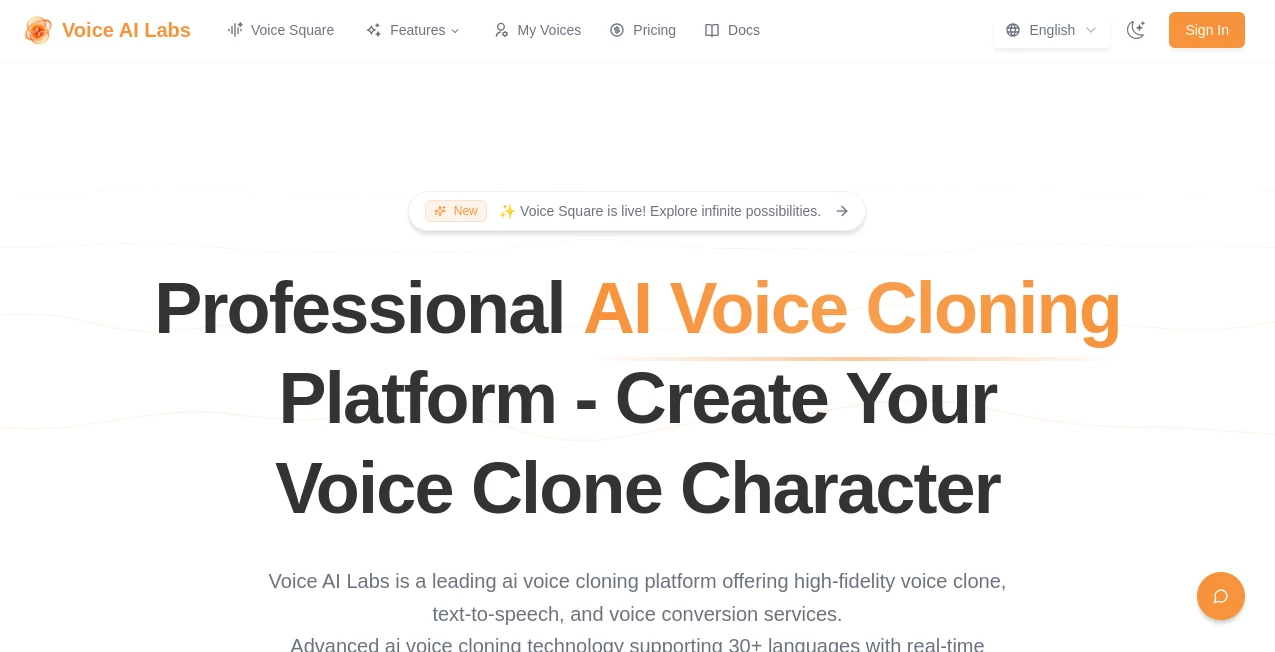
Imagine recording a quick snippet of your voice, and suddenly you have a digital twin that can read out emails, narrate videos, or even chat in your tone—it's like having a personal sound studio in your pocket. That's the charm of this platform, where high-quality voice clones come to life without the fuss of fancy equipment. I've seen podcasters transform their workflow, turning solo shows into dynamic dialogues with cloned guests, and the results sound so natural, you forget it's tech at work.
Introduction
This service steps up as a game-changer for anyone dabbling in audio content, offering tools that make voice cloning feel like a casual conversation rather than a tech ordeal. With a focus on high-fidelity results, it lets you create custom voices from just a short sample, blending them into text-to-speech or conversion tasks that fit everything from business presentations to creative storytelling. What started as a niche idea has bloomed into a favorite for creators, thanks to its straightforward setup and reliable output. Friends in the content world tell me it's cut their production time in half, letting them focus on the fun stuff like scripting instead of sound editing.
Key Features
User Interface
The dashboard greets you with a clean layout that's easy to navigate, where uploading a voice sample or typing text is as simple as sending an email. Buttons for cloning or conversion are front and center, and previews load quick so you can hear the magic right away. I recall my first try: dropped in a 30-second clip, chose a style, and had a clone ready to test— no confusing menus, just intuitive steps that make you feel like a pro from the get-go.
Accuracy & Performance
The cloning hits close to home, capturing nuances like accent and pace with impressive detail, and conversions swap voices seamlessly without losing the original charm. Generations happen fast, even on longer texts, and the output holds up in quality across devices. One marketer I know used it for multilingual ads, and the accuracy in tone shift was spot-on, saving them from hiring multiple narrators.
Capabilities
From building a library of custom voices to exploring thousands of pre-made characters in the voice square, it covers text-to-speech for narration and voice conversion for fun twists. The advanced tech ensures high-fidelity results, perfect for podcasts, videos, or even personalized messages. It's versatile enough for quick edits or full productions, with options to fine-tune pitch or speed for that perfect fit.
Security & Privacy
Your voice samples stay secure, processed with care and not shared without consent, giving you control over your digital likeness. It's designed with privacy in mind, so you can experiment freely without worries about data leaks. This level of thoughtfulness is a big plus for pros handling client work, ensuring everything stays confidential.
Use Cases
Podcasters clone guest voices for seamless edits when recordings go awry, keeping episodes flowing without reschedules. Marketers craft branded narrations that sound consistent across campaigns, boosting engagement. Teachers use conversions to make lessons multilingual, helping students in diverse classrooms. Even families create fun messages with cloned relatives' voices for birthdays, adding a personal touch that's hard to beat.
Pros and Cons
Pros:
- Quick cloning from short samples, saving time on setup.
- High-quality output that sounds remarkably real.
- Versatile for both text-to-speech and conversions.
- Voice square offers endless inspiration with ready characters.
Cons:
- Limited credits on starter plans for heavy users.
- Best results need clear, noise-free samples.
Pricing Plans
It kicks off with a starter option at a low monthly fee, giving you a handful of custom voices and credits for generations—ideal for testing the waters. Creator level amps up the voices and credits for more frequent use, while pro unlocks everything for serious projects. The scaling feels fair, with annual discounts that make committing worthwhile for regulars.
How to Use Voice AI Labs
Sign up with your email, upload a 30-second voice clip, and let it process your clone—takes just a minute. Then, type in text for speech or upload audio for conversion, adjust settings like speed if needed, and hit generate. Preview the result, download, and you're good to go. I once cloned my voice for a video script, and it blended so well, viewers thought it was me recording live.
Comparison with Similar Tools
While other platforms might offer basic cloning, this one stands out with its focus on fidelity and ease, avoiding the robotic tones that plague cheaper alternatives. It's more user-friendly than enterprise options, yet delivers pro results without the steep price tag. For creators who value quality over quantity, it's the sweet spot.
Conclusion
This platform brings voice tech down to earth, making it fun and functional for everyday use. It's the sort of tool that inspires you to play more with audio, knowing the results will impress. If you're dipping into content creation or just curious, it's worth a look—might just change how you think about sound.
Frequently Asked Questions (FAQ)
How long does cloning take?
A short sample processes in minutes, ready for immediate use.
Can I use it for commercial projects?
Yes, pro plans support business use with high limits.
What if the clone doesn't sound right?
Try a clearer sample or adjust parameters for better match.
Is there a mobile app?
The web interface works great on phones for on-the-go cloning.
How many voices can I create?
Starts with a few on basic, scales up with higher tiers.
AI Voice Cloning , AI Celebrity Voice Generator , AI Text to Speech .
These classifications represent its core capabilities and areas of application. For related tools, explore the linked categories above.
VoiceAILabs details
Pricing
- Free
Apps
- Web Tools
Categories

VoiceAILabs Alternatives Product

Free Voice C…

Trump AI Vid…
vo4 ai

Blinkly AI
Chatterbox T…

Maestra

PolyBuzz

ElevenLabs

Klyra AI
