🧠 AI Quiz
Think you really understand Artificial Intelligence?
Test yourself and see how well you know the world of AI.
Answer AI-related questions, compete with other users, and prove that
you’re among the best when it comes to AI knowledge.
Reach the top of our leaderboard.


















Wan2AI

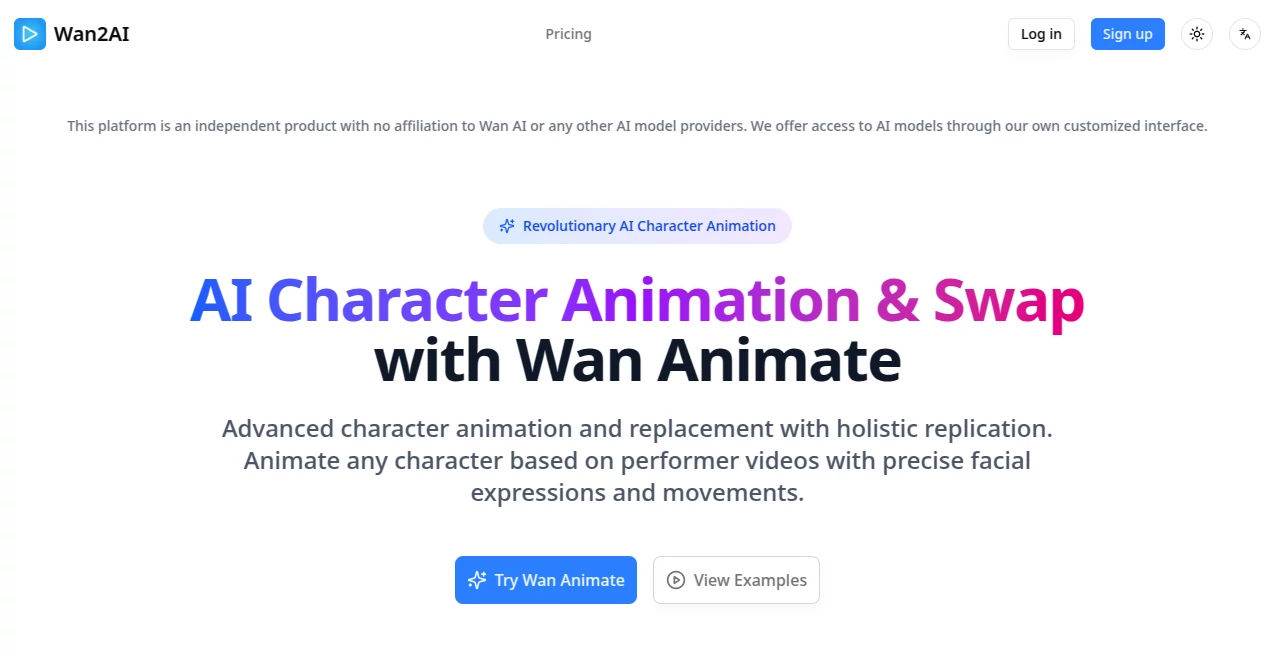
What is Wan2AI?
There’s something genuinely exciting about watching a simple prompt turn into a smooth, multi-scene video that actually tells a story, complete with consistent characters and spot-on audio sync. This platform makes that feel effortless, handing creators the power to build short cinematic clips without needing a full production setup. I’ve seen friends go from “I have this idea for a quick ad” to sharing something that looks professionally directed in under an hour—it's that kind of tool that sparks real joy.
Introduction
In the rush of short-form content, where every second counts, this tool stands out by focusing on what matters: storytelling that flows naturally across multiple shots. It takes your text or image input and breaks it into intelligent scenes, maintaining character looks and motion coherence that feels almost hand-crafted. What drew me in was the way it handles references—upload a clip or photo, and it reuses elements smartly, even syncing audio beats without extra tweaking. Free to start with a daily quota, it’s built for anyone who wants high-quality results fast, whether you're testing a concept or prepping social posts. The polish is impressive—95% first-try success—and the no-watermark paid runs make it feel like a real creative partner.
Key Features
User Interface
The dashboard is clean and welcoming, with a prominent prompt box, simple resolution picks, and easy upload spots for references or music. Options like multi-shot or single-shot sit neatly, and the preview loads quickly so you can adjust on the spot. My first time was a breeze—typed a quick story, added a reference clip, and the whole thing felt like chatting with a collaborator who gets it right away. No clutter, just intuitive controls that let you focus on ideas instead of menus.
Accuracy & Performance
Character consistency is rock-solid—faces, outfits, and mannerisms stay true across scenes, even in complex prompts with multiple subjects. Generations are fast, often under 30 seconds, and the motion flows naturally with beat-aware pacing that matches uploaded audio perfectly. I've tested it with busy ideas, and it rarely needs a second pass; the results feel polished and intentional, holding up beautifully on any screen.
Capabilities
It crafts up to 15 seconds of multi-shot video in 720p or 1080p, with seamless transitions, intelligent scene segmentation, and native audio sync that aligns perfectly to your track. Video reference control lets you reuse actors or objects precisely, while text-to-video and image-to-video options open endless creative paths. It's built for storytelling, ads, animations, or music visuals—turning a prompt into a clip that feels professionally directed.
Security & Privacy
Certified with SOC 2, GDPR, and ISO 27001, it keeps your content private by default on paid plans, processing uploads securely without unnecessary storage. It's the kind of thoughtful setup that lets you experiment freely, especially for commercial work, knowing everything is handled responsibly and discreetly.
Use Cases
Social creators build viral Reels with consistent avatars and synced music that keep followers coming back. Marketers turn product ideas into engaging ads, reusing reference clips for brand coherence without reshoots. Musicians visualize tracks with beat-perfect visuals, creating shareable stories that deepen listener connection. Filmmakers prototype scenes quickly, testing pacing and transitions before full production—it's versatile and reliable across all these creative needs.
Pros and Cons
Pros:
- Outstanding character consistency that makes multi-shot stories feel seamless.
- Native audio sync saves hours of editing, delivering ready-to-post clips.
- Video reference control unlocks precise, creative control.
- Free daily quota with clean paid outputs—great value for real use.
Cons:
- 15-second limit keeps it focused on shorts rather than long-form.
- Watermark on free videos, though easy to remove with a paid plan.
Pricing Plans
Jump in free with a daily quota—no card needed—to see the quality firsthand. Basic plans start around $21 monthly for watermark-free 720p and faster queues, while Standard and Pro tiers unlock 1080p, higher concurrency, and more credits. Yearly options cut costs significantly, and pay-as-you-go fits lighter users—flexible enough that you only pay for what you actually need.
How to Use Wan2AI
Head to the dashboard, type your story or scene in the prompt box, choose resolution, and upload any reference video or audio track for extra control. Hit generate, wait a moment, and preview the multi-shot result—tweak if needed for another run. Download clean on paid, or share straight to platforms; batch a few concepts, and you'll have a reel-ready set in no time.
Comparison with Similar Tools
While some tools deliver single clips or falter on consistency, this one weaves true multi-shot narratives with reference smarts and audio sync that feel noticeably more refined. It prioritizes quality over raw length, standing out with deliberate polish and reliability that creators trust—making it the clear choice for shorts that need to punch above their weight.
Conclusion
This platform captures the excitement of video creation without the usual grind, delivering short, cinematic clips that tell stories with real heart. It's a breath of fresh air for anyone chasing engaging content fast, proving smart tech can feel almost magical when it just works. Give it a prompt, watch your ideas come alive, and see how quickly it turns casual creativity into confident storytelling.
Frequently Asked Questions (FAQ)
How long are the videos?
Up to 15 seconds of seamless multi-shot storytelling, ideal for reels and shorts.
Can I add my own music?
Yes—upload tracks for native sync that matches beats perfectly.
What resolutions are available?
720p or crisp 1080p at 24fps, with smooth motion and transitions.
Do free videos have watermarks?
Yes on free, but they vanish with any paid plan.
How good is character consistency?
Top-tier—same look and feel across every scene, even with references.
AI Animated Video , AI Image to Video , AI Video Generator , AI Text to Video .
These classifications represent its core capabilities and areas of application. For related tools, explore the linked categories above.
Wan2AI details
This tool is no longer available on submitaitools.org; find alternatives on Alternative to Wan2AI.
Pricing
- Free
Apps
- Web Tools
Categories

Wan2AI Alternatives Product

seedance2

Nano Banana …

Gemini AI vi…

Seedance 2.5

sora video

Seedance

VeoNano

Veo4

Sora AI Vide…