
🧠 AI Quiz
Think you really understand Artificial Intelligence?
Test yourself and see how well you know the world of AI.
Answer AI-related questions, compete with other users, and prove that
you’re among the best when it comes to AI knowledge.
Reach the top of our leaderboard.


















Wan AI Video Generator
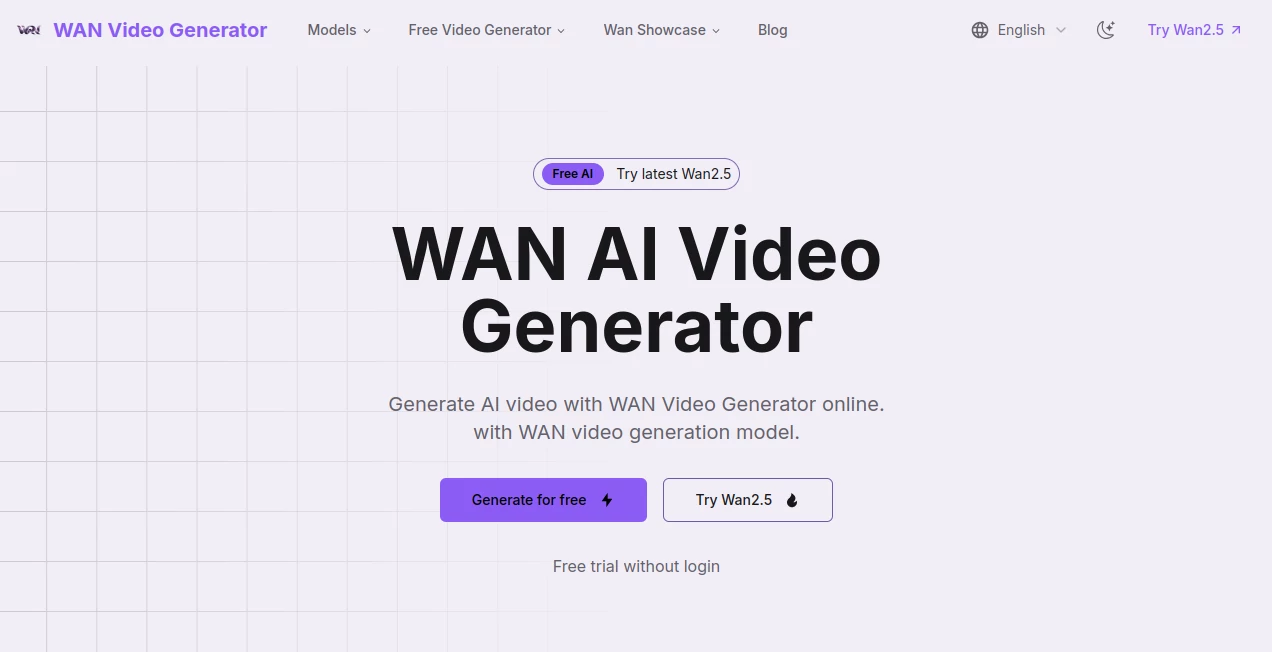
What is Wan AI Video Generator?
There's something downright thrilling about typing a wild idea into a box and watching it spring to life as a smooth, cinematic clip just minutes later. This tool nails that magic, pulling from cutting-edge models to craft short videos that look and feel professional, whether you're starting with words or a single picture. I've tinkered with a few generators, but this one stands out for its natural flow and those little details—like realistic ripples in water or fur swaying in the breeze—that make the results pop. It's the kind of thing that gets creators hooked fast, turning "what if" daydreams into shareable realities without the usual headaches.
Introduction
Built on the powerhouse Wan2.2 from Tongyi Lab, this platform makes video creation feel almost effortless, handling everything from dynamic dances to quirky animal antics with a finesse that's hard to beat. No need for fancy gear or editing chops—just describe your scene or upload an image, and it weaves together motions that look convincingly real. What impresses most is the bilingual touch, letting you mix English and Chinese text seamlessly for clips that reach wider crowds. A colleague used it to mock up a product teaser in both languages, and the output was sharp enough to drop straight into a pitch deck. It's refreshing in a crowded field, focusing on quality flows and quick turns that keep the creative spark alive.
Key Features
User Interface
The dashboard keeps things delightfully straightforward: a big prompt area, spots for image uploads, and simple toggles for resolution or ratio that don't overwhelm. Pick landscape for widescreen vibes or portrait for phone scrolls, and everything previews cleanly before you commit. My first spin felt like chatting with a patient artist—type details, hit go, and sip coffee while it brews something beautiful.
Accuracy & Performance
It interprets prompts with a keen eye, capturing nuances like weight shifts in movements or splash effects that add that extra realism, often nailing complex scenes on the first try. Generations wrap up in minutes, scaling nicely for higher res without dragging, and the outputs hold crisp details that shine on any screen. From tests with tricky physics—like a butterfly fluttering or waves crashing—it delivers motions that feel grounded and lively, far from the stiff results elsewhere.
Capabilities
Core strength lies in text-to-video and image-to-video, building 5-second bursts in up to 720p with options for square, wide, or tall formats. Extend clips by feeding back the last frame with a seed tweak, chaining ideas into longer tales. Bilingual overlays open doors for global stories, while the underlying model excels at natural simulations—think dogs pedaling bikes or chefs chopping with flair—that bring whimsy to life convincingly.
Security & Privacy
You own every clip outright for personal or business use, with guidelines in the terms to keep things fair. The process feels secure, focused on your inputs without unnecessary lingering, giving peace of mind for commercial spins or client work.
Use Cases
Marketers craft quick product spots that highlight features with smooth animations, saving bundles on shoots. Social posters whip up eye-catching shorts—like a dancing figure or scenic reveal—that rack up views fast. Educators visualize concepts, from historical reenactments to science demos, making lessons stick. Artists experiment with styles, turning static sketches into moving moods for portfolios or pitches.
Pros and Cons
Pros:
- Stunning natural motions that make clips feel alive and authentic.
- Bilingual flexibility for broader reach without extra effort.
- Fast turns that fit into busy schedules seamlessly.
- Free entry with solid quality to hook you right away.
Cons:
- Keeps to short bursts, better for snippets than full features.
- Top resolution tucked behind paid tiers.
Pricing Plans
Dive in free for 480p clips that still pack punch, ideal for testing ideas or lighter needs. Paid kicks off around $15 monthly for 720p polish and steady access, with options that scale for heavier creators. It's thoughtful pricing—start small, upgrade when the results win you over.
How to Use WAN AI Video Generator
Land on the page, spill your description into the prompt—get detailed for best bites—then upload an image if that's your starting point. Choose ratio and res, perhaps a seed for consistency, and let it process. Preview the flow, download the MP4, or chain with the end frame for extensions. A simple product reveal I tried came together flawlessly, ready to post in under ten minutes.
Comparison with Similar Tools
Against flashier rivals, this one prioritizes fluid, believable movements over sheer length, delivering clips that feel directed rather than disjointed. It's stronger on physics and bilingual bits where others falter, trading bells for reliable beauty that suits storytellers who value substance.
Conclusion
This generator captures the joy of instant visualization, bridging words or pictures to moving moments that inspire and engage. It's a quiet powerhouse for anyone chasing video vibes without the grind, proving smart tech can feel wonderfully human when it flows this well. Give a prompt a whirl—you might just find your next favorite clip waiting.
Frequently Asked Questions (FAQ)
How detailed should prompts be?
The more vivid—colors, actions, moods—the closer it hits your vision.
Can I extend videos?
Yes, reuse the last frame and seed for seamless chains.
Commercial use okay?
Fully yours, with terms for guidance.
Resolutions available?
480p free, up to 720p paid for that extra crisp.
Supports which languages?
English and Chinese text overlays built right in.
AI Animated Video , AI Image to Video , AI Text to Video , AI Video Generator .
These classifications represent its core capabilities and areas of application. For related tools, explore the linked categories above.
Wan AI Video Generator details
Pricing
- Free
Apps
- Web Tools
Categories

Wan AI Video Generator Alternatives Product

kling 3 AI

LTX-3 AI

vei4 ai

Sora 2 AI

PostPlus AI

AISeedance2

Kling 3.0 – …

UniVideo

ImagineToVid…
