
🧠 AI Quiz
Think you really understand Artificial Intelligence?
Test yourself and see how well you know the world of AI.
Answer AI-related questions, compete with other users, and prove that
you’re among the best when it comes to AI knowledge.
Reach the top of our leaderboard.


















Z Image AI

What is Z Image AI?
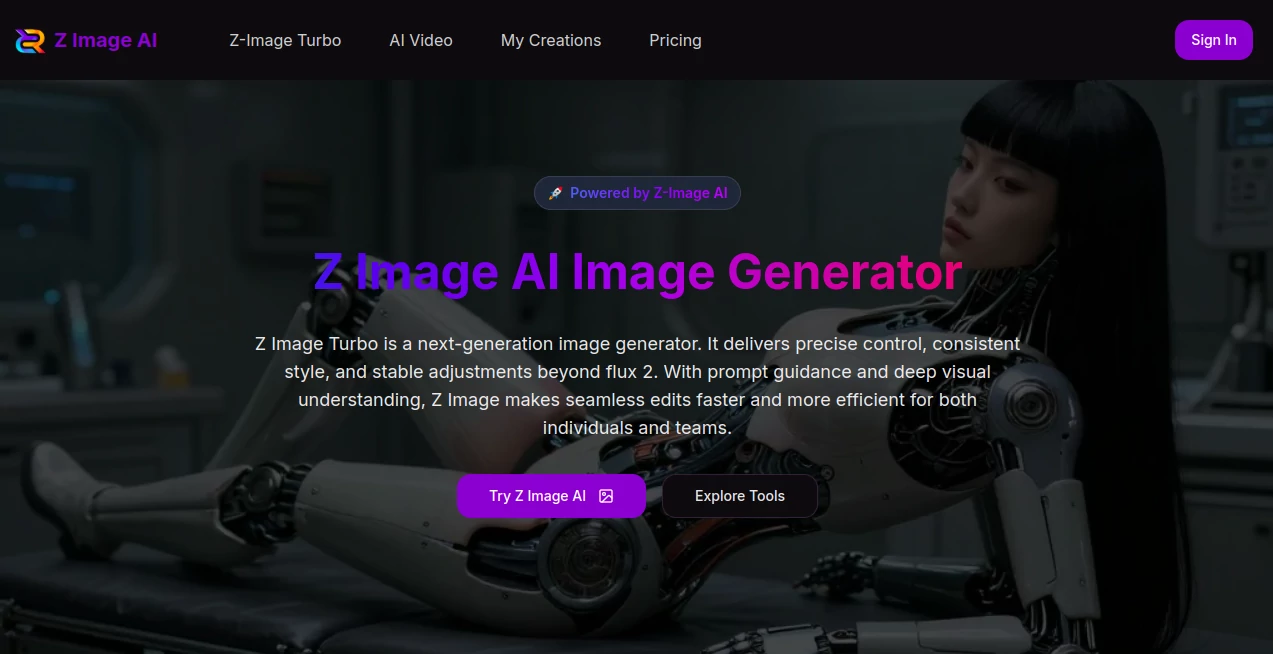
Z Image AI steps into the spotlight as a powerhouse for turning ideas into stunning visuals, blending sharp edits with seamless flows that keep creators locked in. This platform catches the eye of those who crave control without the chaos, delivering tweaks that hold true across every layer. Many who've dived in talk about how it cuts through the usual fog of trial runs, handing over results that feel spot-on from the first glance.
Introduction
Z Image AI took off from a drive to rethink how folks shape their pictures, sparked by the grind of tools that fumbled details or dragged on forever. It landed as a fresh hub for artists and teams who needed something that gripped the full picture—literally—while letting them steer without white-knuckling the wheel. Over quick months, it's pulled in a crowd sharing wins like polished portraits that pop or mockups that nail the vibe, turning what used to be a slog into a swift spark. What draws people back is that quiet confidence in handling the little things, like shadows that stay put or tones that don't wander, making every session feel like a step closer to the vision in your head.
Key Features
User Interface
The setup greets you with a no-fuss panel where choices line up clear as day, from picking your starting point to dropping in guides that shape the scene. As you lay out your thoughts or haul in a base, the screen shifts smooth, showing previews that let you circle in without losing your place. It's the kind of flow that clicks after a single pass, like passing notes with a collaborator who always gets the shorthand, keeping the energy up without extra hurdles.
Accuracy & Performance
It locks onto what you mean with a grip that's hard to shake, sorting out the fits and finishes so elements sit just right without the usual slip-ups. Turns come back fast, often in a blink for everyday asks or a short breath for the heavier lifts, holding steady even when you stack on layers. Those who've run it through real paces often point to how it dodges the fuzzy spots that trip others, yielding pieces that stand firm under a close look.
Capabilities
From breathing fresh air into old snaps to staging fresh setups for gear or garments, it covers the spread with a hand that's steady on the details. You can strip away the extras, layer in new bits, or just nudge the lights till they land soft, all while keeping the whole thing humming in tune. The real stretch comes in bouncing between starts, whether from words alone or a rough sketch, opening doors to everything from quick fixes to full rebuilds that feel native.
Security & Privacy
Your starting points and side notes get wrapped tight during the whirl, cleared out once the dust settles, with no loose ends hanging for chance glances. It hands you the reins on what lingers or leaves, so private sketches stay that way until you flip the switch. Folks who lean on it for close-to-the-chest work nod at that easy trust, letting them push boundaries without the back-of-mind buzz about where things might drift.
Use Cases
Portrait polishers use it to soften edges and lift moods, turning everyday faces into frames that capture the quiet spark. Gear guides stage their wares in spots that sell the story, swapping shades or scenes to test what draws the eye. Scene shapers tidy up travels or townscapes, pulling focus to the heart without the haze. Restorers breathe color back into faded keepsakes, mending tears that time left behind. Mockup makers spin drafts for designs, seeing how pieces play before the pitch.
Pros and Cons
Pros:
- Holds the line on looks through every shift, no drifting details.
- Speeds the spin from spark to shine, cutting corners without cuts.
- Blends bases and blueprints smooth, for starts from scratch or sketch.
- Fits the frame for work or whims, from quick hits to deep dives.
Cons:
- Pulls from your pool, so heavy hauls might tap the tab quicker.
- Shines on clear calls; hazy hints can nudge off the path a touch.
- No deep dives into tweaks mid-spin, so fresh starts fill the gap.
Pricing Plans
It eases in with a light lift for starters, where each turn taps a small slice from your stack, shown up front so surprises stay sidelined. From there, bundles build out for steady hands, with nods to shares for crews or cuts for longer hauls. The setup stays nimble, matching your pace without a hard push, letting you scale as the ideas stack up.
How to Use Z Image AI
Slip in and pick your path—words to build or a base to bend—then spill the specifics in the slot, be it a string of thoughts or a file to fold in. Let it mull and muster a first look, then circle back with nudges till it nestles just so. Snag the final in your fit, slot it into the next step, and swing around for the follow-up that builds the batch.
Comparison with Similar Tools
Where some setups skim the surface with speedy but shallow strokes, Z Image AI digs in for that lasting lock, though those might dash ahead on plain plays. Against the old guards that grind through gears, it lightens the load with a unified hand, skipping the sprawl but perhaps pinching on plugin paths. It settles sweet for those after balance, where grip meets grace without the extra weight.
Conclusion
Z Image AI quietly retools the trade of turning thoughts to sights, offering a steady hand for scenes that stick. It bridges the blank from bare idea to bold image, showing how a sharper sense can yield works worth the watch. As more makers chase the next frame, this one's primed to push along, fostering finds that feel fresh from the first flicker.
Frequently Asked Questions (FAQ)
How do I kick things off?
Sign in, pick your mode, drop your details, and let it lead the way.
What's the wait like?
A quick breath for most, a touch longer for the thick ones.
How's the tally on turns?
Tied to the heft and heart, flagged fair before the fire.
Can I weave in my own starts?
Yes, haul in hints to shape the shift just so.
Fair game for the grind?
Open for the trade, but you hold the key on your keys.
AI Photo & Image Generator , Photo & Image Editor , AI Image to Image , AI Design Generator .
These classifications represent its core capabilities and areas of application. For related tools, explore the linked categories above.
Z Image AI details
This tool is no longer available on submitaitools.org; find alternatives on Alternative to Z Image AI.
Pricing
- Free
Apps
- Web Tools
Categories

Z Image AI Alternatives Product

Sketchready

qwen image 2…

Curved Text …

Roblox Man F…

BeYourCover

Flux 2 Klein

Nano Image AI

Pic 2 Meme

ai banana
