🧠 AI Quiz
Think you really understand Artificial Intelligence?
Test yourself and see how well you know the world of AI.
Answer AI-related questions, compete with other users, and prove that
you’re among the best when it comes to AI knowledge.
Reach the top of our leaderboard.


















Z Image Turbo

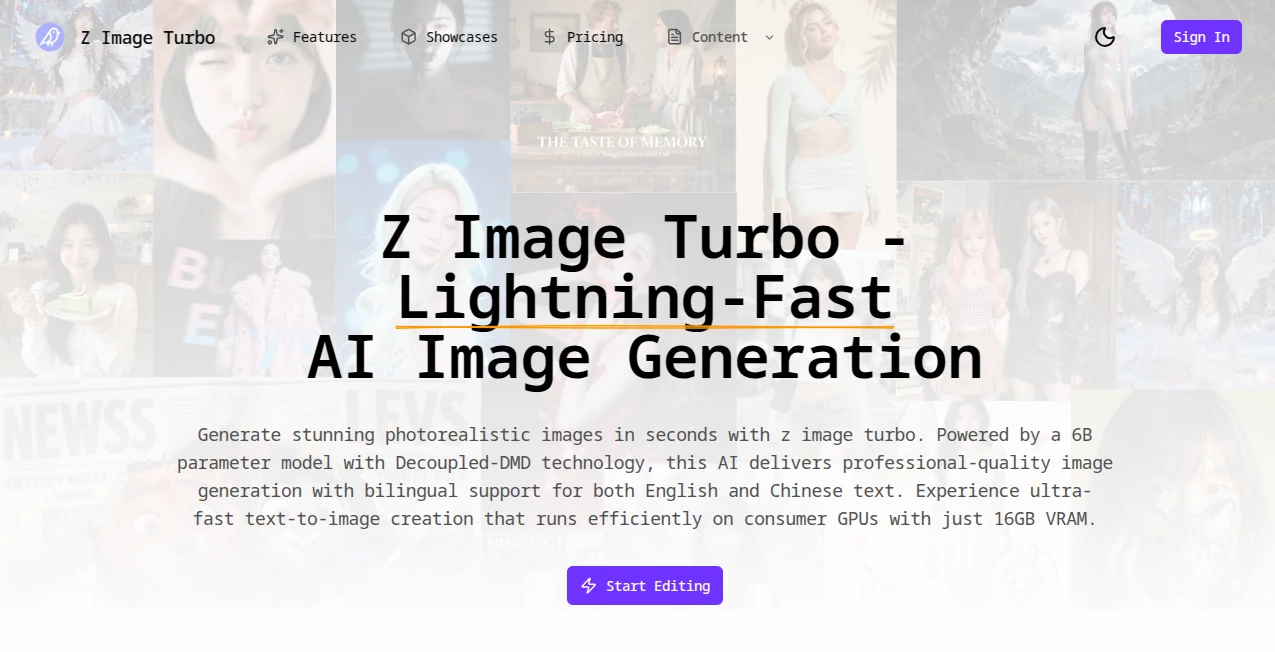
What is Z Image Turbo?
There's something downright thrilling about typing a wild idea and watching a crisp, photorealistic picture materialize before your coffee gets cold. This tool nails that rush, churning out professional-grade visuals from simple descriptions in mere seconds, with details that pop and textures that feel tangible. I've tinkered with plenty of generators, but this one's speed and sharpness had me hooked from the first prompt—perfect for when inspiration strikes and you need results now, not after a long wait.
Introduction
Built on a hefty 6-billion-parameter foundation with clever tech that separates the tricky bits for better results, this platform stands out for its blistering pace without skimping on quality. It handles prompts in English or Chinese like a champ, rendering text inside images with accuracy that blows past most rivals. Whether you're sketching concepts for work or just playing around, it fits on everyday hardware and delivers outputs that rival slower, bulkier models. Creators swear by it for rapid iterations, turning a vague notion into dozens of variations in an afternoon, all while keeping things accessible and fun.
Key Features
User Interface
Jump in and you're greeted by a straightforward prompt box that invites natural descriptions, paired with sliders for steps, size, and tweaks that default to smart settings. Previews load instantly, and a gallery of examples inspires without overwhelming. My go-to flow: dash off a line about a sunset cityscape, hit go, and tweak on the fly—it's that seamless, like doodling with a buddy who finishes your thoughts.
Accuracy & Performance
With just eight steps, it whips up images that hold fine details and realistic lighting, often in under a second on decent setups. The decoupled approach keeps quality high even at breakneck speeds, nailing complex compositions where others blur or botch. In practice, it rarely misses the mark on prompts, delivering that satisfying click when the output matches your mental picture almost eerily well.
Capabilities
Photorealism is its bread and butter, but it shines brightest with bilingual text woven right in—think posters or logos that read crisp in multiple languages. Transform sketches or photos into fresh takes, export clean files for any project, and iterate hundreds of times a day if the mood strikes. It's geared for pros yet forgiving for newcomers, balancing power with practicality.
Security & Privacy
Runs with a focus on straightforward processing, handling your inputs efficiently without unnecessary hangs or shares. For community-minded users, the open aspects invite tweaks in safe spaces, keeping personal projects just that—personal and protected during the creative sprint.
Use Cases
Digital artists brainstorm mood boards that evolve in real time, feeding back variations until the perfect vibe emerges. Marketers craft campaign visuals with on-brand text overlays, testing multilingual options for global reach. E-commerce folks visualize products in scenes that sell, churning out alternatives to find the winner fast. Even writers illustrate book covers or blog headers, bridging words to worlds without calling in favors.
Pros and Cons
Pros:
- Blazing generation that fits frantic workflows like a glove.
- Spot-on text handling for bilingual magic that's hard to beat.
- Runs lean on standard gear, no monster rigs required.
- Quality that punches up, rivaling leisurely alternatives.
Cons:
- Credit tracking means watching usage on heavier sessions.
- Best with thoughtful prompts—quick scribbles might need a refine.
Pricing Plans
A credit-based setup keeps things flexible, with each run sipping just a couple, and balances tracked clearly so you never hit surprises. Free tastes or starter packs ease entry, scaling to bundles for frequent flyers who want uninterrupted flow. It's priced to match the pace—fair for casual spins, rewarding for committed creators chasing volume.
How to Use Z Image Turbo
Drop a descriptive line into the box—something like a bustling market at dusk with signs in two languages—adjust dimensions if needed, and fire it off. Watch the preview fill in a flash, download your pick in a handy format, and loop back with tweaks for the next variation. Start broad, narrow in, and soon you've got a stack ready for whatever comes next.
Comparison with Similar Tools
Against bulkier beasts that dawdle for similar shine, this one's nimble sprint wins for tight deadlines, trading sheer brute force for clever efficiency. It edges out on bilingual finesse and hardware humility, where others demand more muscle or mangle mixed scripts. For folks valuing velocity with virtue, it's the standout that keeps the momentum without the wait.
Conclusion
This tool rekindles that pure joy of instant creation, where ideas leap from mind to masterpiece without the drag. It's a quiet powerhouse for anyone tired of sluggish steps, delivering speed wrapped in stunning detail that inspires more making. Give it a whirl on your next whim—you might just find your workflow forever faster.
Frequently Asked Questions (FAQ)
What sets the speed apart?
Clever distillation and few-step sampling make it fly while keeping looks pro.
Does it run on regular computers?
Yes, tunes nicely for 16GB setups, no elite hardware mandatory.
How's the language handling?
Excels at English and Chinese text, blending them cleanly in scenes.
Export options available?
PNG, JPG, WebP—whatever fits your next move.
Good for business stuff?
Absolutely, outputs ready for commercial leaps with clear rights.
AI Photo & Image Generator , AI Art Generator , AI Design Generator , AI Text to Image .
These classifications represent its core capabilities and areas of application. For related tools, explore the linked categories above.
Z Image Turbo details
This tool is no longer available on submitaitools.org; find alternatives on Alternative to Z Image Turbo.
Pricing
- Free
Apps
- Web Tools
Categories

Z Image Turbo Alternatives Product

Luma AI

NanoBanana P…

Nano Image AI

Nano Banana …

SAM 3D

Z image AI

ModelsLab

Nanosora

Nano Banana …