🧠 AI Quiz
Think you really understand Artificial Intelligence?
Test yourself and see how well you know the world of AI.
Answer AI-related questions, compete with other users, and prove that
you’re among the best when it comes to AI knowledge.
Reach the top of our leaderboard.


















Analytify.AI

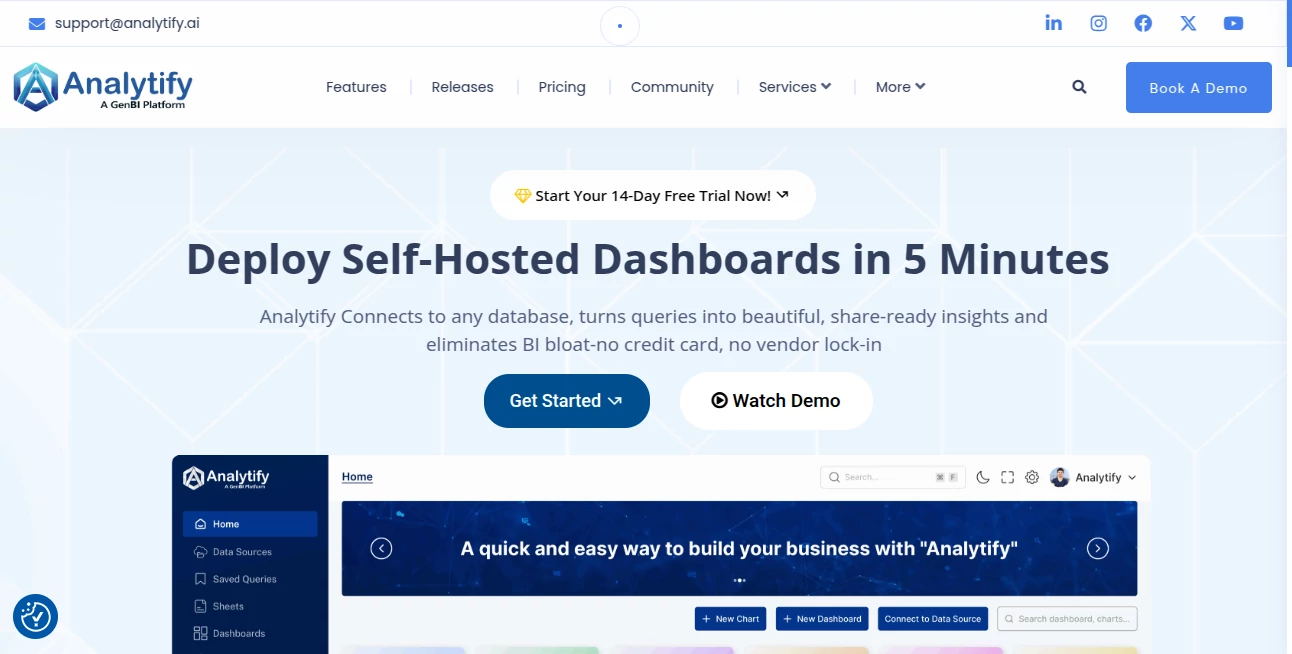
What is Analytify.AI?
Running a WordPress site and feeling a bit lost in the sea of analytics data? This plugin changes that entirely. It brings the most important Google Analytics and Search Console insights straight into your dashboard—clean, visual, and actually understandable. No more jumping between tools or staring at confusing charts. I remember the first time I installed it: suddenly I could see which posts were driving traffic, where visitors came from, and what keywords were working—all without leaving WordPress. It’s one of those tools that makes you wonder how you managed without it.
Introduction
For anyone serious about growing their WordPress site, knowing what’s working (and what isn’t) is everything. This plugin solves the classic problem of Google Analytics being powerful but overwhelming for most site owners. It pulls your real-time stats, top pages, traffic sources, search queries, and more directly into your WordPress admin area. The moment you activate it, you stop guessing and start seeing. Bloggers, e-commerce owners, and agencies alike rave about how it saves hours every month and actually helps make smarter decisions. It’s not just data—it’s clarity you can act on.
Key Features
User Interface
The dashboard is clean and welcoming—big, colorful widgets that give you the big picture at a glance. You can customize which stats show up and where, so it feels tailored to your needs. Whether you’re checking bounce rates, session duration, or top landing pages, everything loads fast and looks great on both desktop and mobile. It’s the kind of interface that doesn’t overwhelm you with options—it just shows what matters.
Accuracy & Performance
It pulls data straight from Google, so it’s as accurate as GA itself. Reports load quickly, even on sites with heavy traffic. No noticeable slowdowns or delays, even when you’re digging into historical data or comparing months. Users consistently mention how reliable it feels—numbers match what they see in Google Analytics, but without the hassle of logging in separately.
Capabilities
It goes far beyond basic stats. You get real-time visitor tracking, detailed device and location breakdowns, top referral sources, and even Search Console data like impressions, clicks, and CTR for your keywords. You can compare date ranges, see which pages are performing best, and track e-commerce if you’re running WooCommerce. It’s powerful enough for agencies but simple enough for bloggers.
Security & Privacy
Security is taken seriously—your Google account connects via OAuth, so no passwords are stored. Data is pulled securely and stays within WordPress. Regular updates keep everything patched and compliant. It’s the kind of peace of mind you want when dealing with visitor data.
Use Cases
Bloggers use it to spot their best-performing posts and double down on similar topics. E-commerce owners track product views and conversions right inside WooCommerce. Agencies manage multiple client sites from one dashboard, saving hours of manual reporting. Content creators discover which keywords are driving traffic and optimize future articles accordingly. It’s a tool that fits real workflows, not just theoretical ones.
Pros and Cons
Pros:
- Beautiful, easy-to-read dashboards that make data actionable.
- Real-time stats and Search Console integration in one place.
- No need to leave WordPress to check analytics.
- Supports multiple sites and client management.
Cons:
- Free version is limited—most advanced features are in Pro.
- Requires a Google account connection (though secure).
Pricing Plans
The free version gives you solid basics—enough for small sites or casual users. Pro plans start at a very reasonable price and unlock advanced reports, custom dimensions, e-commerce tracking, and priority support. Annual billing saves money, and there’s a generous trial period so you can test everything risk-free. It’s priced fairly for what you get.
How to Use Analytify
Install from the WordPress plugin directory, activate it, and connect your Google Analytics property (it guides you step-by-step). Once connected, head to the Analytify menu in your dashboard. You’ll see your overview immediately. Customize widgets, switch date ranges, or dive into Search Console data. For e-commerce, enable WooCommerce tracking in settings. It’s straightforward and takes minutes to set up.
Comparison with Similar Tools
Other analytics plugins often feel clunky or limited. This one stands out with its clean design, real-time data, and Search Console integration. It’s more user-friendly than raw Google Analytics and more powerful than basic stats plugins. If you want insights without leaving WordPress, this is the clear winner.
Conclusion
If you run a WordPress site and care about growth, this plugin is a no-brainer. It turns complex data into clear, actionable insights without ever leaving your dashboard. It saves time, reduces guesswork, and helps you make smarter decisions. Once you start using it, you’ll wonder how you ever managed without it.
Frequently Asked Questions (FAQ)
Does it slow down my site?
No—it loads data asynchronously and only when you view the reports.
Can I use it on multiple sites?
Yes, the Pro plan supports multiple sites and client management.
Is it compatible with WooCommerce?
Absolutely—e-commerce tracking works beautifully.
Do I need coding knowledge?
Not at all—it’s designed for non-technical users too.
Is the free version useful?
Yes, it’s great for small sites or getting started.
AI Content Generator , AI Research Tool , AI Analytics Assistant .
These classifications represent its core capabilities and areas of application. For related tools, explore the linked categories above.
Analytify.AI details
This tool is no longer available on submitaitools.org; find alternatives on Alternative to Analytify.AI.
Pricing
- Free
Apps
- Web Tools
Categories

Analytify.AI Alternatives Product

Noir Prompt

Lime Social

Touchpoint

Elicit

KarmaGuy

Flow Veo 3

AyeWatch AI

Sorank

ReezoAI