🧠 AI Quiz
Think you really understand Artificial Intelligence?
Test yourself and see how well you know the world of AI.
Answer AI-related questions, compete with other users, and prove that
you’re among the best when it comes to AI knowledge.
Reach the top of our leaderboard.


















Filtrix AI

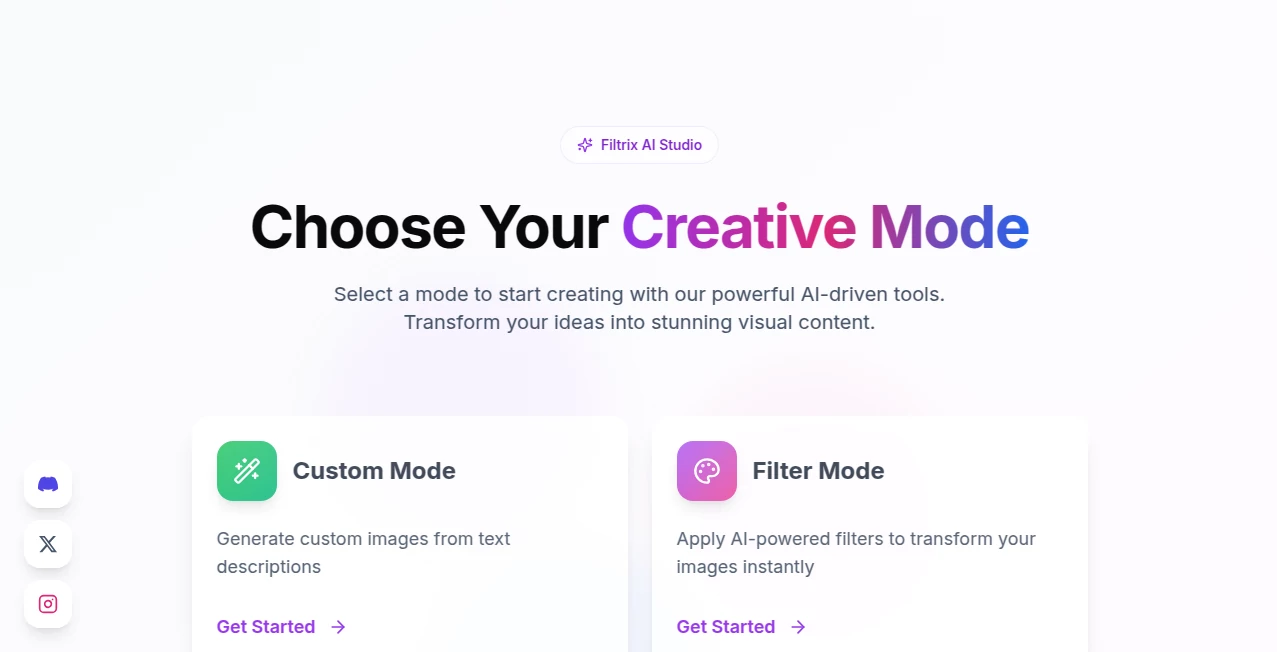
What is Filtrix AI?
There’s something quietly addictive about opening a photo or clip and watching it transform with one tap—colors pop, mood shifts, and suddenly it feels like a whole new story. This tool captures that feeling perfectly. It’s not just another filter app throwing trendy LUTs at you; it understands what makes an image or video look cinematic, nostalgic, or boldly artistic, and it applies those looks with a level of finesse that makes you want to keep experimenting. I’ve seen creators go from “this shot is okay” to posting something that stops the scroll, all in under a minute. It’s the kind of creative shortcut that feels like cheating, but in the best possible way.
Introduction
Filters have become essential for anyone who tells stories visually—whether it’s a quick Instagram Reel, a product showcase, a cinematic teaser, or just a personal memory you want to make feel timeless. Most apps give you presets that are either overused or underwhelming. This one takes a different approach: AI that’s trained to respect your source material while elevating it with sophisticated color grading, film emulation, and stylistic flair. The results don’t scream “filtered”; they whisper “crafted.” For creators who want professional-grade looks without spending hours in DaVinci or Lightroom, it’s become a daily go-to. It’s fast, it’s beautiful, and it keeps getting smarter with every update.
Key Features
User Interface
The workspace is clean and intuitive: upload your photo or video, see instant thumbnails of suggested looks, tap one to apply, then fine-tune intensity, warmth, contrast, or grain with simple sliders. No cluttered panels, no 50-page menus—just a focused flow that lets you experiment without losing momentum. Mobile and desktop feel equally natural. It’s the kind of design that disappears after the first use; you’re just left playing with looks, not figuring out the app.
Accuracy & Performance
The AI reads your image or footage intelligently—skin tones stay natural, highlights don’t clip, shadows reveal detail instead of crushing it. Film emulations (Kodak, Fuji, Polaroid, vintage 35mm) feel authentic rather than cartoonish. Processing is fast: stills are near-instant, short videos take seconds to a minute depending on length. No laggy previews or long queues. It handles low-light shots, overexposed clips, and mixed lighting surprisingly well, often pulling out detail you didn’t know was there.
Capabilities
Photo and video filtering, cinematic LUT emulation, style transfer (anime, oil painting, retro, cyberpunk, etc.), automatic enhancement (exposure, contrast, sharpness), color grading presets with manual overrides, grain and vignette controls, batch processing on paid plans, and export in high resolution or optimized for social platforms. It works on portraits, landscapes, product shots, short clips, and even motion graphics. The ability to combine multiple looks (e.g., vintage base + subtle teal-orange) opens up creative possibilities that feel endless.
Security & Privacy
Uploads are processed in memory and deleted immediately after download—no long-term storage, no training on your content. No account is forced for basic use, so your personal photos or client work never get tied to a profile unless you choose to save favorites. For creators handling sensitive shoots or brand material, that clean, no-strings approach is a real relief.
Use Cases
A wedding photographer enhances client previews with soft film looks that make the couple fall in love all over again. A small business owner turns product shots into consistent, branded visuals that stand out on Instagram. A short-form creator applies a signature cinematic grade to every Reel, building instant recognition. A filmmaker mocks up teaser looks for different moods before shooting. Wherever visual storytelling needs to feel elevated and cohesive, it becomes the quiet secret weapon.
Pros and Cons
Pros:
- Results look cinematic and intentional, not like generic filters.
- Extremely fast processing keeps creativity flowing.
- Style variety is deep—film stocks, artistic transfers, mood presets.
- Handles both photos and short videos seamlessly.
- Generous free tier lets you experience the quality without paying.
Cons:
- Longer videos or batch work require paid plan.
- Very niche or experimental looks may need prompt tweaking.
- Some ultra-high-res or RAW files need downscaling first.
Pricing Plans
Free tier gives several high-quality enhancements per day—enough to transform key shots or test video looks. Paid plans unlock unlimited use, batch processing, higher resolutions, priority queue, and advanced controls like custom LUT import. Pricing feels reasonable for the time and quality it saves—many creators say one month pays for itself after improving a single campaign or client deliverable.
How to Use Image Enhancer
Drag your photo or short video into the upload area (or click to browse). Wait a few seconds for the AI to analyze and suggest looks. Browse thumbnails—tap one to apply instantly. Use sliders to dial in intensity, warmth, grain, or vignette. Compare before/after with the slider, then download in your chosen resolution. For videos, pick frame rate and format. Batch upload available on paid plans. Done—pro-grade visual in under 30 seconds.
Comparison with Similar Tools
Many filter apps rely on heavy-handed presets that crush dynamic range or make skin look plastic. This one prioritizes natural enhancement and cinematic taste—colors stay rich, details preserved, mood elevated without looking fake. Speed, style depth, and photo/video parity put it ahead of most mobile editors and even some desktop grading tools for quick creative lifts.
Conclusion
Visuals matter more than ever, but not everyone has time or skill for heavy post-production. This tool bridges that gap beautifully—turning ordinary shots and clips into something that feels thoughtfully crafted. It’s fast, it’s smart, and it respects the original image while giving it new life. Whether you’re posting daily, selling products, or telling stories, it quietly raises the bar on everything you create. Sometimes the best creative boost is the one you barely notice—until you see the result.
Frequently Asked Questions (FAQ)
How many free enhancements do I get?
Several high-quality ones per day—plenty to enhance key shots or test video looks.
Will it ruin my original photo?
No—it’s non-destructive; originals stay untouched, you download the enhanced version.
Can I use it for commercial work?
Yes—paid plans include full commercial rights; free tier allows personal & promotional use.
Does it work on videos?
Yes—short clips process beautifully; longer ones supported on paid plans.
Are my photos stored anywhere?
No—processed in memory and deleted immediately after download.
Photo & Image Editor , AI Photo Enhancer , AI Video Enhancer , AI Design Generator .
These classifications represent its core capabilities and areas of application. For related tools, explore the linked categories above.
Filtrix AI details
This tool is no longer available on submitaitools.org; find alternatives on Alternative to Filtrix AI.
Pricing
- Free
Apps
- Web Tools
Categories

Filtrix AI Alternatives Product

Shutterstock

Nano Banana …

loraai.me

NanoBanana2F…

Caricature G…

GPT Image 2

Sora Waterma…

PostPlus AI

Picture to L…