
🧠 AI Quiz
Think you really understand Artificial Intelligence?
Test yourself and see how well you know the world of AI.
Answer AI-related questions, compete with other users, and prove that
you’re among the best when it comes to AI knowledge.
Reach the top of our leaderboard.


















Before After Photo Maker
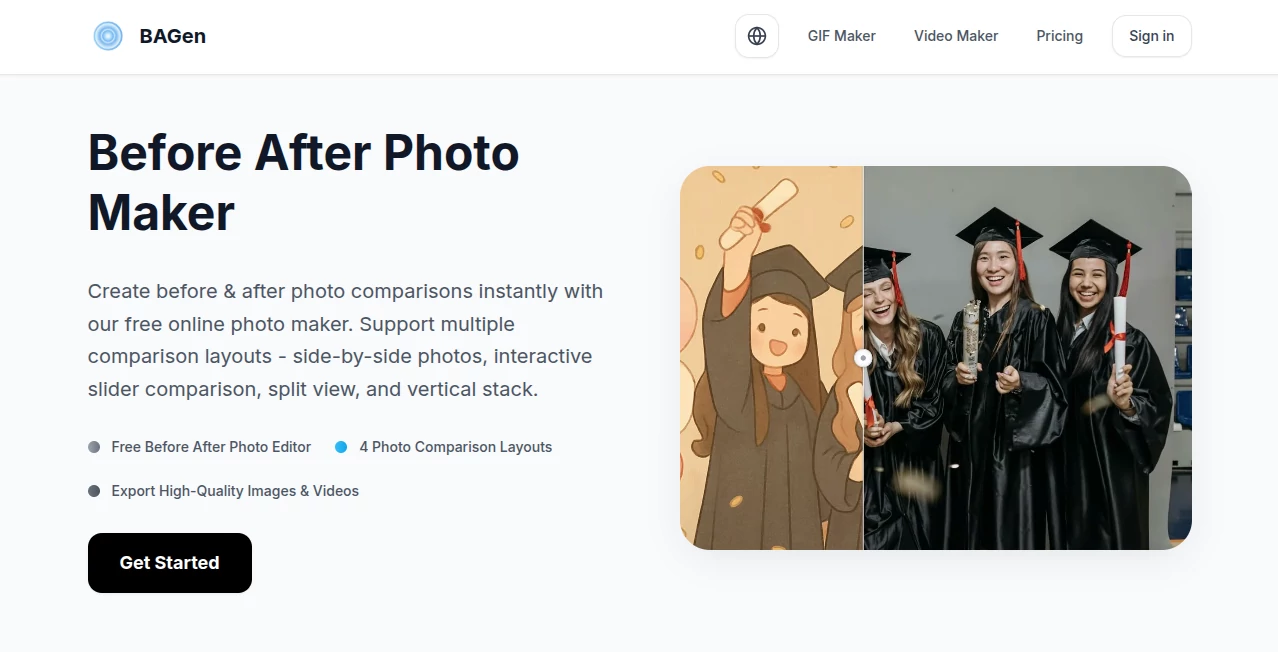
What is Before After Photo Maker?
There’s something powerful about seeing a clear before-and-after. Whether it’s a fitness journey, a home renovation, a beauty treatment, or a product makeover, that visual story instantly connects with people. This tool makes creating those convincing transformation images remarkably easy and natural-looking. You upload a “before” photo, describe the desired change, and it generates a realistic “after” that respects lighting, angle, and the person’s actual features. I’ve seen trainers use it to show client progress, decorators visualize room makeovers, and businesses create compelling product demos. The results look so authentic that viewers often ask, “Is this real?” — and that’s exactly the reaction you want.
Introduction
Creating believable before-and-after photos used to require professional photography, careful lighting setup, and hours in Photoshop. This platform removes all that complexity. It focuses on one thing: turning a single before image into a polished, realistic after version while keeping the person or object looking like themselves. The AI understands skin tones, body proportions, fabric texture, and environmental lighting, so the transformation feels honest rather than artificial. For coaches, marketers, designers, and everyday users who want to show change effectively, it has become an invaluable shortcut that saves time while maintaining credibility.
Key Features
User Interface
The design is wonderfully straightforward. You upload your before photo, choose a transformation type (weight loss, haircut, room renovation, etc.), add a short description if needed, and hit generate. Side-by-side previews appear clearly so you can compare instantly. No complicated sliders or technical jargon — just a clean flow that guides you from upload to finished result. It feels approachable even if you’re not tech-savvy, yet powerful enough for professionals who need consistent branding.
Accuracy & Performance
What stands out is how well it preserves identity. Faces don’t morph into someone else, body proportions stay realistic, and lighting matches the original environment. The before-and-after pairing looks natural, not like two completely different photos forced together. Generation is fast, usually just seconds per image, and the quality holds up for both personal and professional use. The consistency across different photo types — portraits, full-body shots, interior spaces — makes it reliable day after day.
Capabilities
It handles a wide range of transformations: fitness progress, hairstyle changes, makeup looks, weight loss journeys, dental work, home renovations, clothing makeovers, and more. You can adjust the intensity of the change and generate multiple variations to choose from. Outputs are high-resolution and ready for social media, websites, presentations, or print. The tool also supports batch processing for multiple photos, which is a huge time-saver for coaches or businesses managing many clients.
Security & Privacy
Your uploaded photos are processed securely and not stored long-term unless you choose to save them. The platform respects user privacy, especially important when working with personal images or client work. No unnecessary data collection means you can experiment freely without worry.
Use Cases
A personal trainer creates realistic progress visuals for clients without waiting months for actual results. A hairstylist shows clients how different cuts and colors would look on their face shape. An interior designer presents room renovation concepts to homeowners using their current photos. A skincare brand demonstrates product effects on real customer photos for marketing. Even parents make fun “grown-up” versions of kids’ photos for birthday cards. Wherever visual transformation storytelling matters, this tool delivers fast and convincingly.
Pros and Cons
Pros:
- Extremely realistic transformations that respect the original person’s features.
- Fast generation speed with multiple variations to choose from.
- Simple workflow that anyone can use without design experience.
- Versatile across fitness, beauty, home, and product transformations.
- High-resolution outputs suitable for professional use.
Cons:
- Very extreme transformations may need more careful prompting for best results.
- Free tier has daily limits for heavy users.
- Some highly specific artistic styles may require extra refinement.
Pricing Plans
The free plan lets you create several high-quality transformations per day — perfect for testing or occasional use. Paid plans remove limits, unlock batch processing, higher resolution options, and priority generation. The pricing is reasonable for the time and professional appearance it adds to your content or client work.
How to Use Before After Photo Maker
Upload a clear “before” photo. Select the type of transformation you want (weight loss, makeover, renovation, etc.). Add a short description for more precise results if needed. Click generate and review the side-by-side comparison. Generate additional variations until you’re happy with the look. Download the final images individually or as a set. For multiple photos, use the batch option on paid plans. The entire process usually takes less than a minute per image.
Comparison with Similar Tools
Many photo editors require manual work or produce obvious AI-looking results. This one focuses specifically on believable before-and-after storytelling with strong identity preservation. Where other tools feel generic or overly stylized, the transformations here look natural and purposeful. The speed and simplicity give it an edge for users who need quick, credible visuals rather than complex editing suites.
Conclusion
Visual proof has always been one of the most persuasive forms of communication. This tool makes creating that proof fast, realistic, and accessible to everyone. Whether you’re building a personal brand, helping clients visualize change, or simply telling a transformation story, it delivers results that feel authentic and impactful. In a world flooded with content, having the ability to show clear, believable change quickly is a real advantage — and this platform makes it surprisingly easy.
Frequently Asked Questions (FAQ)
How realistic are the results?
Very realistic when using good before photos. The tool preserves identity and lighting while showing natural-looking change.
Can I use it for business or client work?
Yes, especially on paid plans. Many trainers, designers, and brands use it professionally.
What kind of photos work best?
Clear, well-lit photos with good angles. Front-facing or three-quarter views tend to give the strongest results.
Is there a limit on free use?
Yes, the free tier has a daily allowance. Paid plans offer unlimited generations.
Can I batch process multiple photos?
Yes, batch mode is available on paid plans for larger projects.
Photo & Image Editor , AI Photo Enhancer , AI Design Generator , AI Image to Image .
These classifications represent its core capabilities and areas of application. For related tools, explore the linked categories above.
Before After Photo Maker details
Pricing
- Free
Apps
- Web Tools
Categories

Before After Photo Maker Alternatives Product

AI Hairstyle

Face Swag

Nano Banana 2

Remove Handw…

Curved Text …

CozAIPhoto

gemini water…

Just Christm…

AI Photo Edi…
