
🧠 AI Quiz
Think you really understand Artificial Intelligence?
Test yourself and see how well you know the world of AI.
Answer AI-related questions, compete with other users, and prove that
you’re among the best when it comes to AI knowledge.
Reach the top of our leaderboard.


















CapturesAi

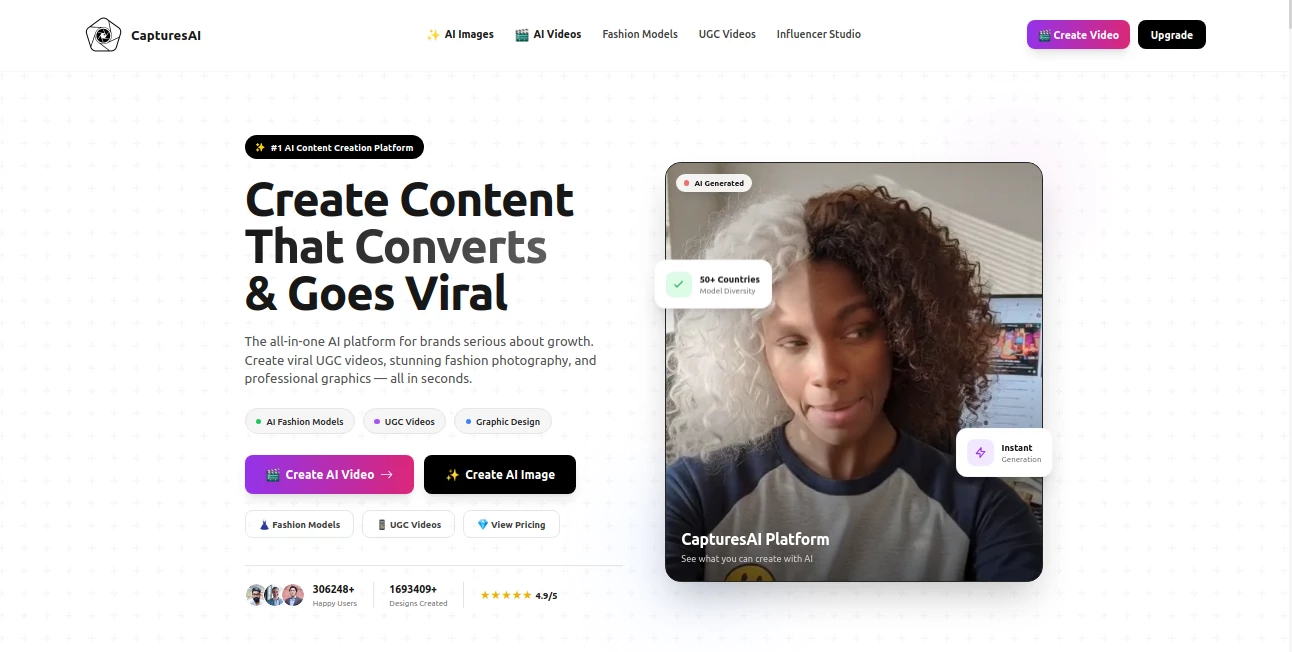
What is CapturesAi?
Ever tried explaining something on your screen and ended up with a long, awkward video where you’re just circling the mouse and saying “um… this thing here”? This tool quietly solves that. Record your screen, speak naturally, and it automatically turns the clip into a beautiful, annotated visual explanation—arrows, highlights, zoom-ins, text callouts—all added intelligently without you touching a single editing slider. I’ve watched support teams go from sending 8-minute rambling videos to crisp 45-second explainers that actually get read and understood. It’s the difference between “hope they watch this” and “they’ll get it in seconds.”
Introduction
Screen recordings are essential for tutorials, bug reports, onboarding, support tickets, product demos—but raw recordings are messy: too long, too vague, too much dead air. This platform takes the raw capture and makes it communicate. Speak while recording, and the AI listens to your words, watches your cursor, understands what you’re pointing at, and builds a polished visual story around it. No post-editing needed. It’s become a quiet favorite among customer success teams, indie makers, educators, and anyone who needs to show rather than tell. The moment you see your first auto-annotated clip, you realize how much time and frustration it saves—and how much clearer your message becomes.
Key Features
User Interface
Hit record (hotkey or menu bar), talk through your process, stop when done. Within seconds the editor opens with smart annotations already placed—cursor paths highlighted, key areas zoomed, relevant text pulled from your speech and screen. Trim, tweak callouts, adjust timing if needed, export. The whole experience feels like guided storytelling rather than video editing. It’s one of those rare tools where the default output is already 90% ready to share.
Accuracy & Performance
The AI does an impressive job understanding context: it knows when you say “click here” while hovering a button, and places the arrow exactly there. Speech-to-text is clean, even with accents or background noise, and visual element detection rarely misses important UI parts. Processing is fast—most short recordings are annotated in under 30 seconds. The result looks hand-crafted: clean lines, balanced spacing, appropriate emphasis. It rarely needs heavy manual fixes.
Capabilities
Smart auto-annotations (arrows, highlights, zooms, text labels), speech-aware callouts, cursor-path visualization, blur sensitive areas, multi-monitor support, GIF/video export, templates for consistent branding, team sharing & comments, and integrations with Slack, Jira, Notion, etc. It handles tutorials, bug reports, walkthroughs, feedback videos, onboarding flows—anything where clarity beats length.
Security & Privacy
Recordings are end-to-end encrypted during upload and processing. You control access—private by default, shareable via secure link or embed. No training on user content. For teams handling customer data or internal processes, that level of care matters. Sensitive info stays sensitive.
Use Cases
A support engineer records a 20-second clip showing exactly how to reproduce a bug—AI adds numbered steps, zooms on error messages, highlights the problematic button. A product manager creates onboarding walkthroughs for new users that feel personal and clear. An indie developer records a quick demo for Kickstarter backers—looks pro without spending hours in Premiere. A teacher explains complex software to students with annotated videos that students actually rewatch. Wherever “show me how” is better than “tell me how,” it shines.
Pros and Cons
Pros:
- Auto-annotations save hours of manual editing—often the default is share-ready.
- Understands context from both speech and cursor movement—callouts land exactly where needed.
- Output looks clean and professional—branded templates make it consistent across teams.
- Fast turnaround keeps communication flowing instead of stalling on video production.
- Privacy-first design gives confidence when recording internal or customer-facing content.
Cons:
- Long, rambling recordings may need trimming to get best annotation results.
- Very noisy environments or heavy accents can occasionally trip speech recognition.
- Advanced editing (voiceover re-recording, multi-track) lives in higher tiers or external tools.
Pricing Plans
Free plan gives solid daily recording time and basic annotations—enough for individuals or light team use. Paid plans unlock unlimited recording, team workspaces, branded templates, integrations, analytics on viewer engagement, and priority processing. Pricing is modest for the time saved—many teams say it pays for itself after replacing one or two outsourced video editors.
How to Use Captures
Click record (or use the hotkey), narrate your process naturally while moving the cursor to important spots. Stop when finished. The tool processes automatically—adds highlights, zooms, text labels pulled from your speech. Review the result, make minor trims or adjustments if desired, add your logo if on paid plan, then export as video or GIF. Share the link, embed in docs, or send directly. Most polished explainers take less than 5 minutes total.
Comparison with Similar Tools
Traditional screen recorders give raw footage—you do all the annotation work. Other AI-enhanced tools often add generic subtitles or basic highlights without understanding context. This one bridges the gap: smart enough to annotate meaningfully based on what you say and point at, simple enough that you don’t need editing skills. It’s less about raw recording length and more about making the message crystal clear fast.
Conclusion
Clear communication shouldn’t require hours of editing or a film degree. This tool takes the friction out of showing rather than telling, turning ordinary screen recordings into professional, annotated explainers that actually get watched and understood. Whether you’re supporting customers, teaching users, documenting bugs, or sharing ideas, it makes your point faster, clearer, and more persuasively. In a world drowning in long videos, that’s worth its weight in gold.
Frequently Asked Questions (FAQ)
How long can recordings be?
Free tier has generous daily limits; paid plans offer unlimited recording time.
Does it capture audio too?
Yes—your narration is kept and synced perfectly with the visual annotations.
Can I remove or edit annotations?
Yes—easy manual tweaks let you adjust, remove, or add callouts after generation.
Is it secure for sensitive information?
End-to-end encryption, ephemeral processing, no storage unless you choose to save.
Works on multiple monitors?
Yes—select which screen to record, or capture full desktop if needed.
AI Recording , AI Documents Assistant , AI Productivity Tools , AI Meeting Assistant .
These classifications represent its core capabilities and areas of application. For related tools, explore the linked categories above.
CapturesAi details
This tool is no longer available on submitaitools.org; find alternatives on Alternative to CapturesAi.
Pricing
- Free
Apps
- Web Tools
Categories

CapturesAi Alternatives Product

Nifty

AiZolo

Document Chat

ResumeFreePro
Alloy

Read

Manus

Transcribe A…

SlideStorm AI
