🧠 AI Quiz
Think you really understand Artificial Intelligence?
Test yourself and see how well you know the world of AI.
Answer AI-related questions, compete with other users, and prove that
you’re among the best when it comes to AI knowledge.
Reach the top of our leaderboard.


















Chunks

What is Chunks?
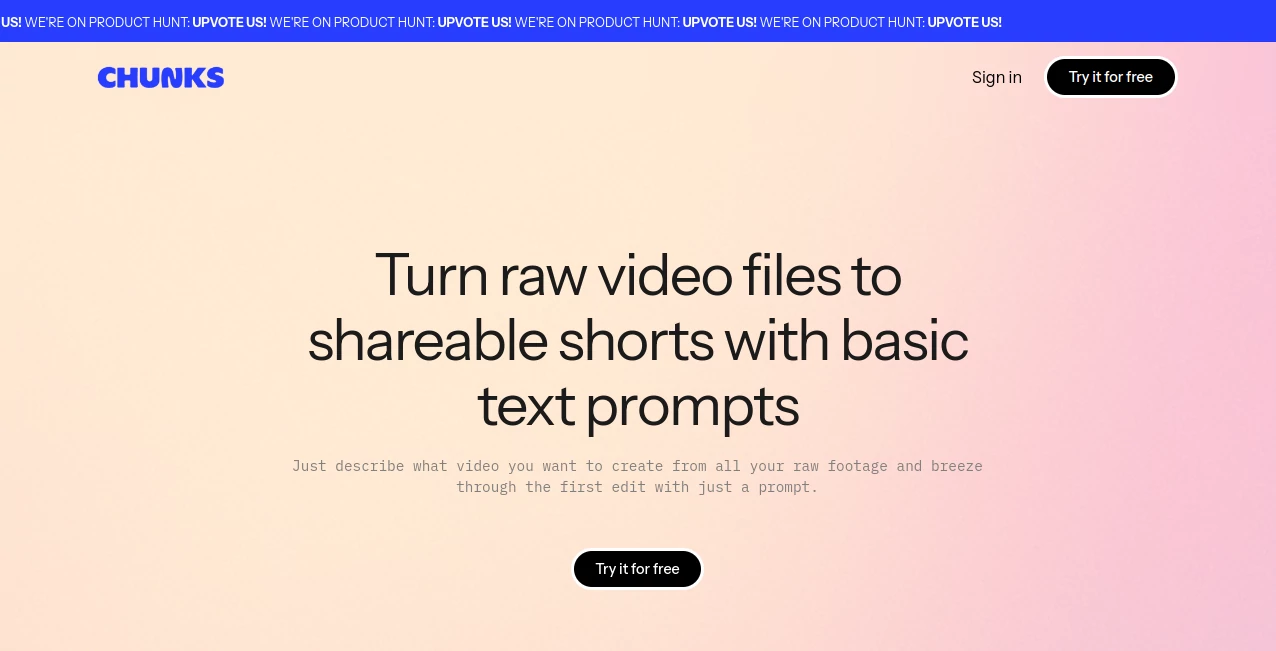
Remember that drawer full of half-edited clips from your last adventure, gathering digital dust because who has time to sift through hours of footage? Suddenly, with a simple sentence like "show me the funny bloopers from the hike," those moments spring to life as polished shorts ready to post. It's the kind of effortless win that had me grinning ear-to-ear the first time I tried it—raw chaos into scroll-stopping gold, no scissors or timeline wrestling required. For creators tired of the grind, this feels like finally having a clip-whisperer who just gets it.
Introduction
In the whirlwind of content creation, where every second counts and inspiration strikes fast, sifting through endless raw footage can feel like panning for gold in a mudslide. Enter a tool that's quietly revolutionizing how we unearth those hidden gems: by simply describing what you want, it dives into your videos, spots the magic—think faces lighting up with laughter or that perfect sunset silhouette—and whips up shareable snippets in a flash. What began as a frustration-fueled fix for one video junkie's backlog has blossomed into a lifesaver for podcasters, vloggers, and social butterflies alike. I chatted with a travel blogger last week who swore it rescued her from burnout; instead of dreading edits, she's now churning out weekly reels that rack up views like clockwork. It's not about replacing your eye—it's about amplifying it, turning the tedious into the thrilling.
Key Features
User Interface
From the moment you land, it's like stepping into a well-organized garage—everything in its place, no clutter to trip over. Upload your files (or connect a folder), type a casual prompt in plain English, and watch the sidebar light up with previews. No bloated menus or confusing sliders; just intuitive nudges like "refine with more faces" that feel like chatting with a savvy editor over coffee. What I love most? It's snappy even on a laptop fan-whirring away, and the mobile view keeps that same clean vibe for on-the-go tweaks.
Accuracy & Performance
Powered by sharp face detection and semantic smarts, it zeros in on the exact beats you describe, pulling timestamps with a precision that often leaves you slack-jawed—like nailing that one awkward dance move amid a two-hour party vid. And the speed? Blistering. We're talking seconds to scan and surface clips, even across gigabytes of footage, without a single lag spike. A filmmaker friend tested it on a wedding reel; it flagged the heartfelt toasts flawlessly, saving her days of scrubbing that she poured into the real storytelling instead.
Capabilities
At its core, it transforms raw dumps into ready-to-roll shorts, but the real flex is in the search: query "energetic team huddle" across your entire library, and it surfaces tailored edits complete with transitions and trims. Batch multiple files? No sweat—it handles the lot, spitting out social-optimized cuts in formats that play nice with Instagram or TikTok. Plus, those AI-highlighted moments? They're not just clips; they're primed for your voiceover or text overlay, bridging the gap from rough cut to viral hook with uncanny ease.
Security & Privacy
Your videos stay locked in a private vault—processed on secure servers with no sneaky shares or long-term hoarding unless you opt in. It's the quiet confidence of knowing your unpolished takes (those blooper goldmines) won't wander off, with easy export controls that let you wipe clean after the magic's done. In a landscape riddled with data vampires, this straightforward safeguard feels like a breath of fresh air, earning nods from creators who value their raw footage as much as their finished flair.
Use Cases
Picture a busy YouTuber knee-deep in vlog backlog: one prompt like "pull the scenic drone shots," and suddenly she's got three crisp shorts for her Stories, each under 15 seconds and begging for shares. Or take a corporate trainer archiving webinars—describe "key Q&A highlights," and it extracts those golden nuggets for LinkedIn carousels that spark discussions. Fitness coaches love it for client sessions, surfacing "form check-ins" to motivate mid-week check-ins. Even families turn vacation tapes into birthday montages, querying "kids' beach laughs" to relive the joy without the full rewind. It's these pocket-sized triumphs that make it indispensable, weaving video magic into the fabric of real life.
Pros and Cons
Pros:
- Turns hours of hunting into heartbeat-quick discoveries, freeing up your creative bandwidth.
- Spot-on face and moment detection that feels almost psychic, rarely missing the mark.
- Free forever access means no barriers to entry—just upload and unleash.
- Social-ready outputs that look pro without the polish sweat.
Cons:
- Best with clear audio or visuals; muffled mics might need a nudge for peak pulls.
- Prompts shine brighter with specifics—vague ones can yield broad nets.
Pricing Plans
Here's the beauty: it's yours to play with at zero cost, no tiers or teases holding back the good stuff. Dive in, upload away, and generate to your heart's content—whether it's a one-off family reel or a steady stream of content fuel. That open-door policy? It's a game-changer, especially for bootstrappers or hobbyists dipping toes without dollar signs. If anything, it feels almost too generous, like finding a bottomless coffee pot in a world of pay-per-sip spots.
How to Use Chunks
Getting rolling is a breeze: head to the dashboard, drag in your video folder (MP4s up to a couple gigs work fine), and fire off a prompt like "capture the crowd cheers from the game." Give it a beat to scan—face detection kicks in quietly—and up pop timestamped clips you can preview, trim, or export with a tap. Layer on refinements ("add upbeat music") for that extra zing, then snag the MP4 for your platform of choice. Last month, I tossed in some old concert footage with "energetic guitar solos"; ten minutes later, I had a TikTok-ready teaser that my followers devoured. It's that loop of upload-query-edit-share that turns novices into clip connoisseurs overnight.
Comparison with Similar Tools
Sure, there are clip carvers out there promising AI edits, but few match this one's laser focus on prompt-driven discovery—where others demand you tag every frame upfront, it lets you search on the fly, surfacing buried treasures without the setup slog. It's lighter than lumbering suites that bog you down with exports and timelines, yet delivers tighter, more intuitive results than basic trimmers. For the solo creator or small team craving speed without sacrifice, it pulls ahead like a sprinter in a marathon, blending smarts with simplicity in a way that feels downright unfair to the rest.
Conclusion
If you've ever stared at a hard drive humming with untapped stories, wishing for a way to set them free without the elbow grease, this is your golden ticket. It doesn't just edit—it excavates, unearthing the heartbeats in your footage that deserve the spotlight. In a content-saturated world, tools like this aren't luxuries; they're lifelines, keeping the joy in creation alive and kicking. Give it a whirl; those forgotten files might just surprise you with stories worth shouting from the rooftops.
Frequently Asked Questions (FAQ)
What video formats does it handle?
MP4 and MOV are sweet spots, but it chews through most common ones without complaint—up to a few gigs per file for smooth sailing.
How specific do prompts need to be?
Keep 'em conversational, like "the awkward dance fails at the wedding"—the more vivid, the sharper the results, but it forgives a little vagueness too.
Can I work with multiple videos at once?
Yep, batch uploads let it scour your whole library in one go, pulling cross-file magic like "best reactions from all events."
Is there a learning curve?
Hardly—first-timers hit gold on try one; it's built for the "tell me what you want" crowd, not the timeline tamers.
What if my footage is super long?
No sweat; it indexes efficiently, so even hour-long hauls yield quick hits—though breaking into folders helps for mega-marathons.
AI Content Generator , AI Video Editor , AI Video Generator , AI Short Clips Generator .
These classifications represent its core capabilities and areas of application. For related tools, explore the linked categories above.
Chunks details
This tool is no longer available on submitaitools.org; find alternatives on Alternative to Chunks.
Pricing
- Free
Apps
- Web Tools
Categories

Chunks Alternatives Product

CinemaDrop

AudioVideoGe…

AI Best

Fast Wan

Free Sora Ge…

soro2

See dance 2.…

AI ASMR Gene…

AISeedance2