
🧠 AI Quiz
Think you really understand Artificial Intelligence?
Test yourself and see how well you know the world of AI.
Answer AI-related questions, compete with other users, and prove that
you’re among the best when it comes to AI knowledge.
Reach the top of our leaderboard.


















ClickUp Ambient Agents

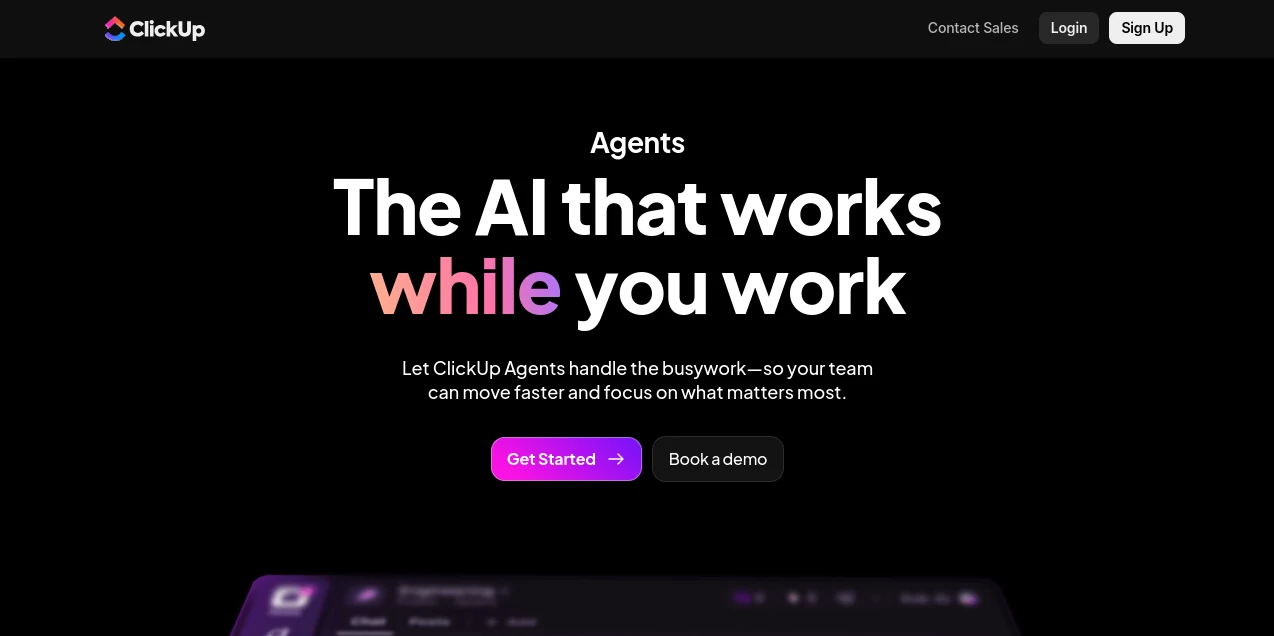
What is ClickUp Ambient Agents?
Imagine having tireless teammates who listen in on your chats, catch questions mid-air, and fire back thoughtful answers packed with every bit of context from your scattered tools and docs. That's the quiet revolution these agents bring to busy teams, running in the background to handle the repetitive nudges so you can dive deeper into the real work. I've watched friends in marketing swear by how it turned chaotic Slack threads into instant clarity, saving hours that used to vanish on "quick checks." It's that rare find where AI feels truly helpful, not hype—always on, always aware, and genuinely lightening the load.
Introduction
In the hustle of modern teams, where info lives in a dozen apps and questions pop up faster than answers, these ambient agents step up as the ultimate background heroes. Built right into a robust project hub, they connect the dots across your Google Drives, GitHub repos, Salesforce records, and dozens more, pulling everything together for responses that feel eerily spot-on. No more digging through old threads or pinging colleagues for updates—these agents listen, learn your workspace rhythms, and act autonomously, from surfacing insights to drafting reports. It's the kind of evolution that makes you wonder how you managed before, especially when a simple query gets a rich reply complete with sources, all while keeping your data locked down tight.
Key Features
User Interface
Everything unfolds naturally within your familiar dashboard, with a straightforward builder that lets you pick prompts, tie in specific docs or apps, and select actions like summarize or create—all without a line of code. The sidebar hums quietly, ready to chime in on chats or tasks, blending so seamlessly it feels like an upgrade to the platform itself. One teammate described it as "finally having that super-organized colleague who's always paying attention," popping answers with citations you can click straight to the source.
Accuracy & Performance
Drawing from the latest models and your full connected ecosystem, these agents grasp nuance with impressive depth, delivering answers that weave in real-time updates and avoid the usual hallucinations. They hum along efficiently, handling questions or insights without dragging your pace, even as the workspace grows busier. In practice, it's the reliability that wins—weekly updates arrive polished and timely, recommendations land actionable, turning potential chaos into calm flow.
Capabilities
These agents go beyond basic bots: one listens for questions and replies with full context, another proactively surfaces insights and keeps knowledge fresh, while custom builds let you tailor for anything from triage to reports. Hook in over 20 apps for a complete picture, generate updates automatically, or craft your own no-code wonders—it's versatile enough for hundreds of scenarios, always adapting to your evolving setup.
Security & Privacy
Enterprise-ready from the ground up, with GDPR, HIPAA, ISO, and SOC 2 compliance ensuring no third-party snooping or training on your data—zero retention, full control. It's a fortress that lets teams breathe easy, especially with sensitive client info or internal strategies, knowing everything stays private and permissions-tight. That level of care builds real trust, making it safe to let agents loose on the important stuff.
Use Cases
A sales crew leans on it for instant pipeline insights during standups, pulling CRM data without switching tabs. Marketing teams get auto-generated campaign recaps that highlight wins and tweaks needed. Dev squads field code questions with context from repos, speeding reviews. Even remote ops folks rely on it for cross-tool summaries that keep everyone aligned—no more "wait, where was that doc?" moments derailing days.
Pros and Cons
Pros:
- Runs quietly in the background, freeing minds for bigger lifts.
- Pulls from all your connected apps for answers that actually help.
- No-code customs make it fit like a glove for any team quirk.
- Rock-solid privacy that enterprise folks demand.
Cons:
- Shines most when your workspace is richly connected—sparse setups might feel lighter.
- Advanced autonomy grows with setup time, not instant for complex chains.
Pricing Plans
It ties neatly into the platform's tiers, with core access on paid plans and bundles like Autopilot unlocking unlimited agents plus credit packs for heavier lifts. Shared workspace credits keep costs predictable, scaling sweetly for growing teams without per-seat surprises on basics. Trials let you feel the full force upfront, making the jump feel like a smart bet rather than a leap.
How to Use ClickUp Ambient Agents
Dive into the builder: pick a prebuilt like Live Answers, or craft custom by choosing your prompt, linking docs/apps for context, and selecting tools like summarize or create. Set it loose in chats or tasks—it listens, responds, and acts. Tweak as you go, watching it adapt to feedback, until weekly insights or query replies become second nature. Start small with one agent, see the magic, then layer more for that compounded calm.
Comparison with Similar Tools
Standalone bots often island in one app, missing the big picture these agents paint by bridging dozens. Where others demand coding or constant babysitting, this no-code depth runs ambient and autonomous, with privacy that outpaces the pack. It's the integrated choice for teams already juggling projects, turning a solid platform into an AI-powered powerhouse without the fragmentation.
Conclusion
These ambient agents redefine what "help" means in team tools, working tirelessly so you don't have to on the small stuff. They bridge gaps, spark clarity, and guard your data fiercely, all while feeling like a natural extension of how work should flow. If your days drown in questions and updates, this is the lifeline that pulls you to smoother waters—worth every curious click.
Frequently Asked Questions (FAQ)
How do agents stay in context?
By connecting to your apps and workspace knowledge, pulling real-time data for every response.
Can I build without code?
Completely—pick prompts, contexts, and actions for customs that fit perfectly.
What about data safety?
Enterprise-grade, no training or retention by providers, full compliance across standards.
Do they run automatically?
Yes, always on for questions, insights, and scheduled tasks like updates.
How many apps connect?
Over 20 major ones, from drives to CRMs, for that complete picture.
AI Task Management , AI Team Collaboration , AI Workflow Management .
These classifications represent its core capabilities and areas of application. For related tools, explore the linked categories above.
ClickUp Ambient Agents details
This tool is no longer available on submitaitools.org; find alternatives on Alternative to ClickUp Ambient Agents.
Pricing
- Free
Apps
- Web Tools
Categories

ClickUp Ambient Agents Alternatives Product

LaunchBoard

Tate-A-Tate

FeatureShark

Slackactivity

ChatFlowchart

Project Mela

Miro

MindSnapz

Workik
