🧠 AI Quiz
Think you really understand Artificial Intelligence?
Test yourself and see how well you know the world of AI.
Answer AI-related questions, compete with other users, and prove that
you’re among the best when it comes to AI knowledge.
Reach the top of our leaderboard.


















Jots

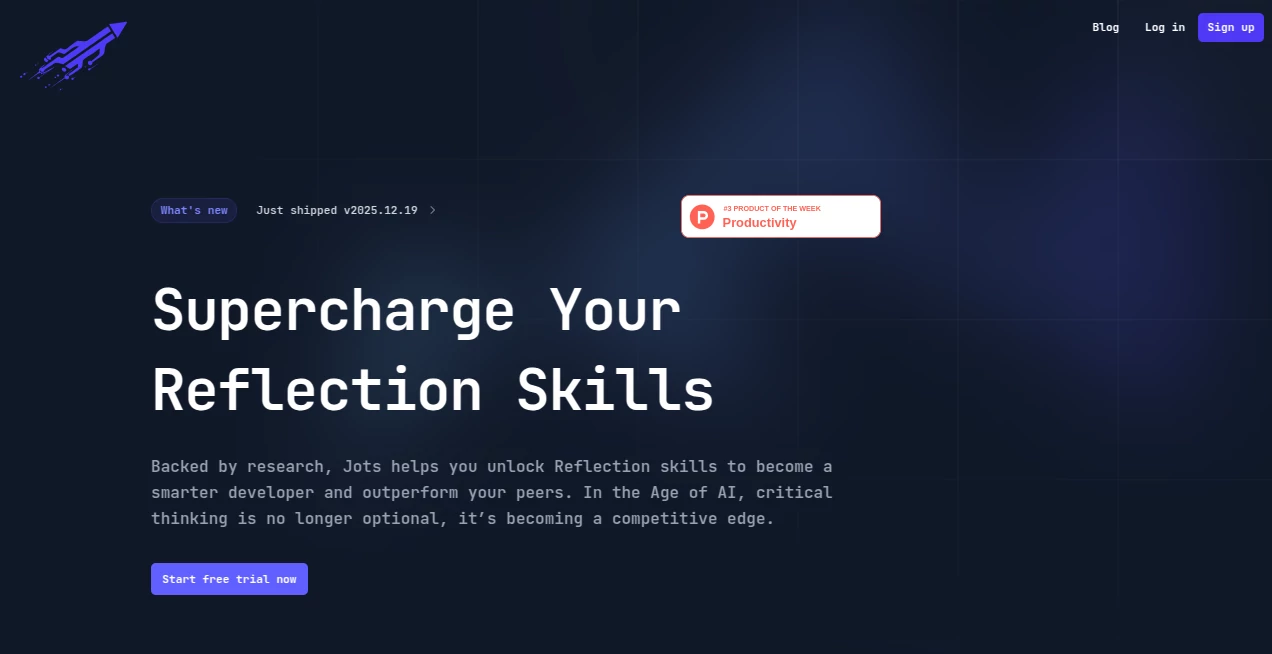
What is Jots?
There's something quietly powerful about pausing to capture a lesson from the day, turning fleeting thoughts into building blocks for better habits and sharper decisions. This tool makes that pause feel natural and rewarding, especially for folks deep in code or creative work who rarely stop to breathe. I've tried a few journaling setups over the years, but this one stands out for how it weaves reflection into the grind without adding extra weight—it's like having a thoughtful friend nudge you toward growth, backed by solid science on how the brain learns best.
Introduction
Built with developers in mind, this platform turns everyday wins and hurdles into fuel for personal evolution, drawing from cognitive and behavioral research to make reflection stick. You jot quick notes on breakthroughs or blockers in a space free from distractions, and over time, it reveals patterns in your mood, achievements, and thinking that you might otherwise miss. What draws people in is the gentle integration—prompts that adapt to you, summaries that highlight shifts, and a chat-like coach for deeper dives—all designed to fit into busy routines, often in just a quarter hour. It's not about forcing change; it's about spotting it as it happens, giving busy pros that subtle edge in a world that rewards constant improvement.
Key Features
User Interface
The editor feels like a calm corner amid chaos—clean lines, no bells pulling your attention away, tailored for those who spend days staring at screens. Entries flow easy, with space for raw thoughts or structured recaps, and the overall layout keeps you focused on the words rather than wrestling widgets. One user I know, a full-time coder juggling side projects, said it finally made journaling click because it mirrors the simplicity he craves in tools.
Accuracy & Performance
The AI side listens well, crafting prompts and insights that evolve with your entries, spotting real trends in mood or progress without overreaching guesses. It runs smooth, pulling together weekly views or custom feedback in moments, so you get meaningful glances without waiting. Over months, it reliably charts how thinking sharpens or focus steadies, grounding the experience in actual patterns rather than vague vibes.
Capabilities
Beyond basic logging, it serves up evolving prompts to dig deeper, condenses entries into clear summaries, generates tailored insights, and offers a chat coach for spotting blind spots or charting next steps. Track mood alongside achievements, watch reflections build into visible growth, and let nudges or digests slip into your day for consistent touchpoints. It's particularly potent for turning work chaos into learning gold, helping solve problems faster or decide with more confidence.
Security & Privacy
Your notes stay personal, handled with care in a setup that prioritizes discretion so you can write freely about wins, doubts, or wild ideas. No unnecessary sharing or exposure—it's a private space for honest self-talk, giving that reassurance needed when journaling touches on career moves or personal hurdles.
Use Cases
A developer debugging tough bugs starts capturing quick lessons each evening, and soon the coach highlights recurring patterns that cut troubleshooting time in half. Freelancers track mood dips tied to client wins, adjusting routines for steadier flow. Teams share anonymized insights for group growth, or solo creators use it to refine skills over sprints, turning routine days into deliberate steps up the ladder.
Pros and Cons
Pros:
- Fits seamlessly into packed schedules with short, impactful sessions.
- AI that feels helpful, not pushy, adapting to your style over time.
- Clear tracking of real progress that motivates without judgment.
- Distraction-free zone perfect for focused minds.
Cons:
- Best when used consistently—sporadic entries miss the deeper patterns.
- Geared toward pros, so casual users might want more playful extras.
Pricing Plans
It opens wide with a straightforward invite to sign up and dive in, keeping barriers low so you can experience the shift firsthand without upfront commitments. As needs grow, options likely scale to support deeper use or teams, but the core stays accessible, focusing on value over tiers—smart for a habit-building tool that rewards sticking around.
How to Use Jots
Sign up quick, then settle into the editor for a few minutes at day's end—jot what stood out, respond to a prompt if it resonates, or ask the coach for perspective. Let it track mood or wins automatically, review weekly shifts, and weave in nudges for tomorrow. One habit I've seen work wonders: tie it to wrapping up work, turning shutdown into setup for better tomorrows.
Comparison with Similar Tools
Plain journals lack the smart nudges and pattern spotting that make reflection stick here, while busier apps drown in features that distract from the core pause. This one strikes a rare balance—science-backed depth without overwhelm, ideal for those who want growth without gimmicks, edging out generics with its thoughtful evolution alongside you.
Conclusion
In the rush of deadlines and demands, carving out space to reflect feels like a luxury—but this tool turns it into a quiet superpower, grounding growth in daily reality. It's for anyone ready to learn faster from experience, sharpening decisions and focus along the way. Give it a consistent shot, and you'll likely look back wondering how you managed without that gentle mirror on your progress.
Frequently Asked Questions (FAQ)
How much time does it really take?
Often just 15 minutes to jot and reflect—short enough to fit, long enough to shift thinking.
Is it only for developers?
The editor suits code-minded folks best, but the reflection core helps any knowledge worker.
What makes the AI special?
It adapts prompts and insights to your history, feeling personal rather than generic.
Can I track specific goals?
Tie reflections to achievements or mood for clear views on what's moving the needle.
How private are my entries?
Fully yours—secure and discreet for honest writing.
AI Knowledge Management , AI Productivity Tools , AI Coaching , AI Notes Assistant .
These classifications represent its core capabilities and areas of application. For related tools, explore the linked categories above.
Jots details
This tool is no longer available on submitaitools.org; find alternatives on Alternative to Jots.
Pricing
- Free
Apps
- Web Tools
Categories

Jots Alternatives Product

PDFgear

Meet Submind

Clay Read

TypingFirst

Sourcetable

Kaamfu

Dialogues wi…

KwaKwa Cours…

Rabbitholes …