
🧠 AI Quiz
Think you really understand Artificial Intelligence?
Test yourself and see how well you know the world of AI.
Answer AI-related questions, compete with other users, and prove that
you’re among the best when it comes to AI knowledge.
Reach the top of our leaderboard.


















Devstral 2

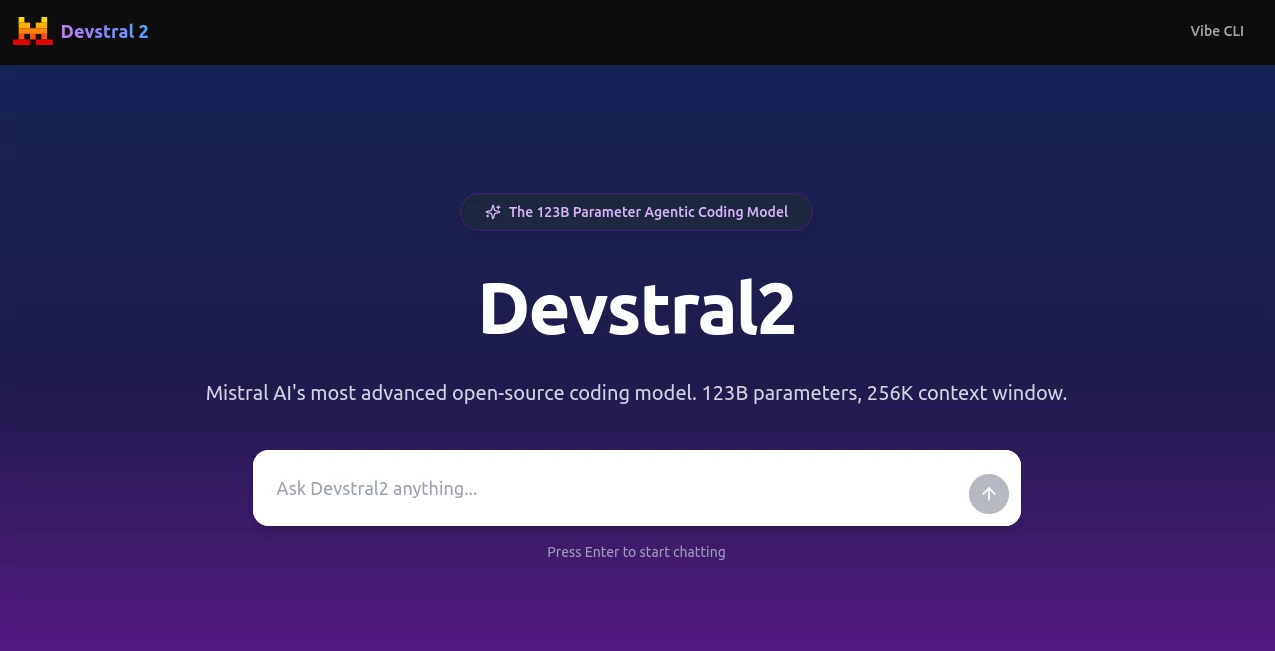
What is Devstral 2?
I remember the first time I handed over a tangled legacy codebase to this powerhouse—it was like watching a seasoned engineer step in, coffee in hand, and just start untangling the mess without breaking a sweat. What sets it apart is that effortless blend of brains and brawn, where a massive model crunches through files like they're Post-it notes, all while keeping costs low enough to make you wonder why you ever bothered with the big-name alternatives. It's the kind of tool that doesn't just fix bugs; it anticipates them, turning what could be a weekend nightmare into a quick afternoon win.
Introduction
Picture this: you're knee-deep in a project, staring at a screen full of outdated code that's more relic than rocket fuel, and suddenly you have a co-pilot that not only spots the issues but rewrites the whole thing smarter and faster. That's the magic at play here—a duo of cutting-edge models and a slick command-line buddy designed to supercharge how we tackle software headaches. Born from a drive to democratize top-tier coding smarts, it hit the scene with benchmarks that turned heads, proving you don't need a supercomputer budget to get supercomputer results. Devs and teams everywhere are ditching the drudgery, swapping war stories of how it slashed their debug time in half or breathed new life into dusty repos. In an era where every minute counts, this setup feels like the unfair advantage we've all been waiting for, blending raw power with real-world practicality that just clicks.
Key Features
User Interface
The command-line heart of it all feels less like typing commands and more like chatting with a sharp colleague who gets your shorthand. Fire it up with a simple install script, and you're greeted by a workspace that auto-scans your project, popping up file refs with a quick @ tag or letting you dash off shell runs with a !. It's got that persistent chat history too, so you pick up right where you left off, no re-explaining required. And for those who live in their IDE, the Zed extension slips in seamlessly, turning your editor into an extension of the agent's brain—clean, customizable, and zero learning curve that leaves you grinning at how intuitive it all flows.
Accuracy & Performance
Right out of the gate, it clocks in at jaw-dropping scores on real-world tests, nailing complex tasks with a precision that feels almost prescient. We're talking multi-file fixes that hold up under scrutiny, error hunts that don't just patch but prevent, and a speed that lets you iterate without the usual wait-and-pray. On modest hardware, the smaller sibling runs circles around giants five times its size, while the full beast devours massive contexts without flinching. It's that rare combo where the numbers match the hype—devs tell me they've seen it outpace pricier options by a mile, all while sipping resources like a pro.
Capabilities
This isn't your basic autocomplete; it's a full-on orchestrator that dives into your entire codebase, juggling dependencies like a circus act and emerging with architecture tweaks that stick. Bug hunts across sprawling projects? Check. Reviving ancient systems with modern flair? Absolutely. And with image smarts in the mix for the compact version, it even peeks at diagrams to inform its moves. Fine-tune it for your niche—say, heavy on Python or enterprise-scale—and it adapts like an old friend, handling everything from quick refactors to epic overhauls with a grace that makes the impossible feel routine.
Security & Privacy
In a field full of cloud gambles, the open-source roots here shine like a beacon, letting you host it all on your own turf with full visibility into every line. No black-box surprises, just transparent licenses that keep your secrets yours—modified MIT for the big one, Apache for the nimble. It's built for trust from the ground up, with self-hosted deploys that mean your code stays behind your walls, audited and armored exactly how you need. Teams swear by this setup for sensitive gigs, where peace of mind isn't a feature; it's the foundation.
Use Cases
For the solo dev wrestling a side hustle, it's a lifeline—feed it a buggy script, and it spits back a polished version with tests to boot, freeing you for the fun stuff. Enterprise folks love it for taming monoliths, where it maps out migrations that save months of manual toil. Startups prototyping wild ideas? It explores repos like a scout, suggesting pivots that spark breakthroughs. Even educators weave it into workshops, showing students how agents turn theory into working code, one natural-language nudge at a time. Across the board, it's that versatile workhorse turning "how do I even start?" into "nailed it."
Pros and Cons
Pros:
- Blistering efficiency on everyday hardware—run the small one on a laptop without breaking a sweat.
- Benchmark-beating smarts that deliver pro results without the pro price tag.
- Seamless multi-file magic that keeps the big picture in focus, no matter the mess.
- Open vibes mean you own your stack, tweaking and deploying exactly your way.
Cons:
- The full model's GPU hunger might cramp styles on super-budget rigs.
- Early days for some integrations, so the full IDE party isn't everywhere yet.
Pricing Plans
Jump in free through the API right now—yes, you read that right, no strings while it's in this golden phase, perfect for testing the waters or scaling a prototype. Looking ahead, it's shaping up to a gentle $0.40 per million input tokens and $2.00 output, which still undercuts the competition by a league. For self-hosters, it's pure zero after setup, making it a steal for long-haul projects. This model's as generous as it is gutsy, letting you build big without the bill shock.
How to Use Devstral 2 & Mistral Vibe CLI
Getting rolling is a breeze: snag the CLI with one curl command, and it'll hunt your project files on launch, ready for your first "hey, fix this loop" prompt. Tag files with @ for context, ! for a quick shell spin, or / to tweak settings—it's like directing a play where the actors improv brilliantly. For the API crowd, plug into tools like Kilo or Cline, fire off requests, and watch it orchestrate. Deploy-wise, the small one's a single-GPU dream; the beast needs four heavies but pays off in spades. Start small, iterate wild, and soon you're the one sharing those "it just worked" tales.
Comparison with Similar Tools
Stack it against the heavy hitters, and it punches way above—smaller than DeepSeek by a factor of five yet winning head-to-head evals, or out-cheaping Claude by sevenfold on the tasks that matter. Where others bloat with overhead, this leans lean and mean, delivering agent-level orchestration without the enterprise sticker shock. It's not trying to be everything; it's laser-focused on coding wins, making it the smarter pick for devs who want results over razzle-dazzle.
Conclusion
Wrapping it up, this isn't just another model—it's the fresh wind coding's been craving, blending breakthrough brains with down-to-earth deployability that levels the field for creators everywhere. Whether you're salvaging a sinking ship of code or sketching your next big thing, it steps up with a reliability that's downright addictive. In the end, it's about reclaiming your time for what lights you up, and boy, does it deliver. If you're tired of tools that promise the stars but fizzle out, this one's your ticket to the cosmos—grab it and soar.
Frequently Asked Questions (FAQ)
Can I run it on my home setup?
Absolutely—the compact version thrives on a single consumer GPU, turning your rig into a code-crushing beast without the data-center drama.
How does it handle huge projects?
With a massive context window, it juggles entire repos like pros, keeping architecture in mind for fixes that scale.
Is fine-tuning an option?
Yep, tailor it to your stack or sector, making it even sharper for those niche battles.
What's the catch with the free API?
No catch yet—it's wide open while they iron out the kinks, but future rates stay wallet-friendly.
Any multimodal tricks up its sleeve?
The small one's got image eyes, perfect for diagram-driven devs who think in visuals.
These classifications represent its core capabilities and areas of application. For related tools, explore the linked categories above.
Devstral 2 details
This tool is no longer available on submitaitools.org; find alternatives on Alternative to Devstral 2.
Pricing
- Free
Apps
- Web Tools
Categories

Devstral 2 Alternatives Product

VisualGPT

Alloy

Miro

WhispriNote

Graph Maker

FINIITE AI

Rierino

KarmaGuy

Productivity…
