🧠 AI Quiz
Think you really understand Artificial Intelligence?
Test yourself and see how well you know the world of AI.
Answer AI-related questions, compete with other users, and prove that
you’re among the best when it comes to AI knowledge.
Reach the top of our leaderboard.

















Oneprofile

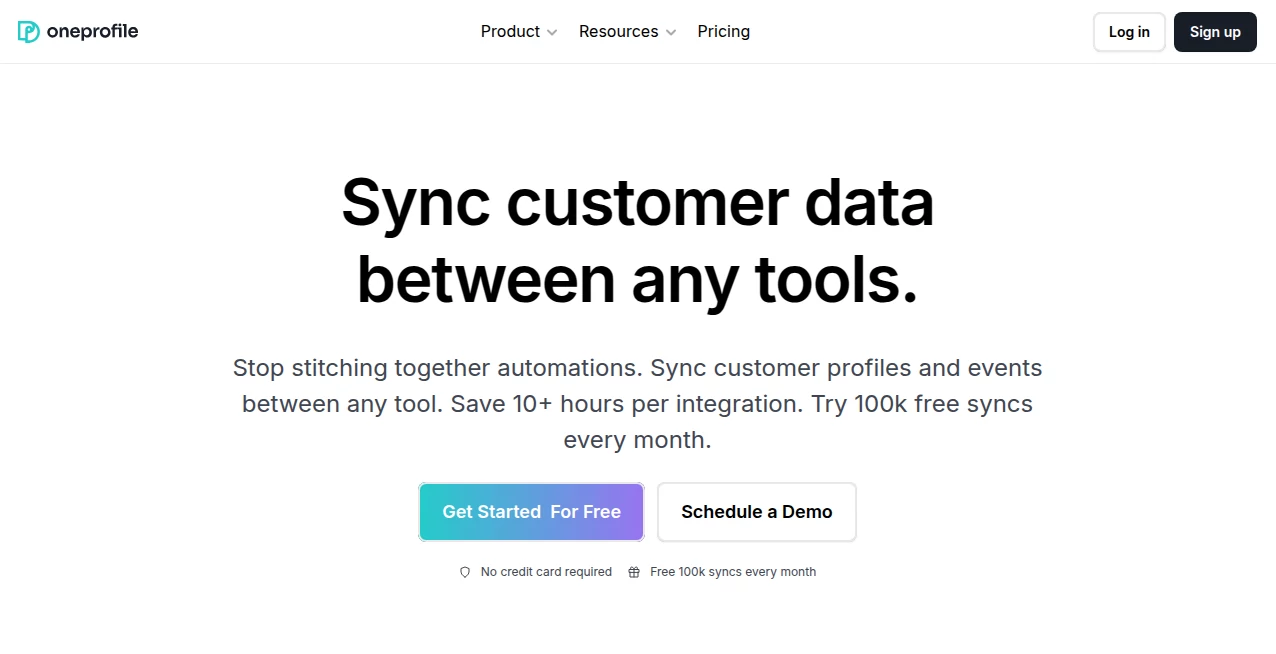
What is Oneprofile?
There’s something satisfying about having a single, clean link that says everything about you—your work, your story, your vibe—without the clutter of a full website. This tool makes that happen almost instantly. You answer a few quick questions, drop in some photos and links, and suddenly you have a sharp, mobile-friendly one-pager that looks like you spent weeks designing it. I’ve seen freelancers go from “my portfolio is a messy Google Doc” to “here’s my professional link” in literally ten minutes. The designs feel modern and personal at the same time—never cookie-cutter, always distinctly yours.
Introduction
Personal websites used to mean either learning code, paying a designer, or wrestling with complicated builders that spit out generic templates. This platform cuts through all of that. It’s built for people who want presence online without the overhead: creators, freelancers, job seekers, side-hustlers, students, or anyone who needs a digital “this is me” card. You don’t need design skills or hours of tweaking—just your story and a few minutes. The result is a polished, responsive page that loads fast, looks great on phones, and actually gets shared because it feels authentic. It’s become the quiet go-to for people tired of scattered social profiles and ready for something that feels like a real home base.
Key Features
User Interface
The process is almost disarmingly simple. Start with a short questionnaire about your role, skills, and vibe. Upload a photo (or several), add links (socials, portfolio, calendar, etc.), write a few short paragraphs, and watch the preview update live. Drag-and-drop sections, tweak colors to match your brand, and reorder blocks—all without ever leaving the editor. It feels like playing with Lego that always looks professional. No code, no frustration, just intuitive flow from start to finish.
Accuracy & Performance
The generated pages are clean, fast-loading, and responsive across every device I’ve tested—phone, tablet, desktop. Fonts pair nicely, spacing breathes, mobile navigation collapses gracefully. The AI does a surprisingly good job suggesting layouts and color schemes that complement your photo and content. Pages are lightweight and SEO-friendly out of the box, so they actually show up when people Google your name. Reliability is high—changes save instantly, previews are real-time, exports are clean HTML/CSS/JS bundles if you ever want to host elsewhere.
Capabilities
One-page sites with sections for bio, skills, experience, projects, testimonials, contact form, social links, embedded calendars, and custom embeds (YouTube, Spotify, etc.). Multiple beautiful themes with dark/light modes, custom colors/fonts, analytics integration, custom domain support, password protection, and downloadable code for self-hosting. You can add multiple photos, project cards, or timeline blocks. It’s flexible enough for portfolios, personal brands, resumes, or simple landing pages—without ever feeling bloated.
Security & Privacy
Your data stays yours. Pages are generated client-side where possible, no unnecessary server-side storage of personal content unless you publish. Custom domains and password protection keep things private when needed. No aggressive tracking or data harvesting baked in. For freelancers sharing client-sensitive links or students building a first professional presence, that low-key approach feels right.
Use Cases
A freelance designer shares one link instead of three different Behance/Dribbble/Instagram profiles—clients get the full picture instantly. A job-seeking developer turns scattered GitHub repos and resume PDFs into a single, attractive portfolio page that recruiters actually bookmark. A musician links their latest track, gig calendar, and socials in one place for fans to follow easily. A student graduating soon creates a clean “about me” page that doubles as a digital business card at networking events. Wherever someone needs to be found and remembered online, this delivers.
Pros and Cons
Pros:
- Truly one-click from idea to beautiful page—no design skills needed.
- Responsive, fast-loading, and mobile-first out of the box.
- Custom domain and downloadable code give full ownership.
- Analytics and password protection included even on lower tiers.
- Free tier is generous—enough for a solid personal page without paying.
Cons:
- Still a one-pager—won’t replace full multi-page sites if you need deep structure.
- Advanced embeds or complex forms require the higher plan.
- Template variety is strong but not infinite (though new ones are added regularly).
Pricing Plans
Free plan gives you a beautiful page with basic features, subdomain, and light branding—perfect for testing or simple needs. Paid tiers unlock custom domains, remove branding, add analytics, password protection, more embeds, and priority support. Pricing stays modest—many users say it’s cheaper than a single month of premium Squarespace and far easier to maintain. Annual plans drop the cost even more, making it a no-brainer for anyone serious about their online presence.
How to Use GetOneProfile
Click “Start Building” and answer the quick onboarding questions (role, vibe, skills). Upload your best photo and add any links or social handles. Write short sections for bio, experience, or projects. Watch the live preview update as you go—drag sections to reorder, tweak colors, pick a theme. When it feels right, hit publish. Claim your unique subdomain or connect a custom domain (paid). Share the link everywhere—LinkedIn, email sig, business cards. Update anytime with one click. Done in under 15 minutes, polished forever.
Comparison with Similar Tools
Link-in-bio tools are great for socials but feel temporary and limited. Full website builders take time and skill to look half as good. This sits perfectly in between: more substantial than a Linktree, far simpler than Carrd or Webflow. It focuses on one beautiful page done exceptionally well, with better personalization and professional polish than most competitors in the “one-pager” space. The balance of speed, quality, and ownership makes it stand out.
Conclusion
In a world where attention is short and first impressions matter, having a single, sharp link that tells your story clearly is more valuable than ever. This tool makes that link not just possible, but genuinely impressive—without asking you to become a designer or developer. It turns scattered online pieces into a cohesive, professional presence that works for you 24/7. Whether you’re job hunting, freelancing, creating, or just want to be found the right way, this is one of those rare tools that quietly makes life better the moment you start using it.
Frequently Asked Questions (FAQ)
How long does it take to build a page?
Most people finish a solid page in 10–20 minutes. Some polish for an hour or two.
Do I own my page?
Yes—paid plans let you export the full HTML/CSS/JS or connect your own domain.
Can I update it later?
Absolutely—edit anytime, changes go live instantly.
Is it mobile-friendly?
100%—built mobile-first, looks great on every screen size.
What if I need multiple pages?
It’s intentionally one-page focused for simplicity. For multi-page needs, you can use the export and expand it yourself.
AI Landing Page Builder , AI Website Builder , AI Design Generator .
These classifications represent its core capabilities and areas of application. For related tools, explore the linked categories above.
Oneprofile details
This tool is no longer available on submitaitools.org; find alternatives on Alternative to Oneprofile.
Pricing
- Free
Apps
- Web Tools
Categories

Oneprofile Alternatives Product

SurgePix

grok bikini

Wplace Live

Plottie

Color-Analys…

AILogoCreator
Project Genie

LongCat Image

vio4 ai video