
🧠 AI Quiz
Think you really understand Artificial Intelligence?
Test yourself and see how well you know the world of AI.
Answer AI-related questions, compete with other users, and prove that
you’re among the best when it comes to AI knowledge.
Reach the top of our leaderboard.


















KitchenDesign

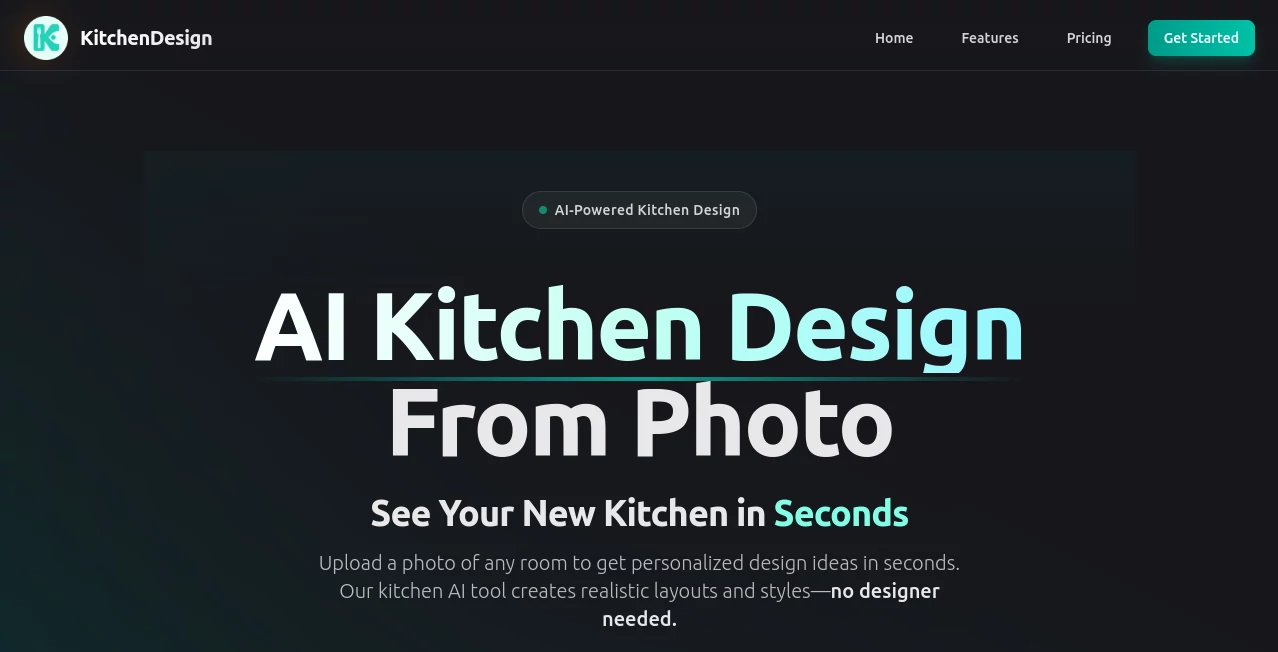
What is KitchenDesign?
KitchenDesign bursts onto the scene as a game-changer for anyone dreaming of a fresh look without the headache of endless sketches or pricey consultations. This clever platform takes a simple snap of your room and whips up stunning, lifelike visions that fit your style perfectly, all in under a minute. Homeowners and pros alike rave about how it turns "what if" into "wow" moments, saving time and sparking ideas that feel tailor-made for their walls.
Introduction
KitchenDesign kicked off with a simple itch—why wait weeks for a designer when a smart tool could deliver pro-level ideas right now? A team of space lovers built it from the ground up, drawing on real-world rooms to train its brain, and it quickly caught fire among folks tired of cookie-cutter catalogs. Stories flood in from users who swapped outdated counters for cozy nooks overnight, or tested bold colors without a single paint chip. Over 75,000 makeovers later, it's the quiet revolution in home tweaks, proving that great spaces start with a photo and a hunch, not a hefty bill.
Key Features
User Interface
The setup couldn't be simpler: a clean upload spot grabs your room pic with a drag or tap, followed by a style picker that's more like flipping through a mood board than filling forms. Results beam back in a tidy gallery, easy to swipe and save, with no clunky menus stealing the show. It's that effortless flow that has newcomers churning out options like old hands, turning a lunch break into a layout feast.
Accuracy & Performance
It reads your space like a pro, spotting lights and lines to craft changes that blend seamless, often nailing the feel in 30 seconds flat for straightforward shots. Even trickier corners wrap in a couple minutes, with daylight pics yielding the sharpest swaps that hold up under close looks. Users nod at how it dodges the off-kilter quirks of lesser tools, delivering drafts that feel lived-in from the jump.
Capabilities
From kitchens craving a modern edge to bathrooms begging for spa serenity, it juggles rooms with ease, pulling from over 70 pro looks like coastal calm or industrial grit. Upload once, spin styles endlessly, and snag high-res saves ready for shares or prints, all while tweaking to match your must-haves. It's that breadth that lets you dream big across the house, one upload at a time.
Security & Privacy
Your home snaps stay under wraps during the whirl, processed quick and cleared without a trace, so personal spaces remain just that—yours. It keeps the basics tight, letting you control saves and shares without extra worries, giving peace to play with private palettes.
Use Cases
New homeowners test timeless vs trendy for their fixer-upper galley, landing on layouts that wow realtors without a reno rush. Designers dash off client mocks in meetings, flipping feedback into fresh views on the spot. Families refresh playrooms into peaceful retreats, blending kid-proof picks with grown-up grace. Even renters remix tiny corners into airy escapes, proving big changes fit small budgets.
Pros and Cons
Pros:
- Lightning-fast flips that fuel endless "try this" tweaks.
- Spot-on styles that save stacks over studio sits.
- Room-roaming reach, from counters to cozy nooks.
- Free first dips, easing into paid perks.
Cons:
- Dim shots or cluttered corners can cloud the clarity.
- Limits lurk on lower tiers for heavy hauls.
- No deep dives for custom tweaks mid-magic.
Pricing Plans
Peek free with a handful of kitchen spins, no strings to snag you. Mini at fourteen bucks monthly bags 25 builds across rooms, while Personal— the crowd pick—ups to 75 for eighteen, and Premium powers 200 at thirty-six for the full style swarm. All let you save and sell, with yearly dips to sweeten the pot.
How to Use KitchenDesign
Snap your space bright and broad, upload to the hub, and pick a vibe from the lineup—cozy or crisp. Watch the wheel turn, swipe through the surprises, and stash the stars for your vision board. Rinse with new snaps or styles, building a before-and-after tale that guides your next hammer swing.
Comparison with Similar Tools
Where broad brushes blast basics, KitchenDesign digs into details for room-right results, though those might mingle more moods for mixed spaces. Against old-school sketches, it skips the wait and waste, trading hands-on for high-speed but perhaps pinching on pure personalization. It shines for swift space shapers, edging out the extras with focused flair.
Conclusion
KitchenDesign dances the line between dream and done, handing homeowners the keys to spaces that sing without the symphony of stress. It wraps the wonder of what-could-be in quick, quality glimpses, proving fresh starts needn't start with a fortune. As walls keep whispering for whimsy, this tool tunes in tight, turning homes into havens one inspired image at a time.
Frequently Asked Questions (FAQ)
What rooms can it revamp?
Kitchens lead, but bedrooms, baths, and living spots join the fun too.
Need pro pics to start?
Daylight and full views work wonders; keep it under 20 megs.
How many styles in play?
Over 70, from fresh modern to warm woods.
Can I use for work wins?
Yep, plans greenlight sales and shares.
What if the first falls flat?
Swap styles or snap sharper—small shifts spark big.
Photo & Image Editor , AI Image to Image , AI Design Generator , AI Interior & Room Design .
These classifications represent its core capabilities and areas of application. For related tools, explore the linked categories above.
KitchenDesign details
This tool is no longer available on submitaitools.org; find alternatives on Alternative to KitchenDesign.
Pricing
- Free
Apps
- Web Tools
Categories

KitchenDesign Alternatives Product

String Art

Pixora

Image to Ima…

Nano Banana 2

Sora Waterma…

Face Shape D…

WatermarkZero

Nano banana …

Fahhh Meme
