
🧠 AI Quiz
Think you really understand Artificial Intelligence?
Test yourself and see how well you know the world of AI.
Answer AI-related questions, compete with other users, and prove that
you’re among the best when it comes to AI knowledge.
Reach the top of our leaderboard.

















Kling 3.0 Video Generation
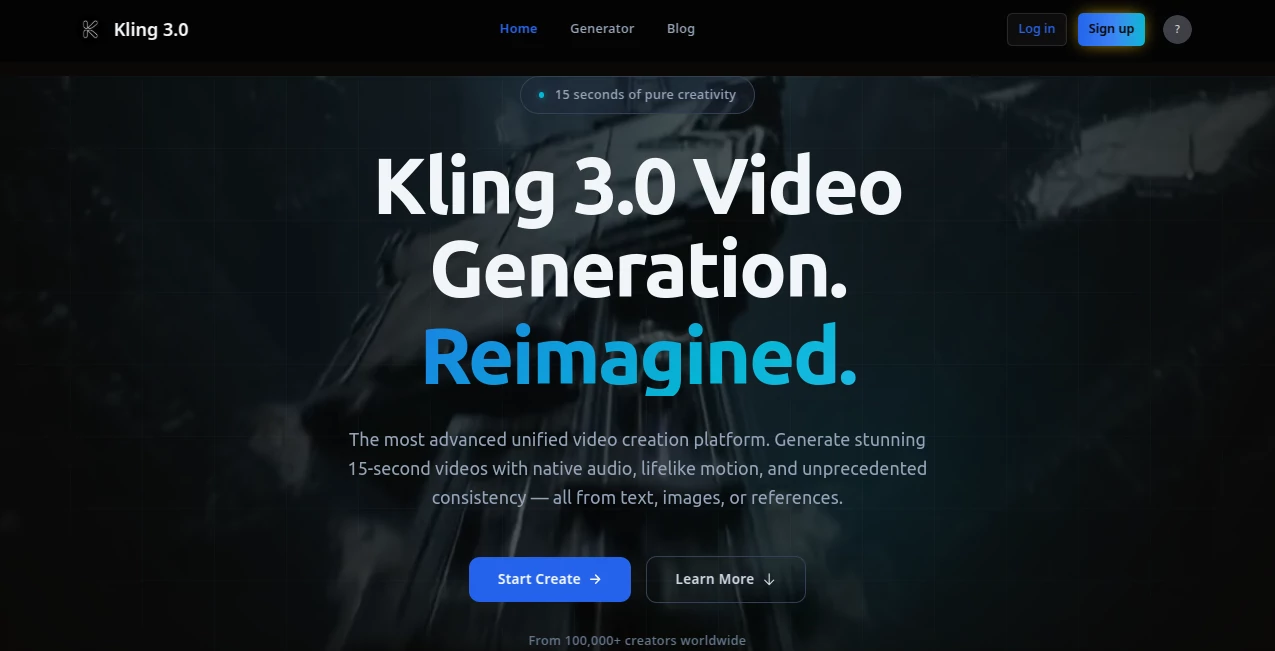
What is Kling 3.0 Video Generation?
There’s a quiet thrill when a single prompt turns into a complete little story on screen—characters moving naturally, dialogue landing at the right moment, background sounds blending in without feeling forced. This platform makes that moment feel almost ordinary, yet every time I see someone new try it, their eyes widen the same way. You describe a scene, maybe drop in a reference image or clip, and out comes a 15-second piece that holds together like it was directed by someone who actually cares. No stitching, no awkward cuts, just a cohesive flow with audio that matches the action. It’s the kind of leap that makes you rethink what’s possible in a lunch break.
Introduction
Most video tools still make you piece things together—generate visuals here, add sound there, fix the seams later. This one quietly refuses to play that game. By handling everything in one unified pass, it lets you focus on the idea instead of the pipeline. Creators who’ve been frustrated by fragmented workflows find real relief here: text, images, or existing clips go in, and a finished narrative comes out, complete with native audio that syncs to the visuals like it was recorded on set. The results carry a cinematic weight that’s hard to ignore—lifelike motion, consistent characters, and a sense of atmosphere that pulls you in. It’s become a favorite among marketers testing campaigns, filmmakers sketching scenes, and storytellers who just want their vision to breathe without technical friction.
Key Features
User Interface
The layout stays out of your way in the best possible sense. You type a description, upload any reference material if you want tighter control, choose your resolution, and hit go. A clean preview area shows progress, and when it’s ready, you can scrub through the timeline, tweak prompts for specific shots, or extend scenes without starting over. It feels deliberate rather than cluttered—no unnecessary sliders or hidden menus. That simplicity keeps the creative energy flowing instead of stalling it.
Accuracy & Performance
Consistency across shots is where it really earns its reputation—characters don’t suddenly change outfits or lose their expressions mid-scene. Motion follows real physics, camera moves feel intentional, and audio lines up so naturally you forget it wasn’t recorded live. Generation times stay impressively short even for detailed prompts, and the output quality holds up at higher resolutions without softening. In practice, the first try often surprises you with how close it gets to what you pictured.
Capabilities
It handles text prompts for full narratives, image-to-video for bringing stills to life, reference-based control to lock in style or character, and built-in editing to reshape sequences, extend shots, or adjust audio. Everything lives in one place—no switching tabs or exporting to another program. You can guide composition, camera paths, and pacing with precision, creating complete stories up to 15 seconds that don’t feel chopped together. The native audio—dialogue, effects, ambiance—adds a layer most tools still treat as an afterthought.
Security & Privacy
Your prompts, references, and final outputs stay handled with care—processed securely and not used for training without clear consent. For anyone working on client projects or personal ideas they’d rather keep close, that matters. The platform respects boundaries so you can experiment freely without second-guessing who might see your work.
Use Cases
A small marketing team sketches a campaign idea in the morning and has a ready-to-share 15-second spot by afternoon. A short-film director tests blocking and tone before calling actors. An educator turns a history anecdote into a vivid scene that sticks with students. Social creators build consistent character-driven content without reshooting. In every case, the time saved goes straight back into refining the story instead of wrestling with production.
Pros and Cons
Pros:
- Everything—motion, style, audio—comes together in one coherent piece.
- Reference control keeps characters and looks locked across scenes.
- Native audio sync feels like it belongs, not bolted on.
- Fast enough to iterate ideas in real time.
Cons:
- 15-second limit keeps it focused on short-form (though extensions help).
- Very complex prompts sometimes benefit from a second pass.
Pricing Plans
It opens the door wide with a free tier that lets you explore and create without upfront cost. Paid plans step up sensibly—more credits, priority speed, higher resolutions, and commercial rights when you need them. The structure feels fair: start playing for free, scale naturally as your projects grow, and never feel locked into more than you use.
How to Use Kling 3.0
Start by describing your scene in the prompt box—setting, mood, camera moves, dialogue if needed. Upload a reference image or clip for tighter character or style control. Choose resolution, hit generate, and wait a short while. Once it’s ready, review the timeline, tweak individual shots or audio if desired, then download or extend. It’s simple enough for quick experiments yet deep enough for deliberate storytelling.
Comparison with Similar Tools
Many generators still force you to create visuals first, then add sound separately, often with mismatched timing. This one treats the whole narrative as one task—visuals, motion, audio all born together. The consistency across scenes and the natural feel of the audio set it apart from tools that require heavy post-production. It’s less about raw length and more about polished, ready-to-share stories.
Conclusion
Video creation should feel exciting, not exhausting. This platform gently removes the exhaustion so the excitement can take over. It turns scattered ideas into cohesive moments that look and sound like they belong together. For anyone who’s ever wanted to see their story move without losing months to production, this is a quiet revolution worth trying.
Frequently Asked Questions (FAQ)
How long are the videos?
Up to 15 seconds natively—long enough for a complete scene or story beat.
Does it really generate audio too?
Yes—voice, effects, and ambiance all sync naturally with the visuals.
Can I use reference material?
Absolutely—images or clips help lock in characters, style, or motion.
Is it free to start?
Yes, generous free access lets you test and create without paying upfront.
What about commercial use?
Paid plans include rights for marketing, products, and campaigns.
AI Animated Video , AI Image to Video , AI Text to Video , AI Video Generator .
These classifications represent its core capabilities and areas of application. For related tools, explore the linked categories above.
Kling 3.0 Video Generation details
Pricing
- Free
Apps
- Web Tools
Categories

Kling 3.0 Video Generation Alternatives Product

Kyncept
Video to GIF…

Quso AI

kling 3 AI
JoyFlix AI
Render of Dr…

Leonardo.ai

seedance 3.0

Seedance 2.0…
