🧠 AI Quiz
Think you really understand Artificial Intelligence?
Test yourself and see how well you know the world of AI.
Answer AI-related questions, compete with other users, and prove that
you’re among the best when it comes to AI knowledge.
Reach the top of our leaderboard.

















MeCollage

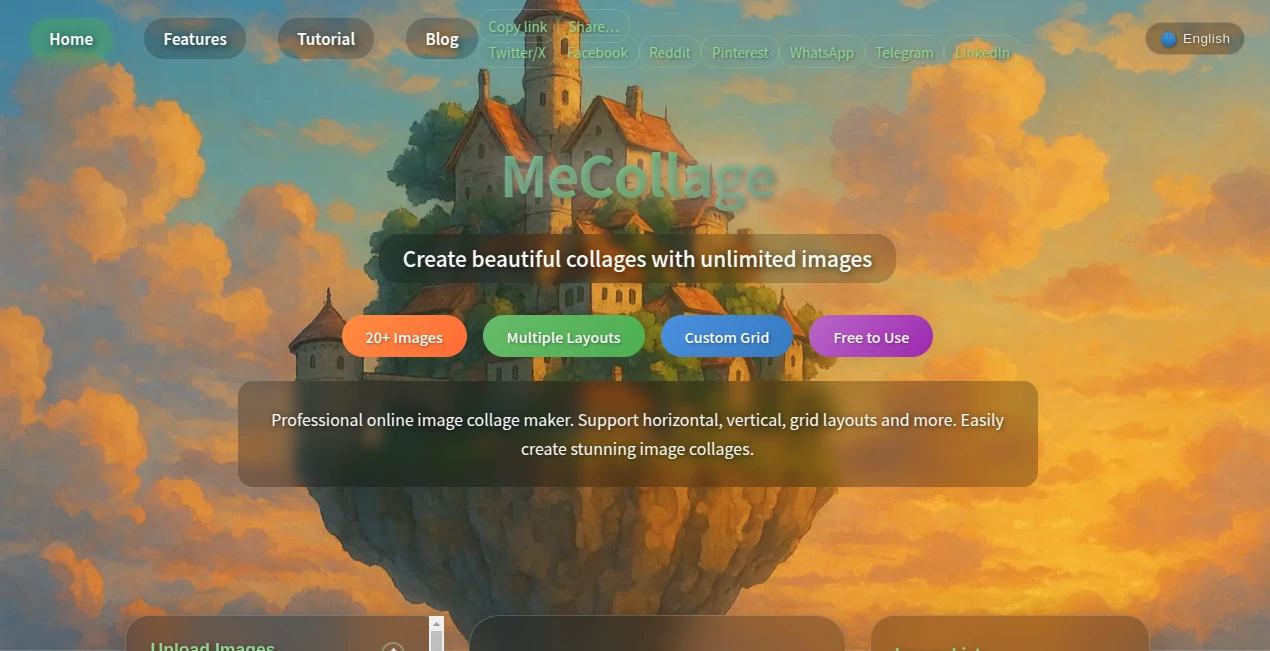
What is MeCollage?
There's something truly satisfying about pulling together a bunch of favorite snapshots and watching them transform into one cohesive, eye-catching piece. This tool nails that feeling every time, offering a straightforward way to blend unlimited photos into layouts that look thoughtfully designed, whether you're going for a simple grid or something more creative. I recently used it to compile vacation pics from a family trip, and the result was so polished it ended up framed on the wall—no exaggeration, it turned scattered memories into something we'd actually display.
Introduction
In an era where our phones overflow with photos but few make it beyond the screen, this platform steps up as a genuine lifesaver, letting you craft professional collages without downloads, sign-ups, or surprise charges. It stands out with its generous approach—no caps on images, no watermarks sneaking in—and a clever touch of smarts that suggests layouts tailored to what you've uploaded. From holiday roundups to travel mood boards, it's built for real-life moments, adapting seamlessly across devices so you can tinker on the couch or during a commute. What draws people in is the freedom: experiment freely, export high-quality files, and share without a second thought about hidden limits.
Key Features
User Interface
The whole experience unfolds on one clean page—drag photos in or click to browse, and they line up neatly for easy management. Templates scroll invitingly, with a starring option to pin favorites for next time, and tweaks like spacing or borders sit right at hand without overwhelming the canvas. Hover to remove stragglers, preview updates live—it's intuitive enough that even my less-techy relatives whipped up collages on their first try, laughing at how effortless it felt compared to fiddly apps.
Accuracy & Performance
That intelligent suggestion engine quietly impresses, scanning your uploads to recommend grids or arrangements that just fit, saving the guesswork on busy sets. Handling dozens of images without a hiccup, it keeps things snappy even on mobile data, and exports come out crisp whether you choose PNG for sharpness or JPG for smaller shares. In practice, it rarely stumbles—recommend keeping under 50 pics for peak smoothness, but even larger batches chug along reliably.
Capabilities
Unlimited uploads open the door to massive mosaics, with grids scaling up to 30x30 if you're feeling ambitious, plus themed collections for quick starts on family, travel, or seasonal vibes. Customize borders with colors, tweak backgrounds, and arrange in horizontal or vertical flows—it's flexible enough for subtle elegance or bold statements. Support for common formats like GIFs adds a fun layer, and the responsive build means your creation looks great whether you're finalizing on a phone or big monitor.
Security & Privacy
No account needed means nothing personal to store, and images process in the moment without lingering traces—straightforward and respectful of your space. It's the kind of no-nonsense approach that lets you focus on the fun, especially handy for quick personal projects or sharing drafts without committing details.
Use Cases
A friend curated a heartfelt birthday tribute with dozens of old photos, starring a custom grid that captured decades in one frame. Travel buffs compile trip highlights into thematic boards for blogs or prints, while parents whip up yearly memory walls from phone dumps. Social sharers love the themed starters for quick posts, and even pros mock up mood boards without the bloat of heavier software—it's versatile for quiet keepsakes or public showcases.
Pros and Cons
Pros:
- Truly unlimited and free, no sneaky upsells or marks on your work.
- Smart suggestions that speed up the perfect layout hunt.
- Favorites system for reusing go-to templates effortlessly.
- Works flawlessly across phones, tablets, and desktops.
Cons:
- Reordering means removing and re-uploading for now.
- Very large batches might slow on slower connections.
Pricing Plans
It's refreshingly straightforward: everything unlocked for free, from unlimited images to high-quality exports and all templates. No tiers, no trials—just dive in and create as much as you like, making it ideal for casual users or heavy hitters alike without ever reaching for the wallet.
How to Use MeCollage
Drag a handful of photos into the upload zone or browse your folders—watch them stack up. Scroll templates or let the suggestions guide you, star keepers for later, then fine-tune spacing, borders, or backgrounds. Preview as you go, remove any outliers with a hover click, and export in PNG for top sharpness or JPG when size matters. For big sets, build in batches if needed—it's that simple to turn chaos into something share-worthy.
Comparison with Similar Tools
Many collage makers tease free access then hit with limits or marks, but this one delivers full freedom without the catch, plus those handy smart picks and expansive grids that others cap early. It's lighter and more responsive than app-heavy alternatives, prioritizing quick, clean results over bloated features—perfect for those who want pro touches without the pro price tag.
Conclusion
This tool quietly redefines how we wrangle our photo piles, offering a generous space to play and polish without barriers or bills. It's the rare find that feels built for real people—busy parents, avid travelers, or anyone cherishing moments—turning digital clutter into cherished compositions. Give it a spin with your next batch of pics; you'll likely find yourself reaching for it whenever memories need a little framing magic.
Frequently Asked Questions (FAQ)
How many photos can I add?
As many as you want—no hard cap, though under 50 keeps things speedy.
Do I need to sign up?
Not at all; jump straight in anonymously.
What formats for export?
PNG for best quality or JPG for smaller files, both adjustable.
Works on my phone?
Seamlessly—fully responsive for creating anywhere.
Any watermarks?
None whatsoever; your collages come out clean.
Photo & Image Editor , AI Art Generator , AI Design Generator .
These classifications represent its core capabilities and areas of application. For related tools, explore the linked categories above.
MeCollage details
This tool is no longer available on submitaitools.org; find alternatives on Alternative to MeCollage.
Pricing
- Free
Apps
- Web Tools
Categories

MeCollage Alternatives Product

BeYourCover

Nano banana …

ai banana

ChatGPT Imag…

Yodayo AI
Sora Waterma…

square face …

Nano Banana …

Createimg.ai