🧠 AI Quiz
Think you really understand Artificial Intelligence?
Test yourself and see how well you know the world of AI.
Answer AI-related questions, compete with other users, and prove that
you’re among the best when it comes to AI knowledge.
Reach the top of our leaderboard.

















Morphed

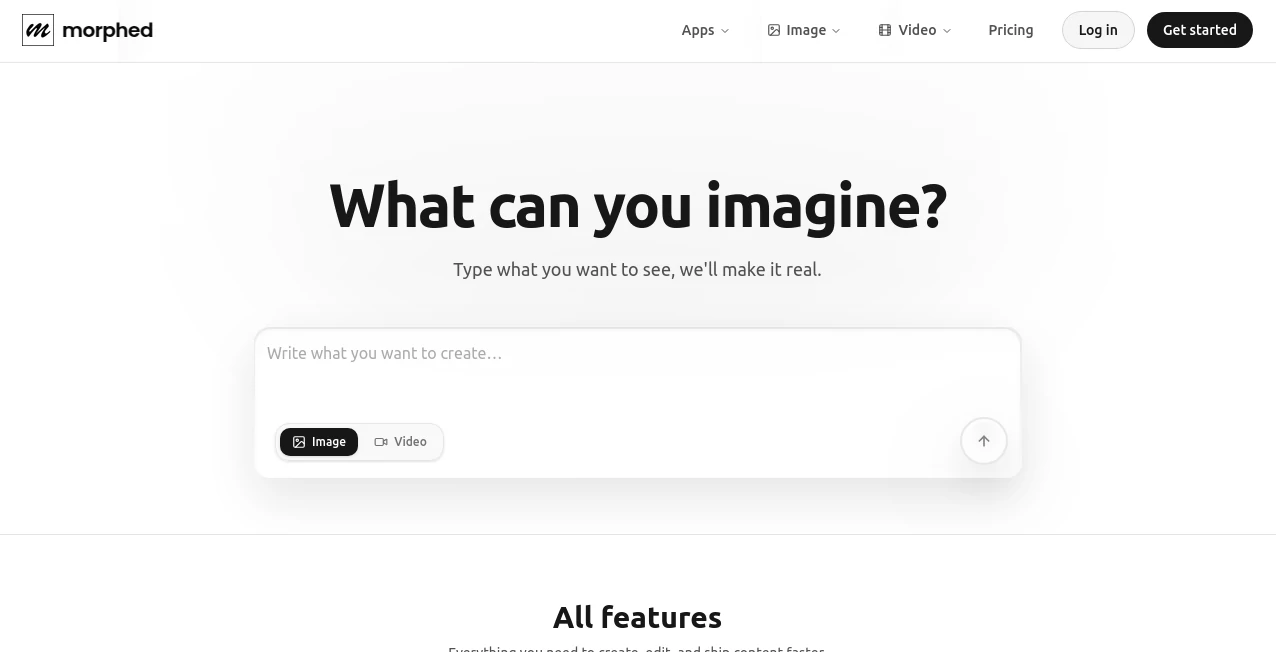
What is Morphed?
There’s a strange, satisfying thrill when two faces blend so naturally that you can’t quite tell where one ends and the other begins. This tool captures that feeling perfectly. Upload two photos, adjust the blend slider, and watch features melt together with eerie smoothness—eyes, nose, jawline all transitioning without distortion or weird artifacts. I once morphed a childhood photo of myself with my dad’s current face and the result was uncanny in the best way; family group chat exploded with “whoa” messages. It’s playful, it’s precise, and it turns a simple idea into something that feels almost magical.
Introduction
Face morphing used to be the domain of expensive software, skilled VFX artists, or clunky online tools that left you with warped noses and melted cheeks. This platform changes the game entirely. It’s built to make morphs look natural and intentional, whether you’re blending celebrities for fun, creating family ancestry visuals, or experimenting with character design. The AI handles lighting, skin tone, and structural alignment so intelligently that the output rarely needs retouching. What started as a curiosity for meme-makers has quietly become a go-to for creators who want professional-looking blends without the professional headache. The results speak for themselves—people share them because they look good, not because they’re “AI-generated.”
Key Features
User Interface
Everything is dead simple: two big upload areas side by side, a central slider for blend percentage, and a live preview that updates as you move it. No login forced, no confusing settings panels. You can swap faces, flip which is “source” and which is “target,” and export in seconds. The interface stays out of your way so the focus remains on the morph itself. It’s one of those rare tools where the first-time experience feels as smooth as the tenth.
Accuracy & Performance
The alignment is remarkably good—eyes stay level, mouths match expression zones, hairlines transition without obvious seams. Lighting and color balance adjust automatically so the blend doesn’t look like two badly composited photos. Generation is fast (usually 5–15 seconds), even for high-res images. The consistency holds up across ages, ethnicities, lighting conditions, and expressions—rare for morph tools. You get believable midpoints, not grotesque in-betweens.
Capabilities
Seamless face morphing between two photos, adjustable blend strength, automatic face detection and alignment, support for portraits and near-frontal selfies, high-resolution output (up to 4K on paid), multiple export formats (PNG, JPEG, GIF for animation). It handles age differences, gender swaps, and stylistic blends (realistic to cartoon) with surprising grace. You can also generate a short morph animation that sweeps from one face to the other—perfect for social posts or presentations.
Security & Privacy
Photos are processed in memory and deleted immediately after download—no permanent storage, no model training on user uploads. No account required for basic use, so your faces never get linked to a profile unless you opt in. For casual fun or sensitive family photos, that zero-retention policy feels right and respectful.
Use Cases
A daughter morphs her late father’s young photo with her own face and creates a touching birthday tribute that moves the whole family. A makeup artist blends client before/after shots to show transformation progress in a visually striking way. A game dev prototypes character evolution by morphing concept art stages. Content creators make viral “then vs now” or “what if” Reels that get massive shares because the morph looks eerily real. It turns personal stories, marketing demos, and creative experiments into something visually compelling.
Pros and Cons
Pros:
- Blends are smooth and natural—no warped features or obvious seams.
- Fast generation keeps experimentation fun and fluid.
- Handles age gaps, expressions, and lighting differences remarkably well.
- High-res output perfect for prints, social, or professional mockups.
- Free tier is generous—real results without immediate paywall.
Cons:
- Works best with clear, front-facing portraits; extreme angles or heavy occlusion can reduce quality.
- Animation export limited to short loops on free plan.
- Unlimited use and extra features require paid upgrade.
Pricing Plans
Free tier gives several high-quality morphs per day—plenty to play with or create occasional shareable pieces. Paid plans remove daily limits, unlock 4K resolution, animation exports, batch processing, and priority queue during peak times. Pricing is modest—many casual users say one month feels worth it after seeing how often they return to make new blends for gifts, posts, or projects.
How to Use Morphed
Upload the first photo (source face), then the second (target face). Use the central slider to blend—watch the live preview update in real time. Adjust until the midpoint feels right (usually 40–60% gives the most interesting results). Hit download for static image or export as short animation if you want the morph transition effect. Try swapping source/target for different emphasis. Done—under a minute from upload to shareable result.
Comparison with Similar Tools
A lot of face-swap or morph apps produce cartoonish distortions or obvious seams. This one prioritizes realism and smooth transitions, making blends look like they could have been shot that way. Where others require perfect alignment or produce only low-res results, this delivers high-quality, high-res outputs with minimal input. The natural progression and emotional coherence set it apart from most free and even some paid competitors.
Conclusion
Blending faces is more than a gimmick—it’s a way to tell visual stories about identity, time, family, transformation. This tool makes that storytelling accessible, beautiful, and surprisingly believable. Whether you’re creating a heartfelt gift, a viral social post, a marketing concept, or just having fun with friends, it delivers results that feel personal and polished. In a sea of filters and effects, this one stands out by keeping things human.
Frequently Asked Questions (FAQ)
How many free morphs can I make?
Several per day—enough to experiment and create meaningful shares.
Do photos need to be perfectly aligned?
No—the AI handles alignment automatically, though front-facing shots work best.
Can I make animated morphs?
Yes—short transition animations are available; longer or higher-res on paid plans.
What if one face is much older/younger?
It manages age differences surprisingly well—results stay coherent and natural.
Are my photos saved anywhere?
No—processed in memory and deleted immediately after download.
AI Fun Tools , Photo & Image Editor , AI Face Swap Generator , AI Image to Image .
These classifications represent its core capabilities and areas of application. For related tools, explore the linked categories above.
Morphed details
This tool is no longer available on submitaitools.org; find alternatives on Alternative to Morphed.
Pricing
- Free
Apps
- Web Tools
Categories

Morphed Alternatives Product

Dewy Chat

Brave Pink H…

Undertale Te…
Sora Waterma…
ao3dle
Pixora
HD Photo Con…

Diss Track G…

Nano Image AI