🧠 AI Quiz
Think you really understand Artificial Intelligence?
Test yourself and see how well you know the world of AI.
Answer AI-related questions, compete with other users, and prove that
you’re among the best when it comes to AI knowledge.
Reach the top of our leaderboard.


















Novasoft AI

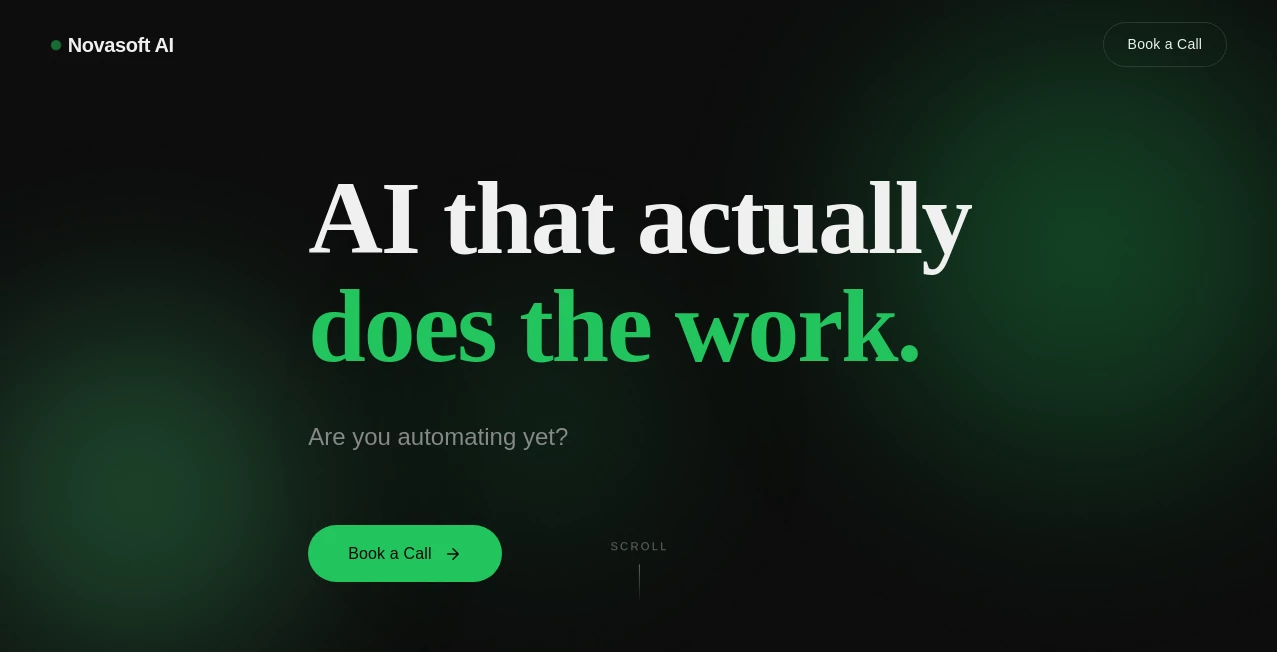
What is Novasoft AI?
Running a business today means juggling more tasks than ever—emails piling up, leads sitting cold, reports that take hours to compile. This platform quietly takes those repetitive burdens off your plate. You describe what needs doing once, connect your tools, and watch it run reliably every day after that. I’ve talked to small-team founders who used to lose evenings to manual data entry; now they spend that time actually growing. The difference isn’t flashy demos—it’s the calm that comes when routine work just… happens.
Introduction
Automation used to mean developers, Zapier subscriptions, and fragile workflows that broke every time an app updated. This changes the game by letting regular business people—marketers, founders, ops leads—build powerful, reliable automations using plain English. No code, no duct-tape integrations, just clear instructions and rock-solid execution. Early users talk about reclaiming 10–20 hours a week almost immediately. It’s not about replacing humans; it’s about giving them back the time to do the work only humans can do—think, decide, create, connect. That shift alone is why teams keep it running 24/7 once they see what it can handle.
Key Features
User Interface
The dashboard feels like a conversation more than a tool. You type what you want (“Every time a new Calendly booking comes in, create a Notion task, send a Slack message to the team, and add the contact to Google Sheets”), connect the apps once, and it builds the flow visually so you can see exactly what happens at each step. Tweaks are drag-and-drop simple; testing is one-click. It never buries important settings or overwhelms with options—everything you need is right in front of you, nothing you don’t.
Accuracy & Performance
It executes with the kind of reliability you expect from enterprise middleware, not consumer automation. Triggers fire on time, data maps correctly, retries happen automatically on transient failures. Error handling is thoughtful—failed steps pause and notify instead of silently dropping. Users report near-100% uptime on critical flows (lead routing, invoice chasing, onboarding sequences) even during high volume. That dependability turns “automation” from a nice-to-have into something you actually trust with your business.
Capabilities
Connects to dozens of popular apps out of the box (Slack, Notion, Google Workspace, HubSpot, Calendly, Stripe, Airtable, etc.), supports conditional logic, multi-step branching, data transformation, scheduled runs, webhooks, and custom code nodes when needed. It can watch for new rows in spreadsheets, parse emails, enrich leads, send personalized follow-ups, generate reports, move deals in CRMs, and much more—all from natural-language instructions. The combination of no-code simplicity and deep power makes it scale from simple reminders to complex revenue operations.
Security & Privacy
Connections use OAuth where possible, encrypted keys otherwise—never plain-text storage. Data flows directly between your apps without unnecessary middle steps. Compliance-ready (SOC 2 Type II in progress), with fine-grained permissions so team members only see what they need. For businesses handling customer data or financials, that level of care is non-negotiable—and it’s built in from day one.
Use Cases
A SaaS founder sets up lead-to-customer onboarding: new Stripe payment → create Notion client page → add to Slack channel → schedule welcome call → send personalized Loom. A marketing team automates content distribution: new blog post → generate social snippets → post to LinkedIn/Twitter → notify team. An agency owner tracks client feedback: new Typeform response → enrich contact in HubSpot → create follow-up task in Asana → send internal alert. A consultant builds a weekly KPI dashboard: pull data from Google Analytics/Stripe → summarize in Notion → email team every Monday. Wherever repetition meets importance, it quietly removes the friction.
Pros and Cons
Pros:
- Feels like describing work to a very capable assistant instead of configuring software.
- Rock-solid reliability on production flows—no more “the Zap died at 3 a.m.” surprises.
- Deep integrations with modern business tools you actually use.
- Free tier is genuinely useful for small teams or testing serious workflows.
- Human-friendly error messages and debugging that actually help fix issues fast.
Cons:
- Very complex branching logic still benefits from occasional custom code nodes.
- Free plan limits concurrent runs and premium connectors.
- Newer platform, so some niche apps are still being added.
Pricing Plans
Free plan covers meaningful workflows (limited runs, basic connectors)—enough to feel the power without spending. Starter and Pro plans unlock unlimited executions, premium integrations, priority support, and advanced features like custom code and team sharing. Enterprise adds SSO, audit logs, dedicated support, and SLA guarantees. Pricing is transparent and scales with usage—many teams say the time saved pays for the plan several times over each month.
How to Use PassWithProof
Sign up (takes 30 seconds), go to “New Workflow,” type what you want in plain English. Connect the apps it mentions (OAuth where possible). Review the visual flow it auto-builds—add conditions, transformations, or extra steps if needed. Test with real or sample data. Turn it on. Done. Later you can monitor runs, pause/resume, or duplicate for variations. The whole process from idea to live automation usually takes 5–15 minutes for most common flows.
Comparison with Similar Tools
Zapier is powerful but brittle and expensive at scale. Make.com is flexible but still feels technical. n8n is open-source and free but requires self-hosting and maintenance. This one sits in a sweet spot: natural-language creation + enterprise-grade reliability + pricing that doesn’t punish growth. It’s less about endless nodes and more about getting business outcomes with minimal effort and maximum trust.
Conclusion
Time is the only resource you can’t buy back. This platform gives you hours every week by handling the repetitive, rule-based work that used to eat evenings and weekends. It’s not trying to be everything to everyone—it’s laser-focused on making automation feel human, reliable, and actually useful for real businesses. When your tools start working for you instead of the other way around, you remember why you started building in the first place. That freedom is worth far more than any subscription fee.
Frequently Asked Questions (FAQ)
How hard is it to set up if I’m not technical?
Most common workflows take 5–15 minutes and use plain English—no code required unless you want advanced logic.
What happens if an automation fails?
It pauses, notifies you immediately, shows exactly where it broke, and often auto-retries transient errors. Debugging feels helpful, not frustrating.
Can teams collaborate on workflows?
Yes—paid plans include team sharing, role-based access, and activity logs.
Is my data secure?
Encrypted connections, minimal data retention, SOC 2 Type II in progress, GDPR compliant. Data flows directly between your apps—no unnecessary storage.
What if I need a very custom integration?
Custom code nodes (JavaScript/Python) are available on higher plans; API/webhook support covers almost everything else.
AI Workflow Management , AI Project Management , AI Productivity Tools , AI Task Management .
These classifications represent its core capabilities and areas of application. For related tools, explore the linked categories above.
Novasoft AI details
This tool is no longer available on submitaitools.org; find alternatives on Alternative to Novasoft AI.
Pricing
- Free
Apps
- Web Tools
Categories

Novasoft AI Alternatives Product

PDFgear

Presenti AI

VisualGPT

LaunchBoard

vivgrid

Nifty

GameClick.io

AiZolo

Manifestly C…