
🧠 AI Quiz
Think you really understand Artificial Intelligence?
Test yourself and see how well you know the world of AI.
Answer AI-related questions, compete with other users, and prove that
you’re among the best when it comes to AI knowledge.
Reach the top of our leaderboard.

















Pixlio AI
All-in-One AI Image Editor for Creators

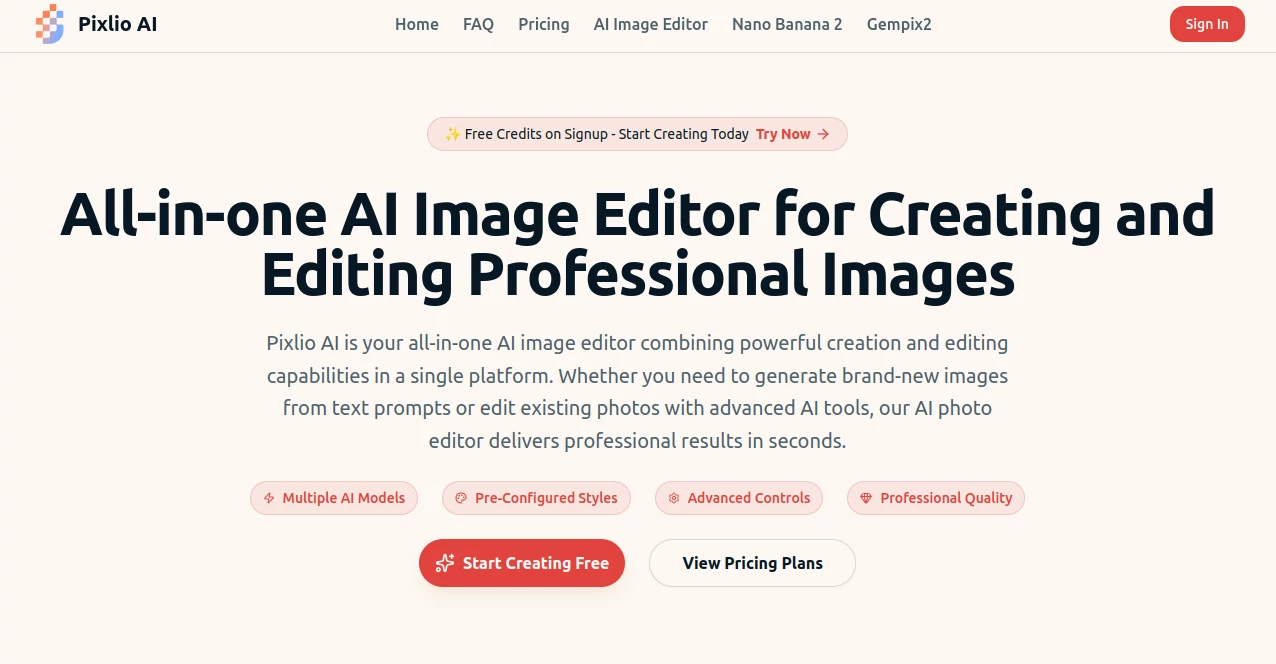
What is Pixlio AI?
Pixlio sweeps onto the scene as a powerhouse for anyone juggling visuals in their daily grind, blending fresh image creation with smart tweaks all in one spot. Sellers, marketers, and hobbyists alike find themselves hooked after the first spin, churning out pro-grade shots that turn heads and boost engagement without the usual hassle of clunky software. It's that rare find where the tech feels like an extension of your own eye, making the magic happen in moments rather than hours.
Introduction
Pixlio kicked off a few years back when a tight-knit group of visual pros grew weary of hopping between apps for every little edit, dreaming up a hub that could handle the whole shebang. What began as a weekend project testing wild prompts on early models soon drew a crowd of e-commerce folks and social sharers, all raving about how it slashed their workflow woes. Today, it's a bustling corner for creators who want that glossy finish without the steep fees or endless tutorials, with users swapping tales of listings that lit up overnight or campaigns that clicked thanks to a single, spot-on visual. Its charm lies in that effortless bridge from rough idea to ready-to-post gem, keeping the spark alive even on those rushed deadline days.
Key Features
User Interface
You slide right into a clean dashboard that hums with possibility, no bloated menus or confusing icons to slow you down. Pick your path—fresh build or photo polish—and a simple prompt box lights up, inviting plain talk like you'd chat with a colleague. Sliders for ratios and seeds tuck neatly aside, while previews bloom in real time, letting you nudge and nod without ever leaving the flow. It's the kind of setup that whispers 'dive in' to newbies and 'get to work' to vets, all from whatever browser you've got open.
Accuracy & Performance
Prompts land with a precision that feels almost psychic, capturing the nuance of your words down to the lighting flickers or edge sharpness, rarely needing a second guess. Jobs wrap up in a blink—under twenty seconds for basics, a quick forty-five for intricate swaps—keeping your momentum unbroken even mid-brainstorm. Creators nod to how it holds steady on hairy details like fur or fabric folds, delivering outputs that stack up against hand-tweaked hours without the sweat.
Capabilities
From conjuring scenes from scratch with a handful of words to swapping backdrops on uploaded snaps, it juggles a toolkit that's deceptively deep. Layer in objects or erase distractions with a whisper, then dial up styles from dreamy animations to stark realism, all while tweaking scales and seeds for that perfect repeat. It chews through formats like JPG or PNG effortlessly, spitting out high-res files primed for prints or posts, and even folds in commercial nods for those paid spins, making it a full-circle win for pros pushing pixels for profit.
Security & Privacy
Your uploads and drafts get wrapped in solid safeguards from the jump, processed in private pockets that vanish once the job's done, no lingering traces unless you stash them. It toes the line on data rules with a gentle hand, giving you the reins on shares and wipes, so you can tinker freely without that nagging back-of-mind buzz. Teams in sensitive spots like branding or retail lean on it for that quiet trust, knowing their visual secrets stay buttoned up until showtime.
Use Cases
E-tailers breathe new life into stock snaps, staging gadgets against lifestyle backdrops that scream 'must-have' without a single photoshoot. Social squads whip up meme magic by tweaking text overlays on the fly, turning viral quips into shareable gold. Campaign crews mock up ad variants in styles that match the mood, from whimsical cartoons to sleek photoreal, saving rounds of revisions. Even solo artists play with presets to evolve sketches into full illustrations, bridging that gap from doodle to display with ease.
Pros and Cons
Pros:
- Packs creation and tweaks into one seamless spot, ditching app-jumps.
- Grabs the latest models for results that wow without the wait.
- Hands over commercial clears for paid plays, no fine-print frights.
- Browser-bound bliss means no installs or hardware headaches.
Cons:
- Free spins tease but cap quick, nudging toward the upgrade path.
- Wild prompts might wander if not reined in with specifics.
- Heavy hauls on complex jobs could sip more credits than planned.
Pricing Plans
You get a free handful of credits right off the bat to poke around, no card needed for that first taste. Monthly tiers start modest for casual crafters, ramping to pro packs around a hundred bucks for unlimited vibes and team shares, with yearly deals trimming the tab nicely. Credit bundles flex for project bursts, and they keep it cancel-friendly, so you scale without the snag of long locks or surprise hits.
How to Use Pixlio
Sign up swift with an email to snag those starter credits, then choose your quest—text spark or photo fix—and spill the details in the prompt spot. Tweak the dials for style or size as the preview perks up, hit go, and watch the variants roll in. Snag your faves in crisp format, ready for upload or print, and loop back to refine or remix, building a library that grows with every go.
Comparison with Similar Tools
Where manual mains like Photoshop demand days of drags and layers, Pixlio's prompt play cuts to the chase, though those might edge for pixel-perfect purists. Against basic builders, it layers in gen magic that they skip, but could feel light on collab corners. It strikes gold for folks craving quick, clever visuals over drawn-out designs, blending breadth with bite where others niche or nag.
Conclusion
Pixlio carves out a cozy corner in the crowded canvas of image tools, handing creators a wand that waves away the weeds for straight-to-stellar shots. It turns the 'what if' of wild ideas into 'wow, that's it' realities, fueling flows that feel fresh and freeing. As visuals keep ruling the scroll, this gem stays a steadfast sidekick, proving that a smart nudge can turn everyday edits into extraordinary edges.
Frequently Asked Questions (FAQ)
What's the deal with free credits?
They drop on signup, letting you test the waters without a wallet peek.
Can I sell what I make?
Paid credits greenlight commercial gigs, no strings on your spins.
How fast does it crank?
Basics buzz in twenty seconds, fancier fixes in under a minute.
Any file snags?
JPG, PNG, WebP uploads and exports, all tuned for smooth sails.
Styles galore?
From anime dreams to pixel pops, pick your poison from the presets.
Photo & Image Editor , AI Photo Enhancer , AI Image to Image , AI Art Generator .
These classifications represent its core capabilities and areas of application. For related tools, explore the linked categories above.
Pixlio AI details
This tool is no longer available on submitaitools.org; find alternatives on Alternative to Pixlio AI.
Pricing
- Free
Apps
- Web Tools
Categories

Pixlio AI Alternatives Product

Nano Banana …

Createimg.ai

MakeMyOC

BananaFrame

Sovibe AI

AI Ease AI P…

Yodayo AI

Image Unblur

Normal Map G…
