
🧠 AI Quiz
Think you really understand Artificial Intelligence?
Test yourself and see how well you know the world of AI.
Answer AI-related questions, compete with other users, and prove that
you’re among the best when it comes to AI knowledge.
Reach the top of our leaderboard.


















sam3d
Unlock 3D Worlds from a Single Snapshot

What is sam3d?
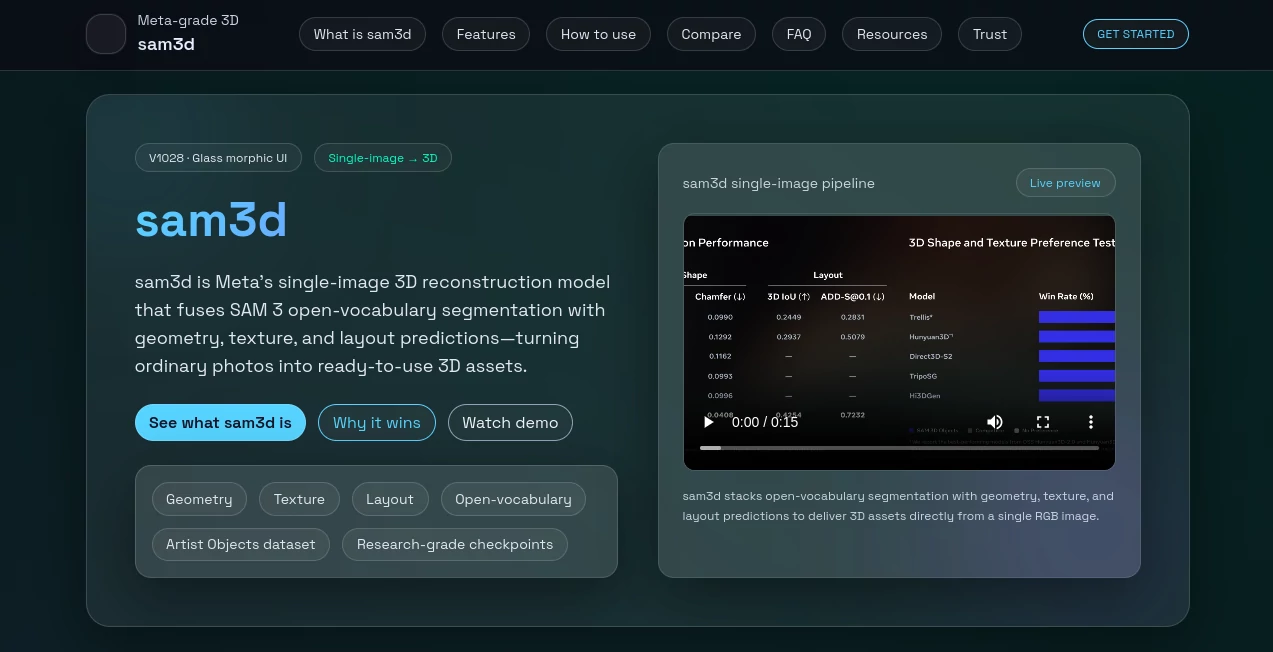
Sam3D opens doors to effortless 3D creation, pulling full shapes, surfaces, and setups straight from one everyday photo. This clever system lets creators skip the hassle of fancy rigs or endless angles, handing over ready-to-use models that fit right into projects big and small. Those who've dived in often share how it turns a quick snap into something you can spin and touch, sparking ideas that linger long after the screen dims.
Introduction
Sam3D sprang from a drive to make 3D building simpler, dreamed up by a team tired of the old ways that locked out anyone without high-end gear. It landed quietly a bit back, drawing in a wave of tinkerers and pros who swapped tales of surprise wins—like breathing life into a dusty family pic that suddenly stood tall on the desk. Rooted in solid research roots, it keeps evolving with fresh tweaks from real-world runs, blending sharp guesses with open paths for anyone to tweak and take. What hooks folks is that sense of instant depth, turning flat moments into full stories you can walk around, proving a single frame holds more magic than we thought.
Key Features
User Interface
The setup greets you with a smooth, glassy flow that feels light on the eyes, starting with a simple spot to drop your photo and add a quick note or outline for what to grab. As it works, a live window spins up the results, letting you tug and turn them with easy drags, no buried buttons or confusing layers. Sections break down the how-tos and tips in neat lists and charts, making the whole thing feel like a friendly guide rather than a steep climb, whether you're on a laptop or phone.
Accuracy & Performance
It maps out the bends and shades true to what the lens caught, holding steady on clear shots while nudging close on trickier ones, often matching what you'd get from longer methods. The spin happens fast—blinks, really—for previews that keep you moving, though busier scenes might call for a second pass. Users point to those spot-on pulls from old files, where it dodges the usual slips like fuzzy edges or misplaced pieces, keeping the flow without frustrating waits.
Capabilities
From picking out a lone item with a word or mark to building full scenes with layers of form and feel, it covers the bases for quick builds that slot into bigger setups. You can pull apart parts for focused work or blend them into immersive spots, ready for everything from virtual walks to robot eyes. The open bits let you grab the pieces and run with them, tweaking for your twist while handling everyday snaps without the extra steps.
Security & Privacy
Your uploads get a quick look and then fade away, handled in closed loops that keep things just between you and the process. It nudges toward safe shares, like checking in on private spots or adding marks to guard the work, so you call the shots on what goes where. That thoughtful touch builds quiet trust, especially when playing with personal picks or group grabs.
Use Cases
Shop keepers snap a shelf item and spin it into a try-before-buy view that hooks browsers on the spot. Game makers drop in a prop pic to flesh out levels overnight, testing feels without full redraws. Lab folks turn flat scans into models you can poke and probe, spotting details that hide in 2D. Even home hobbyists revive old shots into printable keepsakes, blending memory with a modern hand.
Pros and Cons
Pros:
- One-shot wonders cut the chase for fast, full 3D pulls.
- Open paths mean you own the tweaks and takes.
- Fits everyday files, no fancy fixes needed upfront.
- Sparks wide uses, from fun prints to pro pipelines.
Cons:
- Tricky lights or crowds can nudge results off a bit.
- Wiggly shapes like folks in motion test the limits.
- Speed shines on simple stuff; heavy runs might hum longer.
Pricing Plans
It rolls out open and free, with all the core pieces up for grabs—no walls or wallets in the way. You can dive deep without a dime, pulling code and samples to run your own, making it a true playground for plays big or small. That no-strings setup has folks building on it steady, proving good things don't always come with a tag.
How to Use Sam3D
Grab a crisp photo with even glow and little clutter, then slip it into the slot with a note on what to lift out. Let it chew and churn, watching the preview build as you turn it by hand. Export the bits that click—forms, feels, and all—and drop them into your next step, like a viewer or editor. Swing back with sharper picks or extra marks to refine, turning one frame into a full set over a few goes.
Comparison with Similar Tools
Where old-school scanners demand stacks of shots or special senses, Sam3D slips by with just one, trading setup sweat for smart guesses—though those might hold tighter on perfect poses. Against quick sketchers that skim the surface, it dives deeper into the full picture, but could bow to hand-tuned pros on wild whims. It lands sweet for the swift starter, blending ease with enough meat to build on where others skim or stall.
Conclusion
Sam3D nudges the edge of what's possible with a single glance, handing creators a shortcut to depths that once took days. It turns the ordinary snap into something you can circle and claim, fostering finds that fuel fresh paths. As more eyes turn to layered looks, this gem keeps the gate ajar, whispering that the next big build might hide in the photo on your phone.
Frequently Asked Questions (FAQ)
Need extra gear for the best pulls?
Nah, just a solid shot does the trick—no bells or whistles required.
How's it with busy backgrounds?
Clearer wins, but a quick mark helps it zero in on the star.
Can I tweak the outputs?
Absolutely, grab the files and mold them in your favorite spot.
Safe for private pics?
It keeps things close; just nod to the rules on shares.
Fast enough for live tweaks?
Quick previews fly; full runs depend on your setup's hum.
Photo & Image Editor , AI Design Generator , AI 3D Model Generator , AI Image to 3D Model .
These classifications represent its core capabilities and areas of application. For related tools, explore the linked categories above.
sam3d details
This tool is no longer available on submitaitools.org; find alternatives on Alternative to sam3d.
Pricing
- Free
Apps
- Web Tools
Categories

sam3d Alternatives Product

Freepik

Image to URL…

vio4 ai video

Project Geni…

KOOX AI

Beardless Fi…

Image to STL

Image Text E…

Luma AI
