🧠 AI Quiz
Think you really understand Artificial Intelligence?
Test yourself and see how well you know the world of AI.
Answer AI-related questions, compete with other users, and prove that
you’re among the best when it comes to AI knowledge.
Reach the top of our leaderboard.


















ShinePhoto
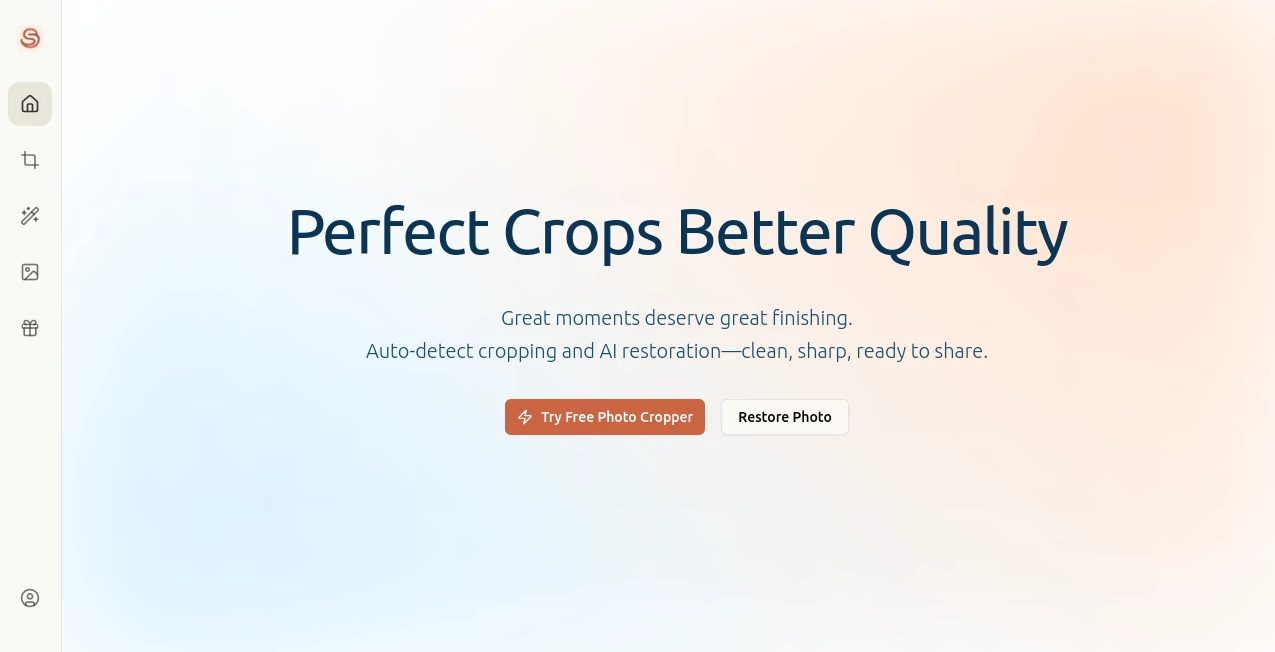
What is ShinePhoto?
There's a quiet thrill in pulling out an old shoebox of photos, scanning them in, and watching them transform into something crisp and vibrant again. This tool captures that joy perfectly, blending smart cropping with gentle restoration that brings faded memories back without overdoing it. I tried it with a stack of family snapshots from the '80s—scratches gone, colors warmed up just right—and the results felt like rediscovering treasures I'd almost forgotten.
Introduction
Great moments deserve a proper polish, and that's exactly what this browser-based gem delivers: auto-smart cropping that frames subjects beautifully, paired with thoughtful fixes for wear and tear. It's free, straightforward, and runs right in your tab on phone or computer, making it ideal for anyone digitizing albums or sprucing up everyday shots. No apps to install, no steep fees—just upload, let it work its subtle enhancements, and download files that look ready for frames or shares. What stands out is the balance: it sharpens without artificial gloss, restores without erasing character, turning routine fixes into something genuinely satisfying.
Key Features
User Interface
The whole thing unfolds in three easy steps—upload your pics (one or a bunch), tweak the auto-suggestions if you like, and grab the finished versions from a simple library. Dragging to adjust crops feels natural, and batch mode applies your choices across the pile without fuss. It's uncluttered enough that I handed it to my less-techy relative, and they breezed through a whole envelope of old prints, smiling at how intuitive the controls stayed.
Accuracy & Performance
Subject detection nails the framing most times, spotting faces or focal points with a reliability that saves clicks, while restoration smooths out scratches and blur without muddying details. Everything processes briskly in the background, handling batches without dragging, and outputs keep the original's essence—sharper contrast, truer colors, but never cartoonish. In my runs, even compressed scans came out noticeably cleaner, ready to print without extra rounds.
Capabilities
Auto-crop with manual fine-tuning, damage repair that tackles defects and noise, clarity boosts through better sharpness and balance, plus upscaling for larger views—all wrapped in batch support for consistent results across multiples. High-res exports mean your polished shots hold up big or small, and the library keeps things organized for easy review or deletes.
Security & Privacy
Originals never leave your device; only compressed versions head to the server for processing, and you can wipe everything remote with a click. It's a considerate approach that respects your personal snaps, especially cherished ones, giving control without complications.
Use Cases
Folks scanning family archives love the batch speed, turning dusty piles into digital keepsakes with uniform crops and revived vibrancy. Casual shooters clean up phone pics for social shares, framing better and banishing blur in one go. Crafters prepping prints for albums or gifts find the restoration gentle yet effective, preserving nostalgia while making everything pop.
Pros and Cons
Pros:
- Completely free with no hidden upsells, generous for everyday needs.
- Batch handling that saves real time on larger collections.
- Natural-looking fixes that enhance without exaggerating.
- Works smoothly on mobiles, perfect for on-the-go touch-ups.
Cons:
- Advanced subject targeting is still brewing as a future add.
- Heavily damaged originals might need extra care beyond auto.
Pricing Plans
It's all free—no tiers, no trials, just open access for cropping, restoring, and enhancing as much as you like. That straightforward generosity makes it a standout for personal projects or light professional touches, without ever nudging for payment.
How to Use ShinePhoto
Head to the site, drop in your photo or a folder's worth, watch the auto-crop suggest frames (drag to adjust if needed), then let restoration and enhancement run their course. Results land in your library for preview—tweak settings across the batch if one needs differing care—and download the high-res finals. Simple as that; I often do a quick stack while waiting for coffee.
Comparison with Similar Tools
Where some demand downloads or charge per batch, this keeps it browser-light and cost-free, focusing on balanced restoration over aggressive overhauls. It edges out flashier options with its understated reliability—consistent crops and subtle fixes that feel true to the original, ideal for those who prefer enhancement over reinvention.
Conclusion
This tool quietly earns its keep by making photo polishing feel effortless and rewarding, breathing fresh life into images without stealing their soul. It's the kind of everyday helper that turns "I should fix those someday" into "done, and they look amazing." For anyone with memories waiting to shine brighter, it's a gentle, effective nudge worth taking.
Frequently Asked Questions (FAQ)
Does it cost anything?
Not a cent—fully free for all features and batches.
Can I process multiple photos?
Yes, batch uploads apply settings uniformly for quick consistency.
What about old, damaged pics?
It reduces scratches, blur, and defects while boosting clarity naturally.
Works on my phone?
Seamlessly in modern browsers, no app required.
Are my photos safe?
Originals stay local; uploads are compressed and deletable anytime.
AI Diagram Generator , Photo & Image Editor , AI Photo Enhancer , AI Photo Restoration .
These classifications represent its core capabilities and areas of application. For related tools, explore the linked categories above.
ShinePhoto details
Pricing
- Free
Apps
- Web Tools
Categories

ShinePhoto Alternatives Product

WatermarkZero

ChatGPT Imag…

TextSharp | …

Upscale image

Banana 2

AI Photo Edi…

Face Swag

poseup

Image Text E…