🧠 AI Quiz
Think you really understand Artificial Intelligence?
Test yourself and see how well you know the world of AI.
Answer AI-related questions, compete with other users, and prove that
you’re among the best when it comes to AI knowledge.
Reach the top of our leaderboard.


















SyntrofAI

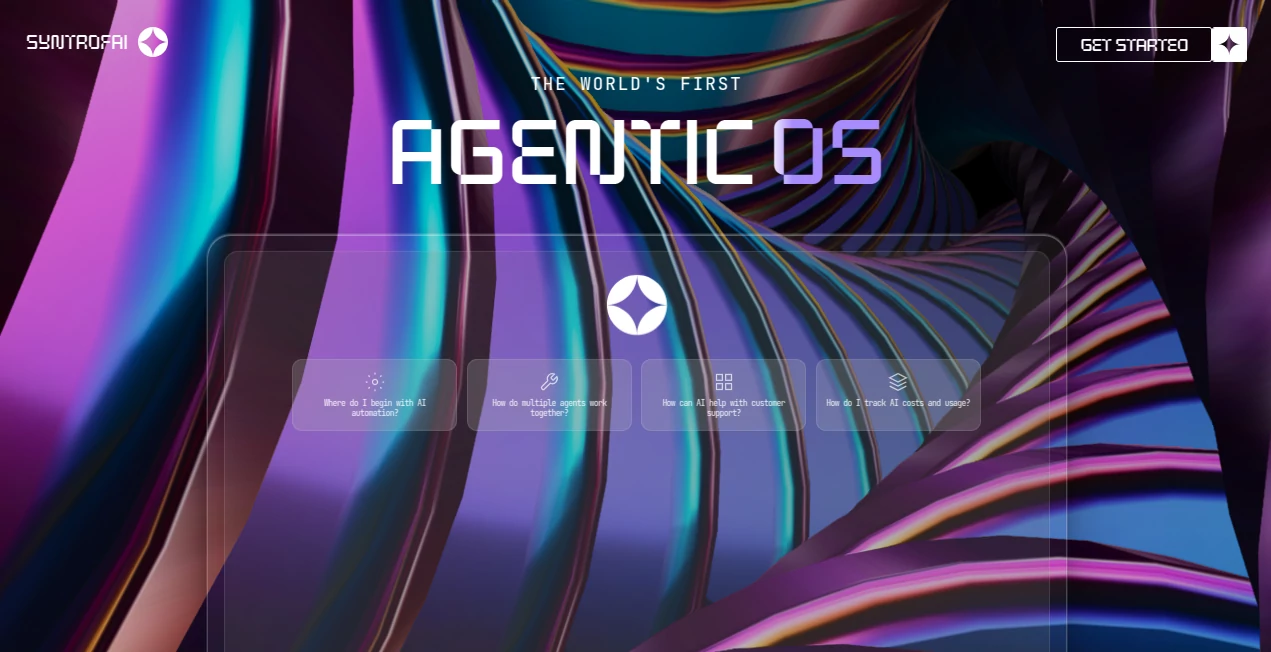
What is SyntrofAI?
Imagine a team of AI agents that don’t just chat with each other but actually collaborate on complex projects—dividing tasks, sharing insights, and delivering results that feel like they came from a coordinated human crew. That’s the quiet revolution this tool brings to the table. I’ve watched it turn a messy research brief into a polished report with sources, visuals, and actionable insights, all without me having to micromanage. It’s not just automation; it’s orchestration, and it feels like the future of how we’ll work with AI every day.
Introduction
Most AI tools still feel like solo performers—smart, but working alone. This platform flips that script by letting multiple agents team up, each with its own specialty, working in harmony on your goals. Whether it’s research, writing, or building workflows, the agents talk to each other, debate approaches, and refine outputs together. I’ve seen it take a vague “help me plan a product launch” prompt and produce a full strategy deck with timelines, messaging ideas, and even competitor analysis—all in one go. It’s the kind of thing that makes you realize how much time we’ve wasted asking one AI to do everything when a team of specialists can do it better, faster, and with more depth.
Key Features
User Interface
The workspace is clean and focused, with a chat-like flow that shows every agent’s contribution in real time. You can see them thinking, responding, and building on each other’s work—no black-box magic. The sidebar lets you add or swap agents easily, and the whole thing feels like a live whiteboard session with brilliant teammates. It’s intuitive enough that I was running multi-agent projects within minutes of first opening it.
Accuracy & Performance
Because agents specialize and cross-check each other, the final output tends to be sharper and more reliable than single-model results. It handles long-running tasks without dropping context, and the reasoning steps are visible so you can trust the process. I’ve thrown it complex prompts—like analyzing market trends across five sources—and it consistently delivers depth that would take hours of manual work.
Capabilities
From brainstorming product ideas to writing reports, generating visuals, or even coding prototypes, the agents divide labor naturally. One might research, another write, a third critique, and a fourth polish. You can create custom agent teams for recurring work, and it remembers preferences and past projects. It’s especially strong when tasks require multiple perspectives or iterative refinement.
Security & Privacy
Your data stays private—nothing is used for training, and conversations are encrypted. For teams, there are enterprise-grade controls and audit logs. It’s built with the understanding that real work often involves sensitive information, so you can focus on outcomes rather than worrying about leaks.
Use Cases
A marketing team uses it to brainstorm campaigns: one agent researches audience insights, another drafts copy, a third creates visuals, and a fourth checks for brand alignment—all in parallel. Freelance writers speed up research-heavy articles by having agents pull sources, summarize findings, and draft sections. Product managers turn vague ideas into detailed specs by letting agents debate trade-offs and refine requirements. Even students tackling group projects find it invaluable for dividing research and writing while maintaining consistency.
Pros and Cons
Pros:
- Real collaboration between agents creates higher-quality, more thoughtful outputs.
- Visible reasoning steps build trust and make debugging easy.
- Custom teams and memory make recurring work incredibly efficient.
- Strong privacy controls let you use it for sensitive projects.
Cons:
- Still early-stage, so occasional quirks when agents miscommunicate.
- Best results come from clear initial prompts—vague inputs can lead to scattered discussions.
Pricing Plans
It offers a generous free tier with daily limits that’s perfect for testing and light use. Paid plans start at a reasonable monthly fee for unlimited agents, higher usage, and priority access to new models. Enterprise options include team workspaces, custom agent creation, and dedicated support. The pricing feels fair—especially considering the time it saves on complex projects.
How to Use Syntro
Start by describing your goal in natural language—“Help me plan a product launch for a fitness app.” The system automatically assembles a team of agents (researcher, strategist, writer, designer, etc.) and lets them collaborate. You can watch the conversation unfold, jump in to steer, or let them run. Once complete, export the results as a document, presentation, or even code. For recurring work, save the team setup as a template. I usually start broad, then refine as the agents surface interesting angles I hadn’t considered.
Comparison with Similar Tools
While single-model tools are great for quick tasks, they often lack depth on complex projects. This platform’s multi-agent approach delivers more thorough, cross-checked results—similar to having a team of specialists rather than one generalist. Other multi-agent systems can feel experimental or clunky; this one is polished and production-ready, with a focus on real-world usability.
Conclusion
This isn’t just another AI tool—it’s a glimpse of how we’ll work in the near future, with AI agents collaborating like humans, but faster and without the coffee breaks. It takes the promise of AI and makes it practical, reliable, and genuinely useful for real work. If you’ve ever felt limited by what one AI can do, this is the step that unlocks the next level. Give it a project you’ve been putting off; you might be surprised how quickly it turns “maybe” into “done.”
Frequently Asked Questions (FAQ)
How many agents can work together?
You can create teams of any size, though most projects run smoothly with 3–6 specialists.
Can I use my own models?
Yes, you can bring your preferred models and assign them to specific roles.
Is it suitable for enterprise use?
Absolutely—enterprise plans include SOC 2 compliance, audit logs, and team management features.
What kinds of tasks work best?
Anything that benefits from multiple perspectives: research, strategy, writing, planning, analysis, and creative work.
How long do projects take?
Simple tasks complete in minutes; complex projects with multiple agents typically take 5–20 minutes.
AI Workflow Management , AI Task Management , AI Team Collaboration , AI Developer Tools .
These classifications represent its core capabilities and areas of application. For related tools, explore the linked categories above.
SyntrofAI details
This tool is no longer available on submitaitools.org; find alternatives on Alternative to SyntrofAI.
Pricing
- Free
Apps
- Web Tools
Categories