
🧠 AI Quiz
Think you really understand Artificial Intelligence?
Test yourself and see how well you know the world of AI.
Answer AI-related questions, compete with other users, and prove that
you’re among the best when it comes to AI knowledge.
Reach the top of our leaderboard.


















Try FLux2
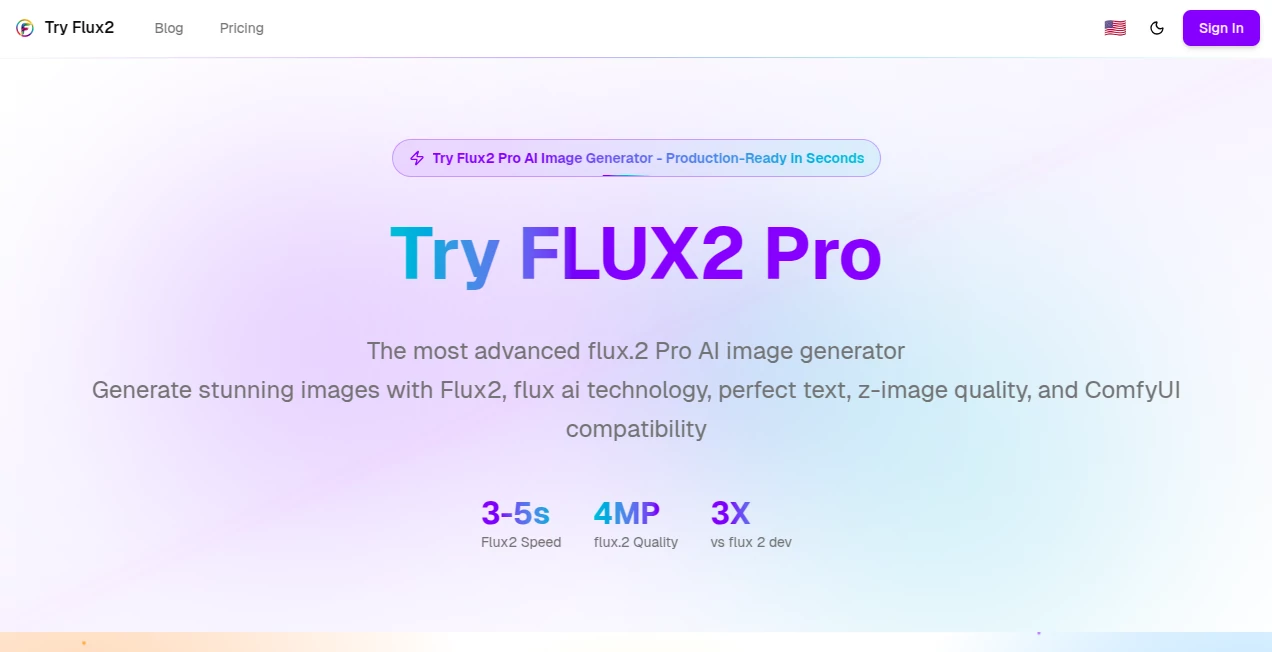
What is Try FLux2?
TryFlux2 opens the door to a world where everyday ideas spring into vivid visuals almost instantly, drawing on advanced models to craft scenes that feel both polished and personal. This platform catches the eye of creators who need quick yet quality results, turning simple descriptions into high-definition pieces ready for anything from social shares to professional pitches. Those who've dipped in often linger, hooked by how it captures the little details that make a picture pop without the endless back-and-forth tweaks.
Introduction
TryFlux2 came together as a way to bring cutting-edge image creation within easy reach, sparked by the need for tools that deliver without demanding a tech overhaul. It took off among folks juggling projects, from indie designers to marketing teams, who shared stories of whipping up campaign visuals over coffee instead of calling in specialists. Built around reliable models that prioritize speed and sharpness, it has carved out a spot where the focus stays on the vision, not the setup. Over time, updates have kept it sharp, responding to user nudges with features that make the whole process feel less like work and more like a natural extension of a brainstorm session.
Key Features
User Interface
The main area keeps it simple and inviting, with a clear spot to type out your thoughts and handy dropdowns for shapes and sizes right nearby. You can toss in a few example pics if you want to guide it, and a quick tap starts things rolling—no hidden menus or confusing layers to navigate. It feels straightforward from the first glance, like sketching on a tablet that fills in the blanks as you go, letting you focus on the fun without fumbling through options.
Accuracy & Performance
It picks up on the finer points of what you describe, arranging elements with a sense of balance that often matches what you'd hoped for, down to the lighting and colors that tie it all together. Results show up in just a few breaths, even for busier scenes, and hold up well when viewed up close or scaled for bigger uses. Users mention how it rarely needs a second pass, delivering outputs that stand ready without the usual cleanup that drags things down.
Capabilities
From swapping out parts of a scene to building whole backdrops or laying in crisp labels, it covers a wide ground while keeping things cohesive. You can aim for different looks, like dreamy landscapes or sleek product views, and it adapts to fit, pulling in details that enhance without overwhelming. The real strength lies in how it supports quick changes, letting you iterate on ideas for everything from quick social snaps to detailed planning boards, all in formats that slip easily into your workflow.
Security & Privacy
Your descriptions and uploads get handled with care, processed on the spot and cleared out once the job's done, so nothing lingers longer than needed. You hold the reins on what you create, with full say over how it's used or shared, giving peace of mind for personal or work projects alike. It's the kind of quiet reliability that lets you experiment freely, knowing your starting points stay just yours until you decide otherwise.
Use Cases
Shop owners mock up product displays in various settings to test what draws eyes, saving the back-and-forth with photographers. Game makers sketch out character spots or environments to flesh out worlds faster than traditional drawing sessions. Ad folks craft eye-catching layouts for posts or emails, blending stats and styles that land just right. Even educators pull together visual aids for lessons, turning abstract ideas into engaging scenes that stick with students longer.
Pros and Cons
Pros:
- Lightning-fast turns around ideas into visuals, keeping momentum high.
- High-clarity results that look pro without extra polishing.
- Versatile enough for quick hits or deeper dives into designs.
- No setup hassles, just jump in from any device.
Cons:
- Credit system can add up for heavy daily use.
- Best with clear, detailed starting points—vague ones might wander.
- Lacks some advanced editing layers for mid-creation changes.
Pricing Plans
It starts off welcoming with a couple of no-strings tries, enough to get a feel without any commitment. From there, you can go pay-per-use for occasional needs or lock in a monthly pass for steady access, with bundles that fit lighter or heavier loads. The tiers keep it flexible, scaling as your projects grow, and often include extras like priority speeds for those crunch-time moments.
How to Use TryFlux2
Head to the input area and describe what you're after in plain words, picking a frame shape and size that suits. Add any guiding pics if it helps steer things, then give it the nod to start. In moments, you'll see the output ready to grab, tweak the prompt for another round if needed, and download in a format that fits your next step.
Comparison with Similar Tools
Where some options demand more setup or deliver rougher edges, TryFlux2 stands out for its balance of speed and finish, though those might offer broader tweaks for hands-on types. Against free alternatives, it pulls ahead in clarity and consistency, but could feel pricier for casual explorers. It suits well for users wanting reliable results without the extras that slow things down.
Conclusion
TryFlux2 wraps up the hunt for effortless image creation by blending quick wits with quality that lasts, turning passing thoughts into pieces worth keeping. It empowers the everyday maker to match the pros, proving that great visuals start with a good nudge rather than a grand setup. As more ideas demand visual life, this platform keeps pace, ready to light up the next spark with scenes that speak volumes.
Frequently Asked Questions (FAQ)
What makes the outputs stand out?
They come sharp and true to your description, with lighting and details that feel just right.
Do I need to sign up right away?
No, the first few tries let you explore without any account hurdles.
Can I use these for business?
Absolutely, they're cleared for commercial projects without extra strings.
How fast is the whole thing?
From prompt to picture, it's over in seconds, keeping things moving.
What if my idea doesn't land perfectly?
Refine the words and run it again—small shifts often bring big improvements.
AI Text to Image , AI Photo & Image Generator , AI Art Generator , AI Design Generator .
These classifications represent its core capabilities and areas of application. For related tools, explore the linked categories above.
Try FLux2 details
Pricing
- Free
Apps
- Web Tools
Categories

Try FLux2 Alternatives Product

Klyra AI

Create a Car…

Leonardo.ai

PixAI - AI A…

NanoBanana2F…

Pixelied

XIMAGIN

QR Menu Gene…

PaperYak
