
🧠 AI Quiz
Think you really understand Artificial Intelligence?
Test yourself and see how well you know the world of AI.
Answer AI-related questions, compete with other users, and prove that
you’re among the best when it comes to AI knowledge.
Reach the top of our leaderboard.

















TubePrompter

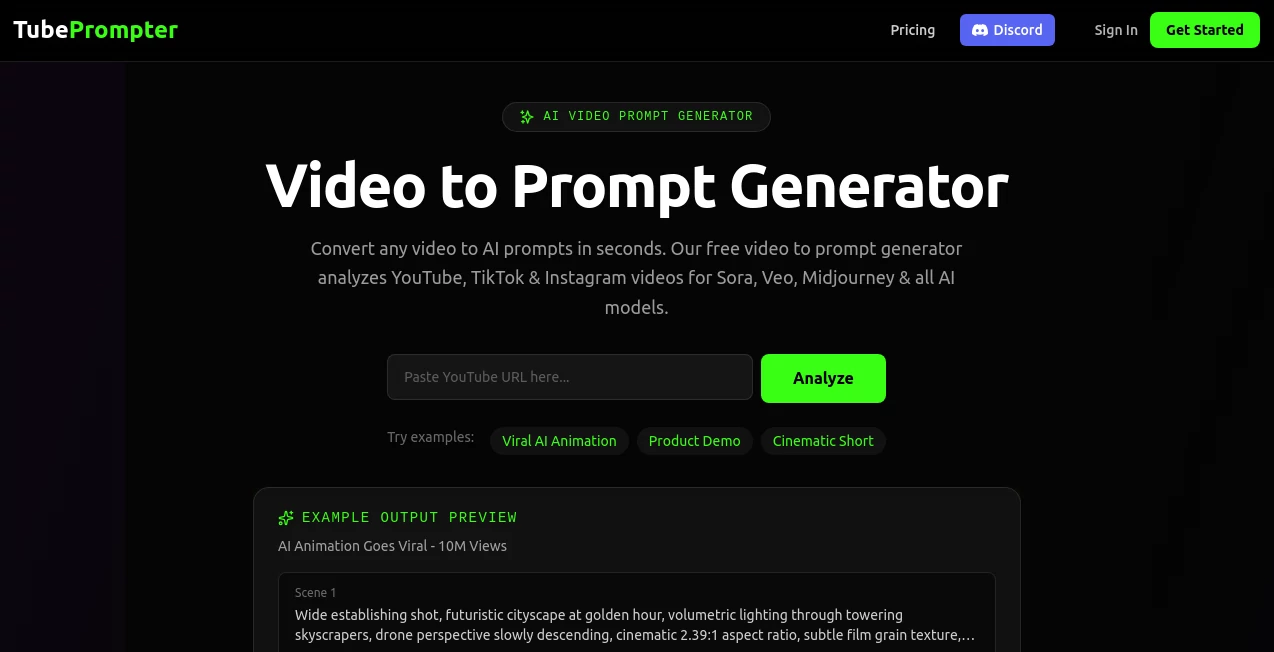
What is TubePrompter?
There's a moment every content creator remembers: the first time you tried reading a script off-camera and your eyes kept darting sideways, killing the connection with the viewer. Then you discover this tool, and suddenly your gaze stays locked on the lens, your delivery feels natural, and people start commenting "you look so confident on camera now." It's one of those small changes that makes a huge difference—your videos go from "someone reading" to "someone talking to me." I've seen creators go from stiff, awkward takes to warm, engaging ones in a single session, and the difference in viewer retention is night and day.
Introduction
Filming talking-head content is already hard enough—lighting, sound, framing, energy—and then you have to remember every line perfectly while pretending you're having a casual conversation. Most people either memorize (and sound robotic) or glance at notes (and lose eye contact). This tool solves the eye-contact problem elegantly: it turns your phone or webcam into a teleprompter that scrolls your script right over the camera lens, so you read naturally while looking directly at your audience. No more awkward side glances, no more "umms" from forgetting lines. It's become a quiet essential for YouTubers, TikTokers, course creators, podcasters turning to video, and anyone who wants to sound confident without sounding rehearsed.
Key Features
User Interface
The interface is deliberately simple and mobile-first. Big, readable text area where you paste or type your script, easy-to-reach font size and speed controls, a mirror mode toggle, and a full-screen button that turns your phone into a floating prompter. It supports dark mode for late-night shoots, adjustable scroll speed with keyboard shortcuts or on-screen buttons, and a clean preview that shows exactly what you'll see while recording. It feels like it was built by someone who actually records videos daily—no bloat, no confusion, just the tools you need and nothing you don't.
Accuracy & Performance
Scroll is buttery smooth even on older phones—adjustable from very slow for dramatic delivery to fast for quick cuts. Text stays crisp at large sizes, even when the phone is positioned far away. Latency is negligible; the script follows your reading pace without noticeable lag. Battery drain is reasonable, and it works reliably over long takes. The mirror mode is especially useful for webcams—your script appears correctly oriented when reflected in the lens. In practice, it feels dependable; you forget it's there and just talk.
Capabilities
Unlimited script length (scrolls as long as you need), variable speed control, font customization, background transparency (so it blends over your recording app), mirror flip for webcam use, keyboard shortcuts for start/pause/scroll speed, and full-screen mode that keeps the phone awake. It works with any recording app—Zoom, OBS, CapCut, native camera, etc.—and supports both portrait and landscape. No watermarks, no forced sign-up for basic use. It's built for real-world recording workflows, not demo videos.
Security & Privacy
Your scripts never leave your device—everything runs locally in the browser. No account required, no cloud storage, no data collection. For creators handling sensitive topics, client scripts, or personal stories, that local-only approach is a genuine relief. Nothing gets sent anywhere unless you choose to copy-paste elsewhere.
Use Cases
A YouTuber records weekly talking-head videos and finally stops looking like they're reading off a wall. A course creator films 20-minute lessons without cutting every 30 seconds for line checks. A TikTokker nails longer-form content with natural eye contact, boosting watch time. A corporate trainer delivers polished Zoom trainings without staring at notes. A podcaster transitioning to video keeps the same authentic delivery they built their audience on. Wherever eye contact matters, it quietly makes the difference between good and great.
Pros and Cons
Pros:
- Eye contact feels natural—viewers notice the difference immediately.
- Completely local—no privacy worries, no internet needed after load.
- Simple, distraction-free interface that gets out of your way.
- Works on any device with a browser—phone, tablet, laptop webcam.
- Free version is fully functional—no hard paywall for core features.
Cons:
- Requires a second device or split-screen setup for single-phone creators.
- No built-in recording—just a prompter (pairs perfectly with any camera app).
- Long scripts need occasional manual scroll speed tweaks mid-take.
Pricing Plans
Free version gives unlimited use with basic features—perfect for occasional creators or testing. Premium unlocks premium fonts, custom backgrounds, ad-free experience, higher scroll precision, and priority updates. Pricing is modest—many creators say it's worth a single coffee a month for the confidence it gives on camera. No aggressive upsell; the free tier is genuinely useful.
How to Use TubePrompter
Go to the site, paste your script into the text box (or type live). Adjust font size and scroll speed to match your reading pace. Toggle mirror mode if using a webcam. Enter full-screen, position your phone or tablet directly in front of/inline with your camera lens. Start recording in your app of choice (OBS, phone camera, Zoom, etc.). Read naturally—the text scrolls as you speak. Pause/resume with spacebar or on-screen controls. For single-device use, split-screen works surprisingly well. Done—recordings with perfect eye contact in minutes.
Comparison with Similar Tools
Hardware teleprompters cost hundreds and require setup. Other apps often have watermarks, laggy scrolling, or privacy issues. This one runs locally, costs almost nothing, and focuses purely on smooth, natural delivery without extras you don't need. It wins on simplicity, privacy, and price while delivering the one thing that matters most: eye contact that feels real.
Conclusion
Eye contact is the single biggest factor in how connected a viewer feels to you on camera. This tool removes the last big obstacle to achieving it naturally—without memorizing, without awkward glances, without expensive gear. It turns good delivery into great delivery, and great delivery into audience growth. For anyone who speaks to a lens, it's one of those "why didn't I have this sooner" discoveries that quietly changes everything.
Frequently Asked Questions (FAQ)
Do I need two devices?
Not necessarily—many creators use split-screen on a tablet or phone. Two devices is ideal but not required.
Does it work with webcams?
Yes—mirror mode flips the text correctly when the phone is placed in front of a laptop/webcam.
Is my script stored anywhere?
No—everything runs locally in your browser. Nothing is saved or sent unless you copy it elsewhere.
Can I use it for live streaming?
Yes—many use it for live Q&A, tutorials, or presentations where eye contact matters.
Is the free version limited?
Free is unlimited for basic use; premium adds cosmetic extras and removes ads.
AI Recording , AI Life Assistant , AI Productivity Tools , AI Meeting Assistant .
These classifications represent its core capabilities and areas of application. For related tools, explore the linked categories above.
TubePrompter details
This tool is no longer available on submitaitools.org; find alternatives on Alternative to TubePrompter.
Pricing
- Free
Apps
- Web Tools
Categories

TubePrompter Alternatives Product

Classroom Sc…

TopPDF

Greek Numero…

MixBooze

Schengen Cal…

Jamy.ai | Au…

TypingFirst

YouMind

Futurwise
