
🧠 AI Quiz
Think you really understand Artificial Intelligence?
Test yourself and see how well you know the world of AI.
Answer AI-related questions, compete with other users, and prove that
you’re among the best when it comes to AI knowledge.
Reach the top of our leaderboard.

















Uni-1
What is Uni-1?
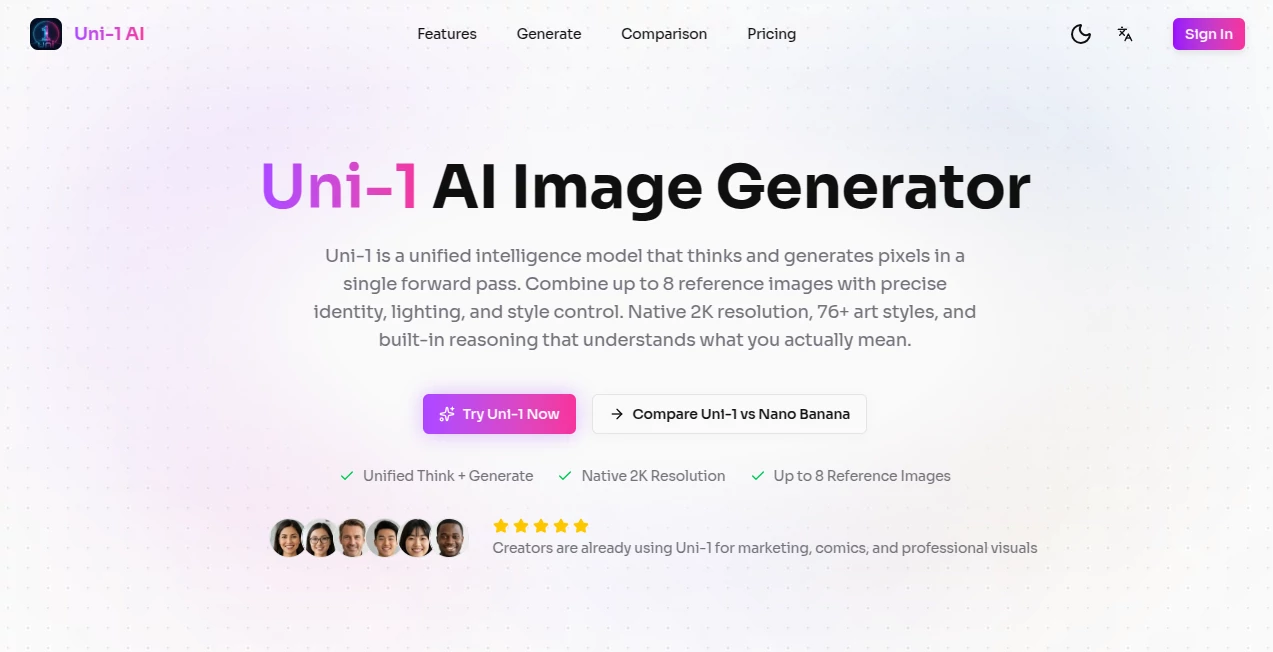
You describe a scene, add a couple of reference images, and instead of the usual random guesses, you get a result that feels like someone actually listened. The lighting makes sense, the composition has intention, characters stay consistent, and the overall mood matches what you had in mind. That’s the difference this tool brings. I’ve watched artists and creators go from frustrated with generic outputs to genuinely excited because the generations finally feel directed rather than guessed. It’s the kind of AI that doesn’t just create pixels — it seems to understand what you’re trying to say.
Introduction
Most AI image tools still feel like creative slot machines: you pull the prompt lever and hope for the best. Uni1 AI changes that experience. Built as a unified intelligence model, it thinks before it generates — reasoning through composition, lighting, spatial relationships, and your references in one coherent process. The result is higher consistency, better prompt adherence, and outputs that look intentionally crafted. Whether you’re making concept art, product visuals, cinematic stills, or short video sequences, it removes much of the guesswork and frustration that has defined earlier generations of AI creators. For many, it’s the first time AI image generation feels like a true creative partner instead of a unpredictable helper.
Key Features
User Interface
The workspace is clean and focused. A large prompt area welcomes your ideas, with easy options to upload reference images (up to several at once) for style, character, or scene control. Sliders and simple toggles let you adjust strength, resolution, and aspect ratio without diving into technical menus. Previews load reasonably fast, and the overall flow feels calm rather than overwhelming. It’s designed so both beginners and experienced creators can stay in their creative zone instead of fighting the interface.
Accuracy & Performance
What stands out most is how well it follows complex instructions while maintaining visual coherence. Characters keep their appearance across different angles and lighting. Spatial relationships make sense. Details requested in the prompt actually show up where they should. Generation quality holds strong at native 2K resolution, and the model rarely falls into the common traps of distorted anatomy or illogical compositions. The reasoning layer noticeably reduces the number of failed attempts, saving time and creative energy.
Capabilities
It excels at text-to-image, image-to-image, and multi-reference control — letting you combine several photos for precise identity, style, and lighting guidance. You get strong cinematic understanding, support for 76+ artistic styles, and the ability to generate both stills and short video sequences. The unified approach means it can handle intricate scenes with multiple subjects, complex camera angles, and detailed environments while keeping everything consistent. It’s particularly impressive when you want specific moods or storytelling elements carried through the output.
Security & Privacy
Your prompts and reference images are handled with care during processing. The platform maintains a respectful approach to user data, with no aggressive collection or long-term storage beyond what’s needed for the current generation. For creators working with client projects or personal concepts, that thoughtful handling provides welcome peace of mind.
Use Cases
A concept artist quickly iterates character designs with consistent identity across poses. A product team turns simple mockups into polished lifestyle visuals with accurate branding. Filmmakers generate cinematic storyboards or teaser stills to pitch ideas. Social creators produce scroll-stopping visuals with precise style control. Game developers build consistent asset references for their art team. The common thread is speed combined with quality that feels intentional rather than lucky.
Pros and Cons
Pros:
- Strong reasoning leads to better prompt understanding and fewer failed generations.
- Excellent multi-reference control for consistent characters and styles.
- Native high resolution with cinematic quality that stands out.
- Fast enough workflow to support real creative iteration.
- Clean, focused interface that respects your time.
Cons:
- Very complex or highly specific scenes can still benefit from refined prompting.
- Higher usage volumes require paid plans for best experience.
- Video generation, while impressive, is still growing in length capabilities.
Pricing Plans
The platform offers generous free access so anyone can experience the quality firsthand. Paid plans unlock higher daily limits, faster generation, priority access during peak times, and additional features for heavier users. The pricing feels balanced — many creators find the upgrade worthwhile once they start relying on it daily for professional or passionate projects.
How to Use Uni1 AI
Start with a clear prompt describing your vision. Upload one or more reference images if you want strong style or character consistency. Choose your preferred aspect ratio and any style preferences. Hit generate and review the result. Use the before/after or variation tools to refine — small prompt tweaks often yield big improvements. Download your favorites in high resolution. With practice, you’ll develop an instinct for prompts that produce exactly what you’re imagining.
Comparison with Similar Tools
Many AI generators still feel random or require extensive prompt engineering to get usable results. This one stands out through its reasoning capabilities and reference control, producing more coherent and intentional outputs. While some tools excel at pure artistic flair, Uni1 AI balances creativity with reliability and control, making it especially valuable for creators who need consistency along with quality.
Conclusion
Uni1 AI represents a meaningful step forward in how we interact with image generation tools. It moves beyond simple pattern matching toward something closer to understanding intent. For artists, designers, marketers, and storytellers, that shift makes the creative process feel more natural and less frustrating. When the technology gets out of the way and simply helps you realize your vision faster and better, that’s when the real magic happens. If you create visuals for any reason, this is one tool worth experiencing for yourself.
Frequently Asked Questions (FAQ)
How many reference images can I use?
You can combine multiple references (up to several) for strong control over identity, style, and lighting.
Is it good for professional work?
Yes — many users rely on it for concept art, marketing visuals, storyboarding, and client work.
Does it support video generation?
Yes, it can create short video sequences in addition to still images.
What resolutions are available?
Native 2K resolution with options for different aspect ratios.
Is there a free way to try it?
Yes, generous free access is available so you can test the quality before upgrading.
AI Photo & Image Generator , AI Art Generator , AI Design Generator , AI Image to Image .
These classifications represent its core capabilities and areas of application. For related tools, explore the linked categories above.
Uni-1 details
Pricing
- Free
Apps
- Web Tools
Categories

Uni-1 Alternatives Product

Z-Image

Nano Image AI

Banana AI

Mage

Nano Banana 2

NanoBananaPro

4o Image Gen

Nano Banana …

Flux2 Klein
