
🧠 AI Quiz
Think you really understand Artificial Intelligence?
Test yourself and see how well you know the world of AI.
Answer AI-related questions, compete with other users, and prove that
you’re among the best when it comes to AI knowledge.
Reach the top of our leaderboard.


















Vibe3D

What is Vibe3D?
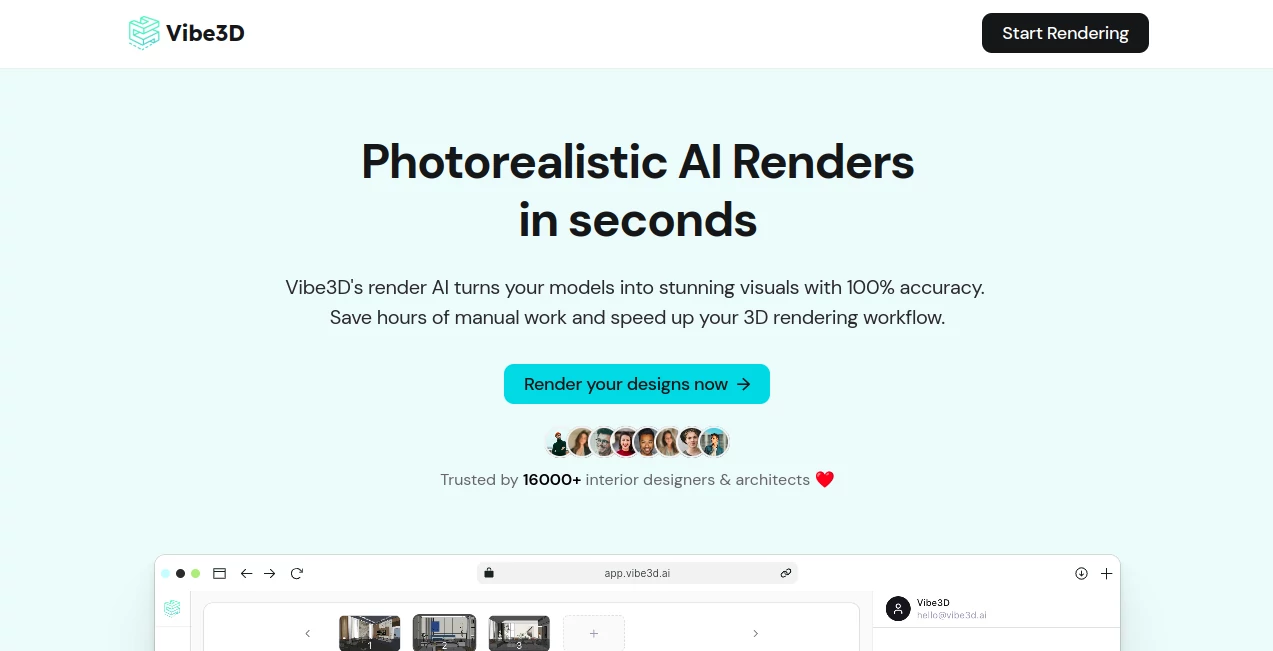
Vibe3D slips into the workflow of designers like a well-timed coffee run, taking those rough 3D exports and handing back glossy, lifelike visuals that wow clients without the wait. This online powerhouse has folks in architecture and interiors ditching their old render rigs, swapping stories of how it turned a midday mockup into a pitch-perfect presentation. It's the kind of tool that feels like it reads your mind, keeping every texture and shadow just as you sketched it, all while clocking in faster than a quick sketch.
Introduction
Vibe3D came together a short while back when a team of visualization vets got tired of the endless tweak-and-wait cycle that ate up their days. They set out to bottle that pro polish into something anyone could tap from their laptop, no fancy hardware required, and it struck a chord right away with studios scrambling for quicker turnarounds. Now with thousands of users swapping tips on how it nailed a tricky lighting shift or breathed life into a bland floor plan, it's become that reliable sidekick for pros who can't afford to miss a beat. What started as a beta buzz in design forums has quieted into a steady hum of daily use, proving that a smart shortcut can turn good work into the kind that lands gigs.
Key Features
User Interface
The dashboard hits you with a no-fuss upload spot that grabs your exported view in a snap, followed by a clean slate for picking moods or tweaks that feels more like flipping magazine clippings than fiddling with sliders. As you layer in notes, a preview teases the changes live, with side-by-side spots to weigh options without squinting. It's built for the rush, shrinking down smooth on tablets for on-site checks, keeping the whole flow as straightforward as a coffee chat with a colleague who gets it.
Accuracy & Performance
It holds tight to your original setup, mirroring every curve and gleam down to the pixel, so what goes in comes out looking like it stepped off a set rather than a screen. Renders roll out in a blink, even for packed scenes, without the crashes or creeps that drag on older setups, letting you chain ideas without losing steam. Designers often point to how it catches those fine details, like a fabric's subtle sheen, turning a flat export into something you'd swear was shot on location.
Capabilities
From breathing depth into a simple elevation sketch to layering weather whims on a full master plan, it juggles the lot with a nod to your inputs, spitting out high-clarity frames that play nice with any display. You can whisper changes in plain talk, shifting hues or hours without digging into menus, and it even floats ideas based on your scene to spark fresh angles. The real stretch comes in handling exports from your go-to apps, weaving them into visuals that fit pitches, portfolios, or just that quick client nudge.
Security & Privacy
Your files nestle safe in your own corner, with easy wipes whenever you want, so nothing lingers longer than your project needs. It keeps things locked down standard, letting you peek at what's stored without fuss, giving that peace of mind for shops juggling client secrets. Pros lean on it for that quiet reliability, knowing their drafts stay put until they're ready to share the shine.
Use Cases
Interior teams dash off room reveals for picky clients, tweaking fabrics on the fly to match mood boards mid-meeting. Architects spin elevation drafts into street-ready views, factoring in sun paths that seal the deal on proposals. Students mock up thesis spaces without begging for lab time, landing pro looks that turn heads in reviews. Even real estate folks stage empty shells into lived-in lures, cutting the photo shoot scramble for listings that fly off the shelf.
Pros and Cons
Pros:
- Blasts through renders in seconds, freeing up hours for the creative bits.
- Sticks true to your scene, no lost details or wonky warps.
- Chat-like tweaks make changes a breeze, no tech degree needed.
- Runs anywhere online, ditching the hardware headaches.
Cons:
- Tied to exported flats, so full model fiddles need your app first.
- Credit caps on starters might cramp big batch runs.
- Best on clear exports—fuzzy inputs can fuzz the finish.
Pricing Plans
You can sneak in free with a trio of trial turns, enough to taste the speed without a tab. From there, the entry pack lands around nineteen bucks for fifty shots, stepping to thirty-nine for a couple hundred with fancier finishes and hints. Heavy hitters grab the ninety-nine for six hundred plus, tossing in quick help for the crunch. They keep it loose with no long ties, and smart email checks slash the starter for classroom crowds.
How to Use Vibe3D
Pull your scene view from your modeling spot as a simple snap, then drop it into the upload well and pick your vibe—say, golden hour glow or rainy dusk. Jot a quick note for any shifts, hit the button, and watch the magic unfold in moments. Flip through the previews to snag the standout, download in full glory, and stash the rest for round two tweaks.
Comparison with Similar Tools
Next to the big names that demand desk-bound beasts and days of dialing, Vibe3D lightens the load with web-wired quickness, though those might edge in raw tweak depth for die-hards. Against cloud clunkers, it skips the setup slog for straight-to-shine results, but could bow to full-suite swells in endless export flavors. It carves a sweet spot for speed demons who want pro punch without the power plug.
Conclusion
Vibe3D wraps the render rush in a neat bow, handing designers a fast lane to visuals that land like lightning. It turns the 'good enough' grind into gleeful gets, proving that a clever cut can carve out more time for what matters—the spark that sells the space. As builds keep stacking higher, this one's primed to stay a step ahead, lighting up workflows one lifelike frame at a time.
Frequently Asked Questions (FAQ)
Does it need special gear to run?
Nope, it's all web-based, so any connected screen does the trick.
How true does it stay to my original?
Spot on—keeps the bones, skins, and sights exactly as exported.
Can students snag a deal?
Yeah, half off the starter with school email proof.
What about tweaking after the first go?
Just chat it up with plain words to shift shades or setups quick.
Safe for client work?
Absolutely, stores secure in your spot, delete when done.
AI Design Generator , AI 3D Model Generator , AI Image to 3D Model .
These classifications represent its core capabilities and areas of application. For related tools, explore the linked categories above.
Vibe3D details
This tool is no longer available on submitaitools.org; find alternatives on Alternative to Vibe3D.
Pricing
- Free
Apps
- Web Tools
Categories

Vibe3D Alternatives Product

vio4 ai video

SVG to 3D

Square Image

Free AI Kiss…

Grok Imagine

String Art

Nano Banana 2

FaceTo3D

Flux2 Klein
