🧠 AI Quiz
Think you really understand Artificial Intelligence?
Test yourself and see how well you know the world of AI.
Answer AI-related questions, compete with other users, and prove that
you’re among the best when it comes to AI knowledge.
Reach the top of our leaderboard.


















WADesk - WhatsApp Auto AI Translation
Break Language Barriers in WhatsApp Chats Instantly

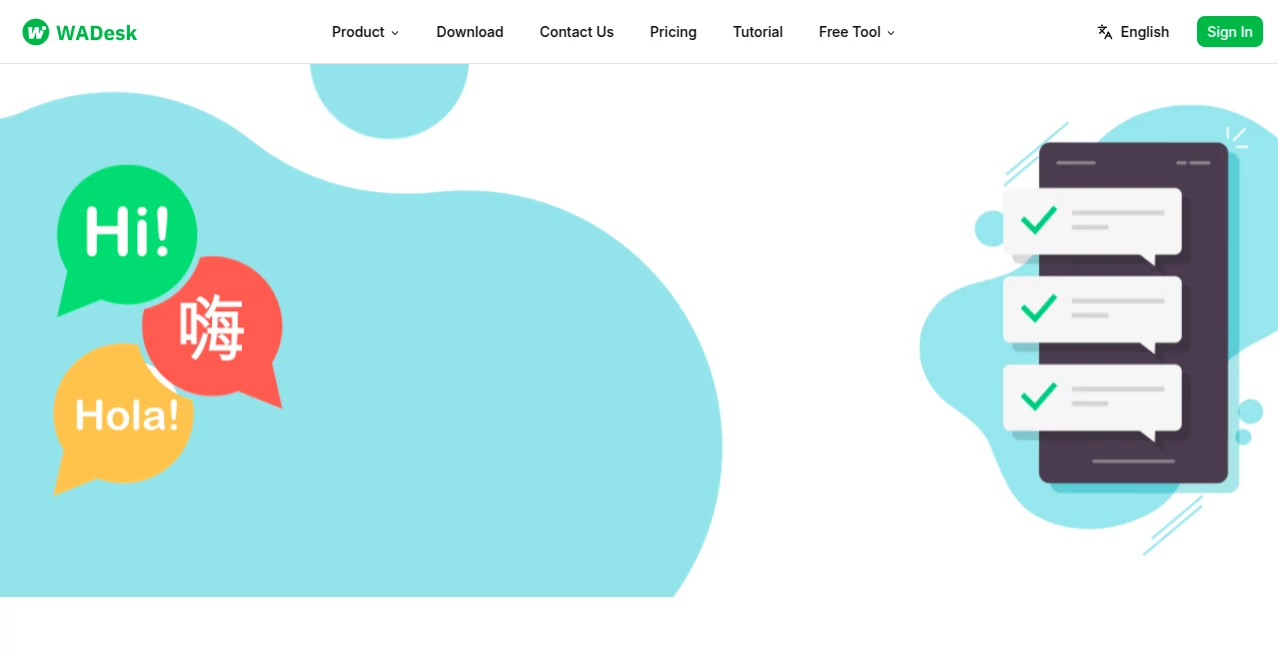
What is WADesk - WhatsApp Auto AI Translation?
WADesk slips into your daily messaging routine like an unseen translator at the table, catching every word and flipping it into something everyone can grasp without missing a beat. This handy add-on turns scattered conversations into smooth exchanges, especially when folks from different corners of the globe chime in with their own tongues. Users who've woven it into their work chats often share how it cuts the confusion, letting ideas flow freely instead of fumbling over phrases that get lost in the shuffle.
Introduction
WADesk came together a short while back, sparked by the headaches of teams spread thin across time zones and languages, where a simple query could snag on unfamiliar words and stall the whole thread. The folks behind it drew from their own late-night scrambles to bridge gaps, building something that listens quietly and speaks clearly in return. It didn't take long for word to spread through small business circles and remote crews, with stories of deals sealed over coffee because a quick flip of text cleared the air. What draws people in is that gentle nudge toward connection, turning what could be a tower of Babel into a straightforward back-and-forth that feels almost natural, like chatting with a neighbor who just happens to know a few extra dialects.
Key Features
User Interface
You ease into it through a straightforward sidebar that hugs the side of your screen, popping up just when a new message rolls in with a foreign twist. A quick tap switches views between the original and the flipped version, with buttons for copying or firing back that sit right under your thumb. It's the kind of setup that fades into the background after a couple of tries, letting you focus on the words rather than wrestling with windows or hidden menus, all while keeping things tidy even when the chat piles up.
Accuracy & Performance
It picks up on the subtle shades of slang or formal turns without much stumble, delivering reads that carry the right weight most times, so a joke lands with the punch or a detail sticks without fuzz. The flip happens in a flash—barely a pause—holding steady through busy threads or spotty signals, which keeps the rhythm going without those awkward silences. Those who've tested it in the thick of things often point out how it holds its own against hand-pulled translations, nailing the everyday flow that matters most in quick exchanges.
Capabilities
Beyond the basic swap, it layers in smart nudges for replies that fit the tone, filters to sort the noise into neat piles, and even queues up canned responses for those repeat beats. You can juggle a handful of lines at once, tweaking the output on the fly or bundling them for a group send, all while it keeps tabs on the back-and-forth to suggest what comes next. It's built to stretch across setups, handling everything from one-off hellos to steady streams of back-and-forth that build over days.
Security & Privacy
Your threads stay wrapped tight, with each exchange handled in its own quiet corner so nothing spills over or lingers longer than needed. It gives you the reins on what gets shared or stashed, wiping clean after the job's done without a trace. That behind-the-scenes care puts minds at ease, especially when sensitive bits like client notes or family updates are in the mix, letting you lean in without that nagging pull of doubt.
Use Cases
A small shop owner fields questions from buyers halfway around the world, watching orders roll in smoother as unclear asks turn into clear yeses. Remote teams hash out project tweaks across continents, skipping the email chains that drag on for days. Language tutors pull it up during lessons to echo student thoughts back in their own words, sparking deeper dives without the dictionary drag. Even friends scattered by moves use it to keep the group lively, turning mixed-language memes into shared laughs that bridge the miles.
Pros and Cons
Pros:
- Flips tongues on the fly, keeping chats alive without breaks.
- Packs in extras like quick nods and tidy sorts that save steps.
- Handles a crowd of setups without a hitch, scaling as you grow.
- Stays light on the system, running smooth even on older gear.
Cons:
- Thick dialects or rare phrases might need a second look.
- Free spins cap quick for heavy hitters, nudging toward paid paths.
- Tied snug to one app, so cross-platform jumps take extra hops.
Pricing Plans
It starts with a no-cost entry that covers the basics for light use, like a handful of flips a day to get the feel. From there, a middle ground around the teens monthly unlocks unlimited swaps and the full suite of helpers, while teams bump to the high end for shared access and priority pulls. You can dip in for a trial stretch without strings, and yearly wraps trim the tab, making it easy to stick if the fit feels right.
How to Use WADesk
Hook it up by linking your main line, then let it settle in the background as chats kick off. When a fresh note lands in another tongue, it lights up with the side-by-side view—tap to tweak or copy the ready version. Build a stash of go-to lines for repeats, set filters to flag the keepers, and queue sends for later if timing's tight. Swing back to the dashboard to tweak settings or peek at past threads, keeping everything humming without much fuss.
Comparison with Similar Tools
Where some standalone swappers demand copy-paste dances, WADesk weaves right into the flow, though those might offer broader app reaches for the roamer. Against bulkier suites that layer on extras like calls, it keeps the core light and laser-focused, skipping the sprawl but perhaps pinching on voice bits. It shines for the everyday messenger who wants seamless over showy, edging out the rest with that just-right blend of zip and zip.
Conclusion
WADesk quietly mends the rifts that words can weave, turning crossed wires into clear connections that hum with possibility. It hands back the ease of talking like you're next door, no matter the miles or the mix of mother tongues. As more voices join the global chorus, this little bridge keeps proving its worth, one flipped phrase at a time, in a world that's anything but one language.
Frequently Asked Questions (FAQ)
How many ways can it handle?
A wide spread, from common daily ones to less trodden paths, covering most spots you'd chat from.
Does it work offline?
Needs a steady line for the real-time magic, but stashes bits for later looks when you're off-grid.
Can I tweak the flips?
Yes, edit on the spot or pick from a few engine takes to match your ear.
Safe for work threads?
Built with locks that keep things private, just you and the words you choose.
What if it misses a nuance?
Flag it for a fresh run or manual nudge—it's quick to learn from the slip.
AI Translate , AI Customer Service Assistant , AI Reply Assistant , AI Chatbot .
These classifications represent its core capabilities and areas of application. For related tools, explore the linked categories above.
WADesk - WhatsApp Auto AI Translation details
This tool is no longer available on submitaitools.org; find alternatives on Alternative to WADesk - WhatsApp Auto AI Translation.
Pricing
- Free
Apps
- Web Tools
Categories

WADesk - WhatsApp Auto AI Translation Alternatives Product
AthenaChat

Jotform AI A…

TopPDF

Clay Read

Grok

Lexikon AI

Your Own AI

Dewy Chat

AI page tran…