
🧠 AI Quiz
Think you really understand Artificial Intelligence?
Test yourself and see how well you know the world of AI.
Answer AI-related questions, compete with other users, and prove that
you’re among the best when it comes to AI knowledge.
Reach the top of our leaderboard.


















WP AI Builder
Craft WordPress Pages with Smart Prompts

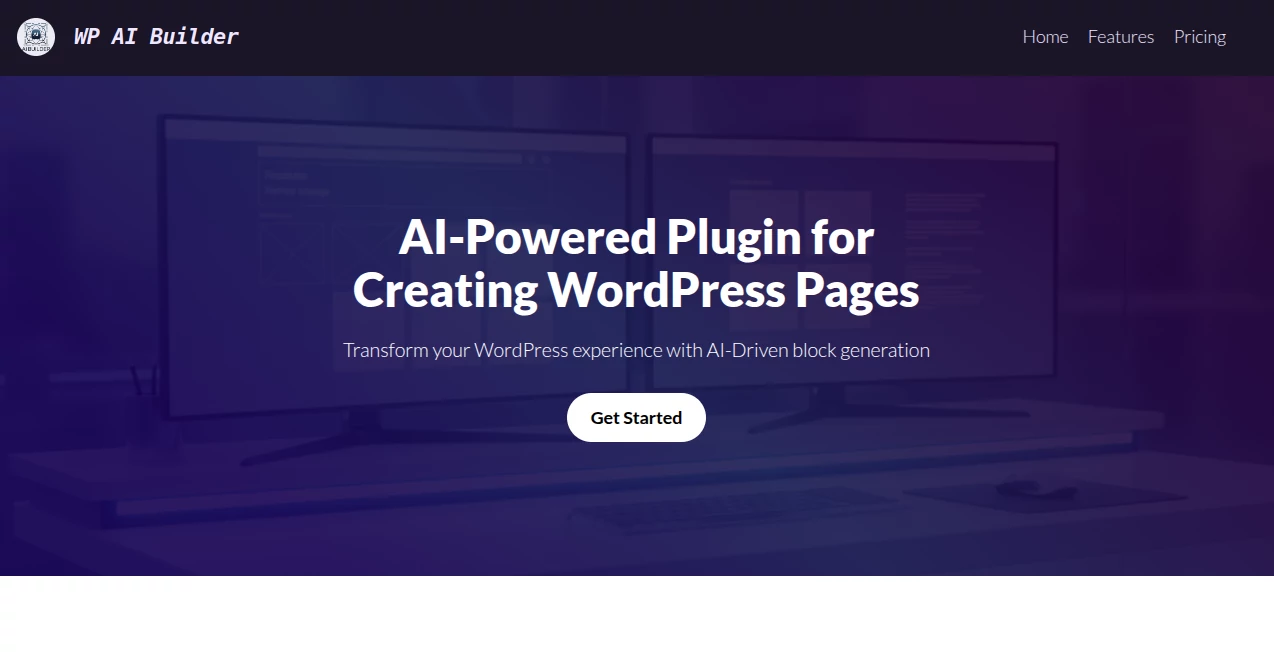
What is WP AI Builder?
Website AI Builder slips into your WordPress routine like a trusty sidekick, turning a handful of words into full-blown pages that look like they took days to design. This plugin has folks raving about how it cuts through the usual build-and-tweak cycle, handing over responsive layouts packed with flair—all sparked by a simple description. Whether you're piecing together a landing spot or fleshing out a whole site, it's that nudge that makes the blank canvas feel less daunting and more like a playground.
Introduction
Website AI Builder popped up as a breath of fresh air for WordPress tinkerers who'd grown weary of dragging blocks around for hours just to get something halfway decent. Crafted by a team that knows the grind of site-building inside out, it hit the scene aiming to blend clever tech with the platform's flexibility, and boy, has it delivered. Users swap stories of whipping up client previews in coffee-break time or reviving stalled projects with a fresh prompt, watching over a thousand sites spring to life since day one. It's not just about speed; it's that quiet confidence boost when your vision clicks into place without the frustration, making web work feel more like play.
Key Features
User Interface
The dashboard folds right into your familiar WordPress flow, with a chatty prompt box that invites you to describe what you want—like "cozy cafe menu with warm tones"—and off it goes, no clunky menus in sight. Blocks and previews stack up neatly as they generate, letting you swap or stack them with a drag, all while keeping the screen uncluttered for that seamless back-and-forth feel.
Accuracy & Performance
It nails the details you throw at it, churning out layouts that hug your specs while slipping in smart touches like mobile tweaks or search-friendly tweaks without you lifting a finger. Expect the whole magic to unfold in under a minute, even on beefier requests, leaving you with something solid that holds up across devices and doesn't buckle under real traffic.
Capabilities
From spinning up eye-catching sliders to crafting interactive forms that pull in leads, it rolls out a toolbox of over thirty ready-made pieces, plus the freedom to dream up custom ones on the fly. Layer in your brand's colors or fonts, and it whips up matching styles that keep everything cohesive, opening doors to everything from quick hero sections to full storytelling spreads.
Security & Privacy
Your site stays snug within WordPress's own walls, with the plugin playing nice under the hood—no oddball data grabs or outside pings that could raise eyebrows. It keeps things local where it counts, letting you control what goes live without the nagging worry of hidden leaks, so you can prompt away with peace of mind.
Use Cases
Freelancers dash off polished portfolios for picky clients, tweaking on the spot to match feedback without starting over. Small shop owners build menu pages that tempt with visuals, pulling in foot traffic through seamless online vibes. Non-tech bloggers flesh out opinion pieces with engaging layouts that keep readers scrolling, turning dry drafts into dynamic reads.
Pros and Cons
Pros:
- Shaves hours off builds, letting ideas flow without the drag.
- Tailors to your voice with custom flair that feels personal.
- Packs in pro-level touches like responsiveness out of the gate.
- Welcomes everyone, from code-shy newbies to block veterans.
Cons:
- Relies on clear prompts—fuzzy ones might need a second swing.
- Best with fresh installs; older themes could clash a bit.
- No built-in hosting, so you're still tying it to your setup.
Pricing Plans
It kicks off free for the basics, giving you a taste of the prompt power without a dime down, perfect for dipping toes. For the full feast—unlimited generations and premium blocks—plans hover around the low double digits monthly, with yearly dips that sweeten the deal. No lock-ins mean you can bail if it doesn't click, keeping the trial low-stakes.
How to Use Website AI Builder
Snag the plugin from the repo, zip it into your dashboard, and activate like any other add-on. Head to the new page wizard, type out your vision in plain speak, and watch it populate with blocks and styles. Tweak the bits that need a personal nudge, preview on the fly, and hit publish when it sings—your site's up and humming in no time.
Comparison with Similar Tools
Unlike broader builders that start from scratch and demand design degrees, Website AI Builder cozies up to your existing WordPress world, skipping the migration mess but maybe missing the all-in-one hosting some crave. Against prompt-only rivals, it edges with that block-based backbone for easier edits, though those might flex more for non-WP folks. It shines for those already in the ecosystem, blending speed with familiarity where others force a full pivot.
Conclusion
Website AI Builder wraps the wild world of web design in a user-friendly bow, proving that a smart prompt can unlock pages worth poring over. It turns the "someday I'll build that site" into a swift reality, empowering creators to chase bigger dreams without the build bog. As WordPress keeps evolving, this one's right there, nudging users toward sites that not only look sharp but feel spot-on from the first click.
Frequently Asked Questions (FAQ)
Does it play nice with my current theme?
Mostly yes—it generates neutral blocks that adapt, but test a page to be sure.
What if my prompt flops?
Refine with specifics like colors or layouts, or hit regenerate for a fresh take.
Can I export for other platforms?
It's WordPress-tuned, but blocks export as code snippets for clever copy-pastes.
How customizable are the outputs?
Plenty—edit CSS, swap elements, or prompt for tweaks post-generation.
Is it beginner-proof?
Absolutely; the prompts guide you, and previews make changes a breeze.
AI Landing Page Builder , AI Website Builder , AI No-Code & Low-Code , AI Developer Tools .
These classifications represent its core capabilities and areas of application. For related tools, explore the linked categories above.
WP AI Builder details
This tool is no longer available on submitaitools.org; find alternatives on Alternative to WP AI Builder.
Pricing
- Free
Apps
- Web Tools
Categories

WP AI Builder Alternatives Product

DevUtilX

Blackbox AI

Lovable

GLM 5

Project Genie

CodeSpy AI

LogoAI

langextract.…

Bolt AI
