
🧠 AI Quiz
Think you really understand Artificial Intelligence?
Test yourself and see how well you know the world of AI.
Answer AI-related questions, compete with other users, and prove that
you’re among the best when it comes to AI knowledge.
Reach the top of our leaderboard.


















Flowova

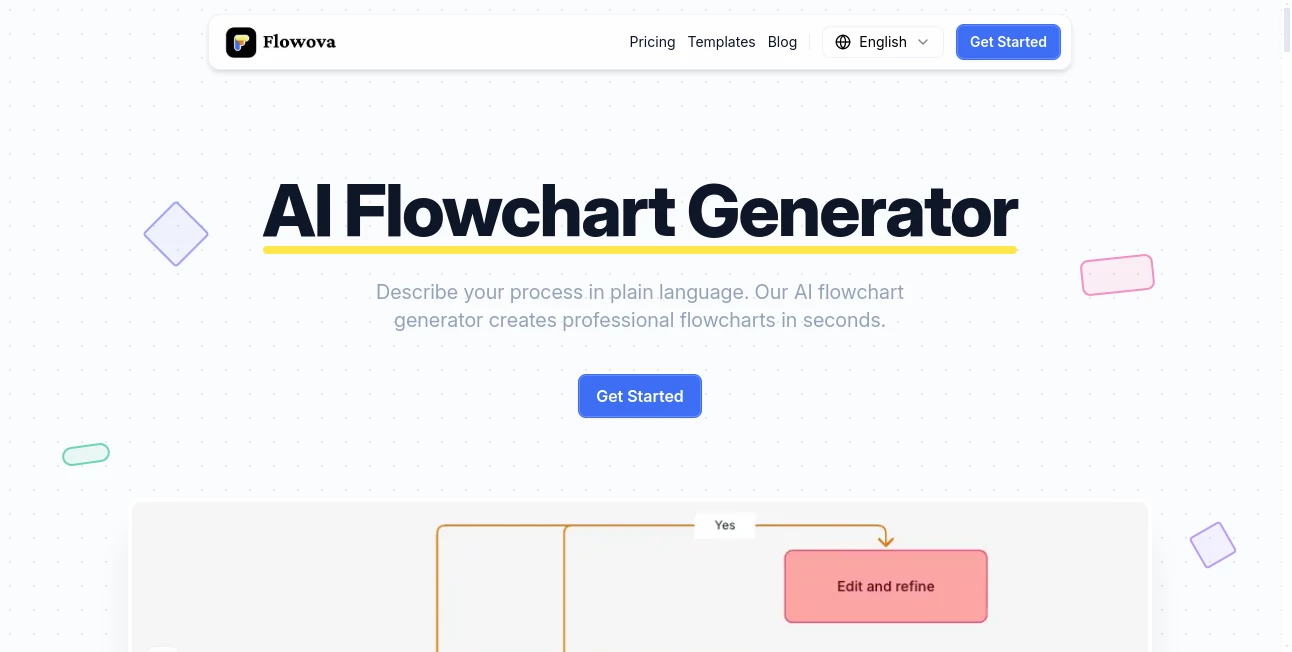
What is Flowova?
Ever stared at a blank canvas, trying to map out a process that lives rent-free in your head, only to end up with a scribble that looks like modern art gone wrong? This tool swoops in like the friend who always knows what to say, turning your jumbled thoughts—or even a messy screenshot—into a crisp, professional flowchart that actually makes sense. No more dragging boxes around for hours; just spill your idea, and watch it bloom into something shareable and sharp. I once fed it a rambling email about my team's onboarding chaos, and out popped a diagram so clean, my boss pinned it to the wall. It's that kind of quiet hero in a world full of loud promises.
Introduction
In the thick of deadlines and brainstorms, who has time for fiddly design tools that demand a PhD in patience? This platform flips the script, harnessing clever algorithms to craft flowcharts from whatever you've got—be it a hasty note, a photo of a whiteboard, or even a PDF full of jargon. Born from the frustrations of folks knee-deep in workflows, it hit the scene promising simplicity, and boy, does it deliver. Picture a devops engineer sketching CI/CD pipelines without the coffee stains, or a marketer plotting campaign funnels over lunch. Users can't stop buzzing about how it frees up headspace for the real work, not the rendering. Over time, it's woven in gems like multi-file uploads and theme packs that make your diagrams pop like a well-timed punchline, proving it's more than a gadget—it's a workflow whisperer that gets you.
Key Features
User Interface
From the get-go, it's like slipping into your favorite sneakers—comfortable, familiar, and ready to go the distance. A straightforward three-step dance: drop in your description or files, hit generate, and tweak away in an editor that feels more like a playground than a program. Drag nodes like they're on wheels, double-click to jot notes, and watch auto-layout swoop in to tidy the mess. I love how it hugs any device, whether you're plotting on your phone during a commute or fine-tuning on a big screen; no clunky zooms or lost cursors to kill the vibe.
Accuracy & Performance
Here's the magic that keeps you hooked: it doesn't just guess at shapes and arrows; it reads the room—your room—picking decision diamonds for those if-then moments and straight lines for the straightforward stuff, all while nailing the logic flow. Crank through a batch of uploads, and it hums along without a hiccup, previewing in real time so you spot the win (or the whoops) before committing. Testers rave about churning out a full sales pipeline from a screenshot in under a minute, edges crisp and connections clever, making it feel less like tech and more like telepathy.
Capabilities
It gobbles up everything from scribbled text in any tongue to PowerPoint decks or even CSV data, spitting out diagrams laced with 18-plus shapes, five edge flavors, and themes that shift from boardroom sleek to brainstorm wild. Group frames for modular exports, import Mermaid code for that round-trip ease, or lean on 40-plus templates to jumpstart anything from HR hires to data dances. The real flex? That unlimited undo trail and keyboard zips let you experiment wildly, turning a rough idea into a polished powerhouse without breaking stride.
Security & Privacy
In a landscape littered with data dramas, this one stands out by keeping your sketches close to the chest—cloud-synced but locked down, with auto-saves that vanish on your say-so. No sneaky shares or lingering logs; your hiring pipeline or secret strategy stays yours alone, compliant and considerate. It's the kind of behind-the-scenes care that lets you brainstorm boldly, knowing the only leaks are the ones you control, like that public link for team huddles.
Use Cases
Take a product manager wrestling user journeys: upload a feature spec PDF, and suddenly you've got a visual map that aligns the team faster than a all-hands memo. Or picture a teacher diagramming lesson loops from a quick note—boom, an interactive aid that hooks kids without the late-night layout. Recruiters love plotting interview paths from email threads, while ops folks blueprint SOPs from scattered docs, each one a time-saver that turns "how do we even..." into "here's how we shine." It's these slices of everyday wins— from sales funnels that close deals quicker to research roadmaps that spark discoveries—that make it feel like the Swiss Army knife your workflow's been missing.
Pros and Cons
Pros:
- Swallows any input like a champ, from doodles to decks, no prep required.
- Editor that's actually fun, with auto-magic that saves sanity on sloppy starts.
- Themes and templates that dress up diagrams without the design degree.
- Exports and shares that play nice with everything from slides to code.
Cons:
- Free tier teases with limits, tempting you toward pro for the full feast.
- Complex nests might need a nudge or two in the editor for perfection.
Pricing Plans
It welcomes you with open arms via a free plan that's no joke—unlimited basics for dipping in, perfect for solo sparks or team tests. Upgrade to pro for the works: endless generations, premium themes, and that sweet Mermaid magic, all for a monthly whisper that pays itself back in hours saved. No sneaky fees or lock-ins; just scale as your schemes grow, with trials that let you taste the upgrade without the leap. It's pricing that feels fair, like investing in a coffee that brews your best ideas.
How to Use Flowova
Kick off by jotting a casual rundown of your process—say, "map the steps for launching a podcast episode"—or snap a pic of your notes and upload it alongside. Give it the green light, and in a flash, you've got a skeleton ready to flesh out: drag a stray arrow here, swap a box for a branch there, maybe slap on a serene theme for that client pitch polish. Preview the flow, export as a snazzy PNG for your deck, or drop a Mermaid snippet into your docs for live updates. Last week, I turned a voice memo transcript into a content calendar flowchart; three steps in, and it was presentation-ready, complete with color-coded phases that made my editor's eyes light up.
Comparison with Similar Tools
Sure, there are diagrammers aplenty, but few blend this level of AI smarts with hands-on editing without the bloat—where some lock you into rigid rails or charge an arm for basics, this one flows freely, gobbling diverse inputs and outputting in ways that fit your world. It's nimbler than the enterprise beasts, yet packs more punch than freebie sketchers, especially with that file-mixing flair and theme variety that turns good into gallery-worthy. For teams craving collaboration without the chaos, it's the sweet spot that leaves the rest feeling a tad... one-dimensional.
Conclusion
At the end of a tangled day, this tool stands as a testament to what happens when tech tunes into the human hustle—streamlining the scatter without stealing the soul. It doesn't just draw lines; it connects dots in ways that clarify chaos, spark solutions, and yes, even surprise you with how elegant your ideas can look. Whether you're a lone wolf plotting next moves or a squad syncing strategies, it's the nudge that turns "someday" into "sorted." Grab it, give it a whirl, and watch your workflows wake up—because who knew a flowchart could feel this freeing?
Frequently Asked Questions (FAQ)
What kinds of files can I throw at it?
Pretty much anything: text rambles, image grabs, PDFs, spreadsheets, even PowerPoints—mix 'em up for the full story.
How does the AI pick shapes and paths?
It scans for logic cues—like decisions spawning branches—and auto-connects with smarts that keep things flowing naturally.
Can I tweak after it generates?
Oh yeah—the editor's your playground, with drags, drops, and undos galore to make it yours.
What's the deal with sharing?
Public links for instant views, embeds via code, or exports that slide into any deck or doc seamlessly.
Free vs. pro—worth the switch?
Free's great for starters, but pro unlocks unlimited runs and fancier frills that pay off quick for regulars.
AI Workflow Management , AI SOP , AI Project Management , AI Diagram Generator .
These classifications represent its core capabilities and areas of application. For related tools, explore the linked categories above.
Flowova details
This tool is no longer available on submitaitools.org; find alternatives on Alternative to Flowova.
Pricing
- Free
Apps
- Web Tools
Categories

Flowova Alternatives Product

VisualGPT

ChatFlowchart

vivgrid

ShinePhoto

4ga Boards

Motion

onuml

Nifty

Notion
