🧠 AI Quiz
Think you really understand Artificial Intelligence?
Test yourself and see how well you know the world of AI.
Answer AI-related questions, compete with other users, and prove that
you’re among the best when it comes to AI knowledge.
Reach the top of our leaderboard.

















Fotoria

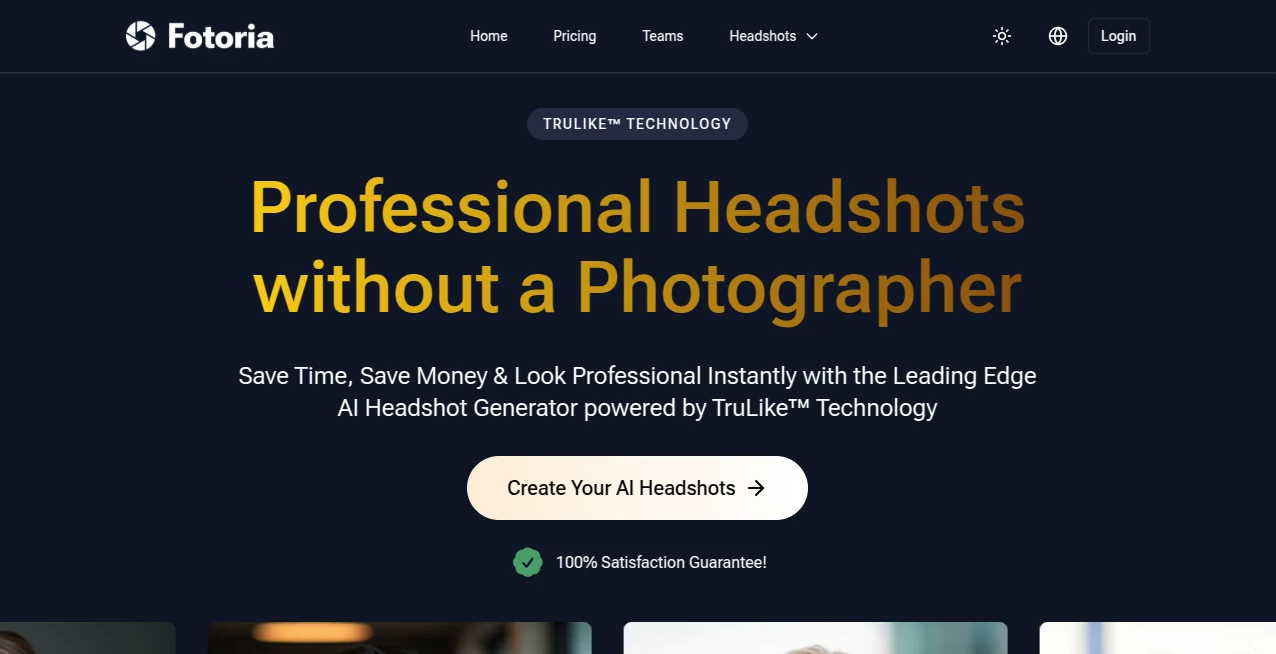
What is Fotoria?
There’s something oddly satisfying about seeing your product come alive on a model that looks just right—without the endless casting calls or studio bookings. This tool makes that happen in a heartbeat: upload a plain garment, pick a look, and suddenly it’s draped on a diverse range of realistic bodies, ready for your shop. I’ve watched small boutiques go from stock photos that felt generic to lifestyle shots that actually sell, and the difference in engagement is night and day. It’s one of those rare tools that feels like it was built by someone who actually runs an online store.
Introduction
When you’re selling clothes online, the photos are everything. Bad lighting, awkward poses, or a model that doesn’t match your audience can kill conversions. This platform solves that by letting anyone create high-quality, on-model fashion images in minutes—no photographer, no studio, no hassle. It started as a way for indie brands to look pro without the budget, and it’s grown into a favorite for anyone who wants their listings to pop. I know a friend who runs a streetwear shop; she used to spend hundreds on shoots every season. Now she generates dozens of variations in an afternoon and says her click-through rates have never been higher. It’s practical, fast, and surprisingly good at capturing the vibe of real clothing.
Key Features
User Interface
The dashboard is clean and to the point. Upload your garment (flat lay works best), choose from a wide selection of body types, skin tones, poses, and backgrounds, and hit generate. Everything is labeled clearly—no buried menus or confusing toggles. You can preview results instantly, tweak the prompt if needed, and download in seconds. It’s the kind of simplicity that makes you feel like you’re in control, not fighting software.
Accuracy & Performance
What sets this apart is how well it drapes the fabric. The folds, the stretch, the way light hits different materials—it gets those little details right more often than not. Generation is quick too; most images come back in under a minute. I’ve seen it handle everything from flowy dresses to structured jackets without turning them into plastic-looking messes. Consistency across poses is solid, and the models look like real people, not uncanny dolls.
Capabilities
You can generate full-body shots, close-ups, different angles, even lifestyle scenes with backgrounds. There’s support for diverse body shapes and ethnicities, which is huge for brands that want to show inclusivity without hiring multiple models. You can also add custom prompts for specific moods or settings, like “model walking on a beach at sunset” or “urban streetwear vibe.” It’s flexible enough for product listings, lookbooks, social media, and even ad creatives.
Security & Privacy
Your uploads are processed securely and not stored long-term unless you choose to save them. There’s no public gallery or risk of your designs ending up somewhere else. It’s built with e-commerce in mind, so the focus is on protecting your brand assets while delivering fast results.
Use Cases
A small jewelry brand uses it to show pieces on different skin tones and body types, increasing trust and conversions. Streetwear labels generate urban scene shots to match their aesthetic without renting locations. Dropshippers quickly create professional-looking listings for new products. Even fashion influencers use it to visualize outfits before buying samples. It’s versatile enough to fit almost any clothing business, especially those that need variety without big budgets.
Pros and Cons
Pros:
Cons:
- Best results come from clean, well-lit flat lays—messy photos can confuse it.
- Still a bit of trial and error with prompts for very specific styles.
Pricing Plans
There’s a generous free tier with limited generations per day, perfect for testing or small shops. Paid plans start low and scale up based on how many images you need—monthly subscriptions give you plenty for regular listings, and there’s no per-image nickel-and-diming. It’s priced in a way that feels fair for the value, especially when you consider what a single professional shoot costs.
How to Use Fotoria
Upload a clear, front-facing flat lay of your garment. Choose a model type, pose, and background (or leave it transparent for flexibility). Add any specific instructions in the prompt box if needed, like “casual summer vibe” or “studio lighting.” Hit generate and wait a minute or two. Download the ones you like, or tweak the prompt and try again. I usually generate 4–6 variations per product to pick the best—takes less time than editing stock photos.
Comparison with Similar Tools
Most other AI model generators either produce cartoonish results or require heavy editing to look realistic. This one stands out for its focus on accurate fabric behavior and natural poses. It’s not trying to be a general image tool—it’s built specifically for fashion, and that focus shows in the quality. If you’re selling clothes, it’s hard to find a better match for the price.
Conclusion
This tool quietly solves one of the biggest pain points in online fashion: great-looking product photos without the huge cost. It’s fast, reliable, and surprisingly good at making clothes look like they’re actually being worn. Whether you’re a one-person shop or scaling a brand, it gives you professional visuals that feel authentic. Once you start using it, going back to generic stock images just doesn’t make sense anymore.
Frequently Asked Questions (FAQ)
What kind of images work best?
Flat lays on a plain background, front-facing, well-lit. Avoid wrinkled or folded shots.
Can I use the images commercially?
Yes, all generated images are yours to use however you want.
How many models are available?
A growing library with diverse body types, skin tones, and poses.
Do I need to pay for every image?
No—free tier gives you a few per day, paid plans are unlimited or high-volume.
What if the first results aren’t perfect?
Tweak the prompt or try a different pose—small changes often make a big difference.
Photo & Image Editor , AI Graphic Design , AI Design Generator , AI Image to Image .
These classifications represent its core capabilities and areas of application. For related tools, explore the linked categories above.
Fotoria details
This tool is no longer available on submitaitools.org; find alternatives on Alternative to Fotoria.
Pricing
- Free
Apps
- Web Tools
Categories

Fotoria Alternatives Product
Nano Banana …

JPG to Small

Nano Banana …
HD Photo Con…

PNG to 3D
QR Menu Gene…

OC-Maker

Freepik

Nano Banana 2