🧠 AI Quiz
Think you really understand Artificial Intelligence?
Test yourself and see how well you know the world of AI.
Answer AI-related questions, compete with other users, and prove that
you’re among the best when it comes to AI knowledge.
Reach the top of our leaderboard.


















Gemini AI Photo

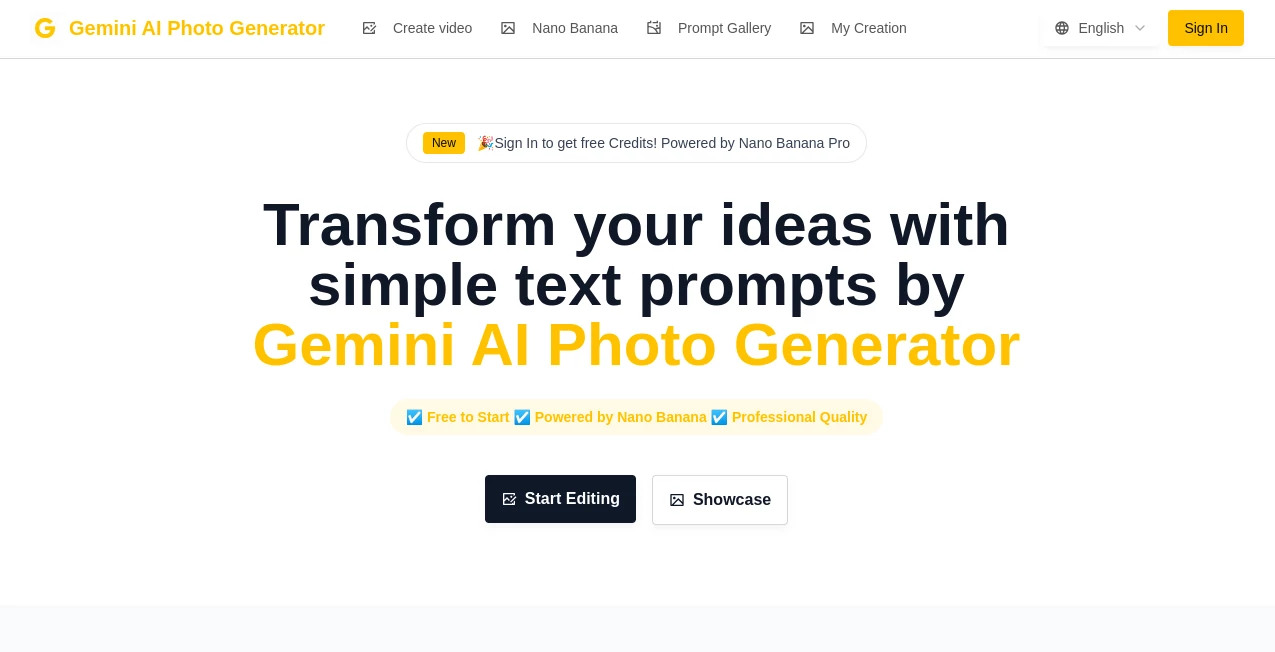
What is Gemini AI Photo?
There’s something quietly satisfying about watching a mediocre snapshot transform into something you’d proudly frame or post without a second thought. This little online editor does exactly that—takes your raw photos and gently nudges them toward their best version using smart, behind-the-scenes decisions. No layers to wrestle, no confusing sliders to guess at; just upload and watch it work its quiet magic. I’ve had moments where I’ve pulled an old family photo from my phone, run it through, and suddenly the colors feel alive again, the faces softer and clearer. It’s one of those tools that quietly makes you look better at photography than you actually are.
Introduction
Most of us have hundreds of photos sitting in our phones that never see the light of day because they’re just… okay. This platform changes that equation by offering effortless enhancement that feels almost too good to be true. It focuses on the things that matter most—natural skin tones, balanced lighting, crisp details—without ever pushing the look into overprocessed territory. Whether you’re fixing vacation shots, refreshing product photos for a side hustle, or just wanting your Instagram grid to feel a little more cohesive, it handles the heavy lifting so you don’t have to. What keeps people coming back is how consistently it delivers results that look thoughtfully edited, not obviously filtered.
Key Features
User Interface
The page greets you with one big, friendly upload area—no login walls, no account nagging. Drag a photo in or click to browse, and within seconds you’re looking at before-and-after side by side. Controls are minimal and intuitive: toggle enhancements, adjust intensity if you want, and download. It’s refreshingly distraction-free; I’ve never once felt lost or overwhelmed, even when I’m half-asleep scrolling through old shots.
Accuracy & Performance
What stands out most is how rarely it gets the mood wrong. Skin tones stay believable, highlights don’t blow out, shadows reveal detail instead of turning black. Processing happens fast—usually under ten seconds—and the output stays sharp even at full resolution. On portraits especially, it has this gentle touch that smooths without erasing character. I’ve run grainy low-light shots through it and come away with files that look like they were taken with much better gear.
Capabilities
Beyond basic brightening and contrast, it offers portrait-specific retouching, background cleanup, color grading that feels cinematic, and upscaling that actually adds believable detail rather than mush. You can also remove unwanted objects or people with surprising accuracy, and the “enhance” button alone often does 80% of what you need. It’s not trying to be Photoshop; it’s trying to be the shortcut you wish you’d had years ago.
Security & Privacy
Your photos are processed on the fly and deleted from their servers shortly after you download—there’s no account required, so nothing lingers. It’s a small but meaningful detail that makes casual use feel safe and carefree, especially when you’re uploading personal or client work.
Use Cases
E-commerce sellers quickly clean up product shots for cleaner listings that convert better. Content creators batch-enhance travel photos so the feed stays cohesive. Real estate agents brighten dark interior shots without losing atmosphere. Families revive old scanned prints for albums or gifts. Even wedding photographers use it as a quick first pass before deeper retouching. It fits into so many little moments where “good enough” isn’t quite good enough anymore.
Pros and Cons
Pros:
- One-click magic that actually delivers professional-looking results.
- Natural, tasteful edits that don’t scream “filtered.”
- Fast, no-signup workflow that respects your time.
- Solid upscaling and object removal that punch above their weight.
Cons:
- Heavy artistic control is limited—great for enhancement, less so for wild creative edits.
- Occasionally over-smooths portraits if intensity is cranked too high.
Pricing Plans
You can start completely free with generous daily limits—enough for most casual users to play indefinitely. When you need more volume or watermark-free exports, affordable monthly passes unlock unlimited use and priority processing. It’s priced thoughtfully: cheap enough to feel like a no-brainer, flexible enough to grow with you.
How to Use It
Drop your photo onto the page (or click to upload). Wait a few seconds while it analyzes and enhances. Compare before and after with the slider. Tweak strength or toggle features if you want more or less drama. Hit download. That’s it. I usually run a batch of 5–10 shots in under ten minutes and walk away with images that look intentionally shot and edited.
Comparison with Similar Tools
Many “AI editors” lean hard into dramatic filters or cartoon effects, but this one prioritizes realism and subtlety—closer to what a skilled human retoucher would do in a hurry. It doesn’t overwhelm with fifty sliders or pushy presets; it just quietly makes your photo better. For anyone who wants clean, believable enhancements without the learning curve, it consistently outperforms flashier competitors.
Conclusion
In a sea of over-the-top filters and gimmicky tools, this one quietly carves out a space by doing one thing exceptionally well: making your photos look like they always should have. It’s the kind of tool you use once, realize how much time and frustration it saves, and then wonder how you ever managed without it. If you’ve got photos you love but wish looked a little more polished, give it five minutes—you’ll probably never go back.
Frequently Asked Questions (FAQ)
Do I need to create an account?
No—upload and go. Only required if you want to save presets or go unlimited.
What file types are supported?
JPG, PNG, WebP, HEIC—pretty much anything your phone spits out.
How many photos can I edit for free?
Generous daily limit—enough for regular personal use without feeling restricted.
Can I edit portraits without making them look plastic?
Yes—the skin smoothing is subtle by default and can be dialed back to zero.
Is the output high resolution?
Yes—full resolution preserved, with smart upscaling available on paid plans.
Photo & Image Editor , AI Photo Enhancer , AI Background Remover .
These classifications represent its core capabilities and areas of application. For related tools, explore the linked categories above.
Gemini AI Photo details
This tool is no longer available on submitaitools.org; find alternatives on Alternative to Gemini AI Photo.
Pricing
- Free
Apps
- Web Tools
Categories

Gemini AI Photo Alternatives Product

Sketch To

ShinePhoto
upscayl

Beardless Fi…

Kirkify

JPG to Small

Nano Banana …
Kirkify Al

ai banana