
🧠 AI Quiz
Think you really understand Artificial Intelligence?
Test yourself and see how well you know the world of AI.
Answer AI-related questions, compete with other users, and prove that
you’re among the best when it comes to AI knowledge.
Reach the top of our leaderboard.


















Invoce.ai

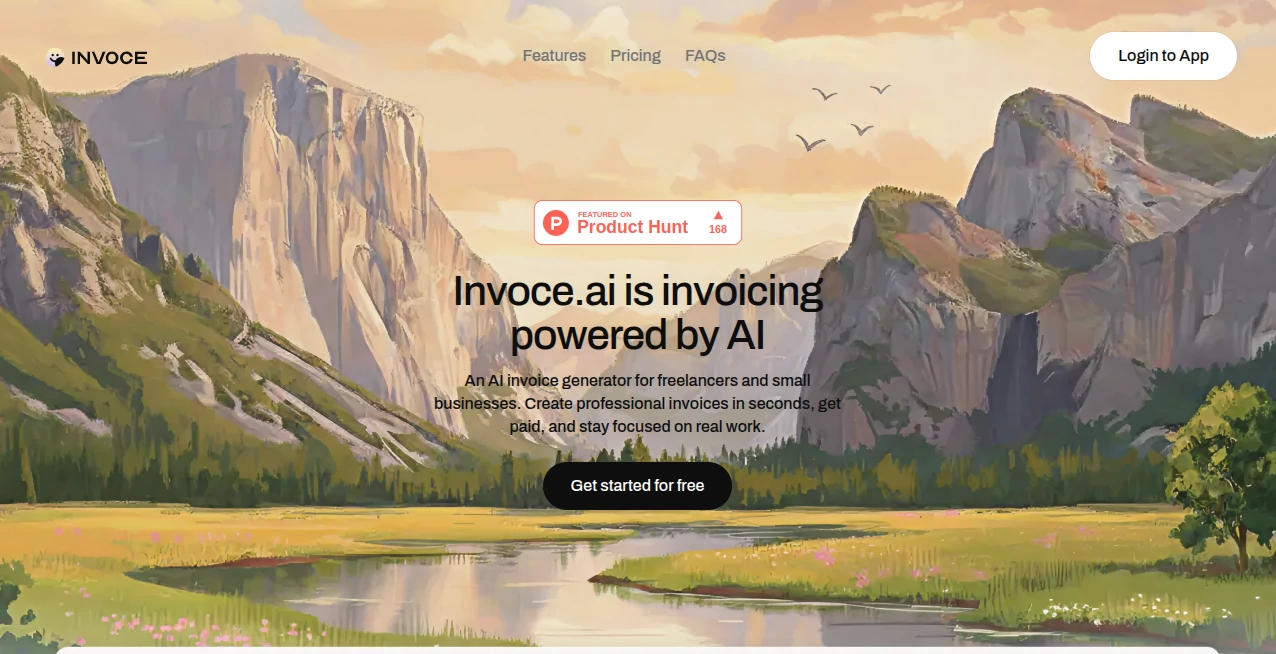
What is Invoce.ai?
There's a quiet relief that comes when billing stops feeling like a chore and starts flowing as easily as describing what you did. This platform nails that shift, letting you chat casually about your work and ending up with a clean, professional invoice ready to send. No more wrestling forms or hunting through old emails—it's the kind of straightforward help that makes you wonder why everything isn't this simple, especially when you're juggling client projects and deadlines.
Introduction
Built for freelancers and small outfits tired of bloated apps that demand too much setup for too little payoff, this tool strips things down to what matters: quick drafts via natural chat, organized databases for everything from clients to payments, and a clear view of your earnings. I tried it after a late-night gripe about yet another clunky invoice run, and typing out "designed logo and two revisions for Acme Corp" pulled together a polished document in moments, prices matched from my saved services. It's that instant polish without the fuss that wins people over, turning billing into something you knock out fast and forget about.
Key Features
User Interface
Everything sits in a light, uncluttered space with five straightforward sections for clients, services, quotes, invoices, and payments—no overwhelming dashboards or hidden menus. Chat in plain words for drafts, or tweak manually if you prefer; customization like logos and colors slots in easy. It's designed to feel lightweight, loading quick and responding without lag, perfect for those moments when you just want to get it done.
Accuracy & Performance
The chat pulls details sharp—services spotted, prices assigned from your list or suggested sensibly, totals calculated without slips. Generations happen in seconds, even on packed descriptions, keeping the momentum going. From real tries, it rarely misses the mark on straightforward work logs, delivering docs that look spot-on first go.
Capabilities
Chat-driven creation that turns everyday language into itemized lines, multi-currency support for global clients, and direct payment links you bring yourself—no fees skimmed. Track revenue trends, export everything to CSV, and manage quotes alongside invoices in one spot. It's focused yet flexible, handling the full cycle from pitch to paid without extra tools.
Security & Privacy
Data gets encrypted both ways, GDPR-compliant with no third-party shares, and full exports mean it's always yours to take. The approach keeps things private and portable, giving that solid reassurance when dealing with client details or financials.
Use Cases
Freelance designers wrap projects by chatting the deliverables, sending branded invoices that match their style. Consultants juggle multiple clients, pulling saved rates for quick quotes that convert smooth. Small shops track seasonal earnings at a glance, spotting pending payments without digging. International creators switch currencies per job, keeping things clear for overseas partners.
Pros and Cons
Pros:
- Chat magic that cuts creation time to almost nothing.
- Clean organization that ends scattered records forever.
- No transaction cuts—just your links, your money.
- Lifetime option that locks in value long-term.
Cons:
- Free tier caps at a handful monthly, nudging upgrades for volume.
- Relies on your descriptions being clear for best pulls.
Pricing Plans
Kick off free with up to five invoices and quotes each month, full chat access included to feel the speed. Grab the lifetime deal at a one-time fee—currently half off for early folks—unlocking unlimited everything forever. It's that rare straightforward choice: try light or go all-in without recurring bites.
How to Use Invoce
Set up your services and clients once, then chat the work details when ready—the system extracts and builds the draft. Tweak if needed, add your payment link, customize looks, and send or download. Check the overview for earnings snapshots, export when tax time rolls around. It's built for those grab-and-go moments after wrapping a gig.
Comparison with Similar Tools
Where others pile on features that slow you down, this one keeps the core light and chat-focused, delivering faster drafts without the bloat. It's less about endless templates and more about natural input that fits how people actually think about work done, standing out for simplicity in a crowded field.
Conclusion
This platform reclaims time lost to admin, wrapping smart chat into a tool that feels built for real workflows rather than checklists. It's a thoughtful nod to busy creators who deserve billing that bends to them, not the other way around. If invoicing has ever dragged on your day, this one's worth the quick look—it just might make the process disappear.
Frequently Asked Questions (FAQ)
How does the chat pull prices?
Matches from your saved services or suggests based on past—keeps things consistent.
Any fees on payments?
None here—you link your own provider and keep it all.
Multi-currency okay?
All major ones, default or per-document.
Export options?
CSV for everything, anytime.
Lifetime really forever?
One payment, unlimited use—no catches.
AI Workflow Management , AI Documents Assistant , AI Productivity Tools , AI E-commerce Assistant .
These classifications represent its core capabilities and areas of application. For related tools, explore the linked categories above.
Invoce.ai details
This tool is no longer available on submitaitools.org; find alternatives on Alternative to Invoce.ai.
Pricing
- Free
Apps
- Web Tools
Categories

Invoce.ai Alternatives Product

PineBill

The #1 Text …

WhispriNote

AnyToURL

Lexikon AI

Sleepless Tr…

jpg to excel

Read PDF Alo…

Kaamfu
