


















schemawriter.ai
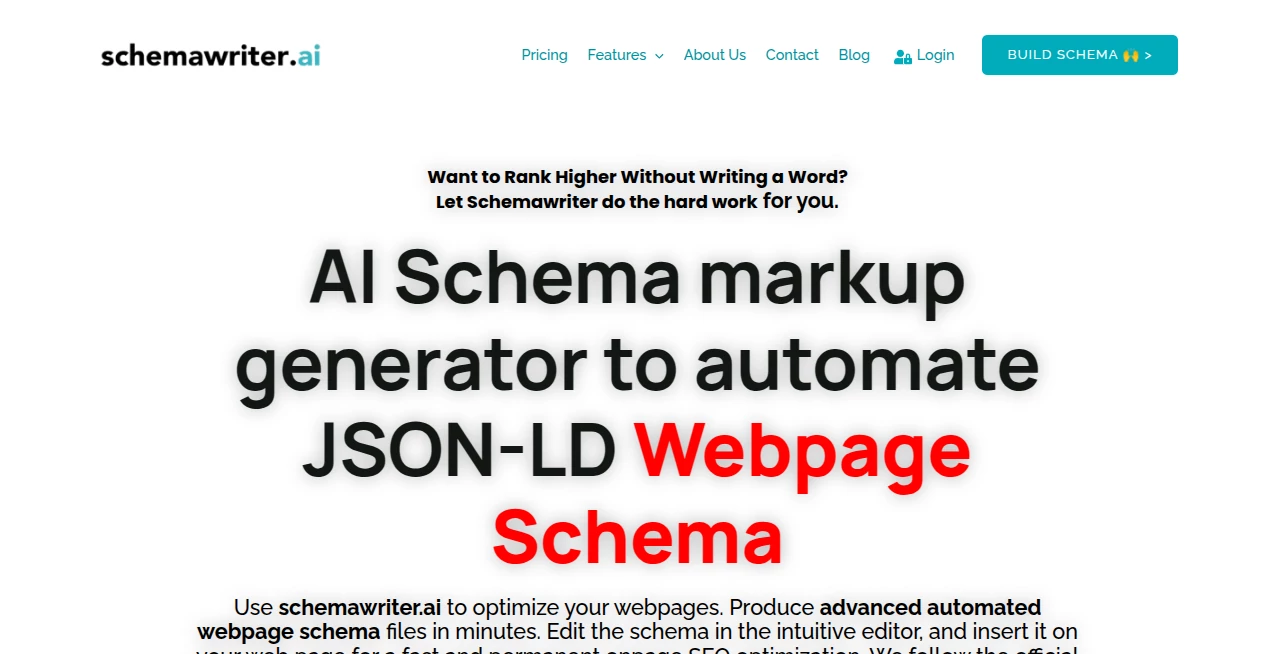
What is schemawriter.ai?
There's a special kind of relief that comes when you describe a complex app idea in plain English and get back a clean, well-structured database schema minutes later. No more staring at blank diagrams wondering how to connect users, orders, and payments without missing something important. This tool does exactly that. It listens to your description, asks smart follow-up questions if needed, and delivers production-ready schemas that feel like they came from an experienced backend engineer. I've watched solo founders go from vague notes to a solid data model in one sitting, and the difference in confidence is noticeable.
Introduction
Designing database schemas used to be one of those tasks that separated weekend projects from serious products. Get the relationships wrong and you pay for it later with slow queries or painful migrations. SchemaWriter changes the game by letting you speak naturally about what your app needs, then turning that conversation into normalized tables, proper relationships, indexes, and even migration suggestions. It's particularly loved by indie hackers, early-stage startups, and developers who want to move fast without sacrificing structure. The best part? It doesn't just spit out SQL — it explains why it made certain choices, so you actually learn while building.
Key Features
User Interface
The interface is refreshingly calm. You start typing your requirements in a large text box as if explaining the project to a colleague. The tool responds conversationally, asking clarifying questions when something is ambiguous. Once you're happy, it shows the full schema with a clean visual diagram alongside the actual SQL or Prisma/Sequelize code. Everything is editable — you can tweak table names or relationships directly and see the impact immediately. No steep learning curve, just a natural back-and-forth that feels productive rather than technical.
Accuracy & Performance
It consistently produces normalized, thoughtful schemas that avoid common beginner mistakes like overusing JSON fields or missing important indexes. The AI understands context — it knows when to suggest soft deletes, audit fields, or proper many-to-many relationships. Generation is fast, usually under 15 seconds even for fairly complex domains. Developers who have compared the output to manual work often note that it catches edge cases they would have missed in the first pass.
Capabilities
You can generate schemas for relational databases (PostgreSQL, MySQL, etc.), NoSQL structures, or ORM-specific models like Prisma and TypeORM. It supports complex domains with multiple entities, role-based access patterns, and even suggests useful columns like timestamps or status enums. You can export as SQL, Prisma schema, Mermaid diagrams, or plain text documentation. It also handles follow-up requests like "add subscription billing" and intelligently updates the existing schema without breaking relationships.
Security & Privacy
Your project descriptions never leave your session unless you explicitly export something. No training on user data, and you can delete everything with one click. For teams handling sensitive domain logic or early-stage ideas, that clean privacy approach removes a real concern when sharing concepts with AI.
Use Cases
A solo founder building a marketplace describes their vision in one paragraph and walks away with a solid schema for users, sellers, products, orders, and reviews. A small team redesigning their legacy app uses it to quickly model the new structure before touching any code. A student working on a final project generates a professional-looking schema that impresses their professor. Even experienced developers use it as a second pair of eyes when starting new features to ensure they haven't overlooked normalization issues.
Pros and Cons
Pros:
- Conversational approach makes schema design feel collaborative rather than intimidating.
- Excellent at suggesting practical, real-world patterns most people forget.
- Multiple export formats save significant time when moving to code.
- Fast iteration — change requirements and see updated schema instantly.
- Great educational value through clear explanations of its decisions.
Cons:
- Very niche or highly specialized domains may need more manual refinement.
- Free tier has reasonable limits for serious projects.
- Advanced team collaboration features are still growing.
Pricing Plans
The free plan is generous enough for personal projects and early exploration. Paid tiers unlock unlimited generations, team workspaces, version history, and priority support. Pricing is reasonable for the time it saves — many users say it pays for itself the first time they avoid a painful database refactor later in development.
How to Use SchemaWriter
Start by describing your application in plain language — what entities exist and how they relate to each other. The tool may ask a few clarifying questions. Review the generated schema, visual diagram, and code snippets. Make adjustments in the chat or directly edit tables. When satisfied, export in your preferred format. Save the project if you want to come back later and evolve the schema as your idea grows. The whole process feels more like brainstorming with a senior developer than using a technical tool.
Comparison with Similar Tools
Traditional diagramming tools require you to already know the structure. Other AI schema generators often produce overly simple or unrealistic models. This one stands out because it combines natural conversation with practical engineering judgment, resulting in schemas that feel production-ready rather than theoretical. The balance of speed, clarity, and flexibility makes it especially strong for modern development workflows.
Conclusion
Good data modeling shouldn't be a bottleneck that slows down your excitement to build. SchemaWriter turns what used to be a tedious, error-prone step into one of the most enjoyable parts of starting a new project. It respects your time, understands your vision, and delivers structure you can actually trust. Whether you're a solo maker racing to MVP or part of a team planning something bigger, having a reliable schema partner like this makes the entire development journey feel lighter and more confident.
Frequently Asked Questions (FAQ)
How detailed does my description need to be?
Not very — even high-level descriptions work well. The tool asks good follow-up questions when needed.
Can I export to my preferred ORM or framework?
Yes — Prisma, TypeORM, Sequelize, raw SQL, and more are supported.
Is the generated schema production-ready?
Usually yes for most applications, though complex systems may still benefit from a final human review.
Can teams work on the same schema?
Yes on paid plans with shared workspaces and version history.
What if I change my mind later?
Just describe the new requirements — it updates the schema intelligently while preserving what still makes sense.
AI Developer Docs , AI API Design , AI Code Generator , AI Developer Tools .
These classifications represent its core capabilities and areas of application. For related tools, explore the linked categories above.
schemawriter.ai details
Website unavailable — View Alternatives
Pricing
- Free
Apps
- Web App
Categories

schemawriter.ai Alternatives Product

Simple Dev T…

DeepSeek

CodeProt

Workik

Project Mela

JSON to TOON…

Website Clon…

JSON to TOON…

freellm
