
🧠 AI Quiz
Think you really understand Artificial Intelligence?
Test yourself and see how well you know the world of AI.
Answer AI-related questions, compete with other users, and prove that
you’re among the best when it comes to AI knowledge.
Reach the top of our leaderboard.

















TRELLIS 3D AI
Transform Images to 3D Assets Free

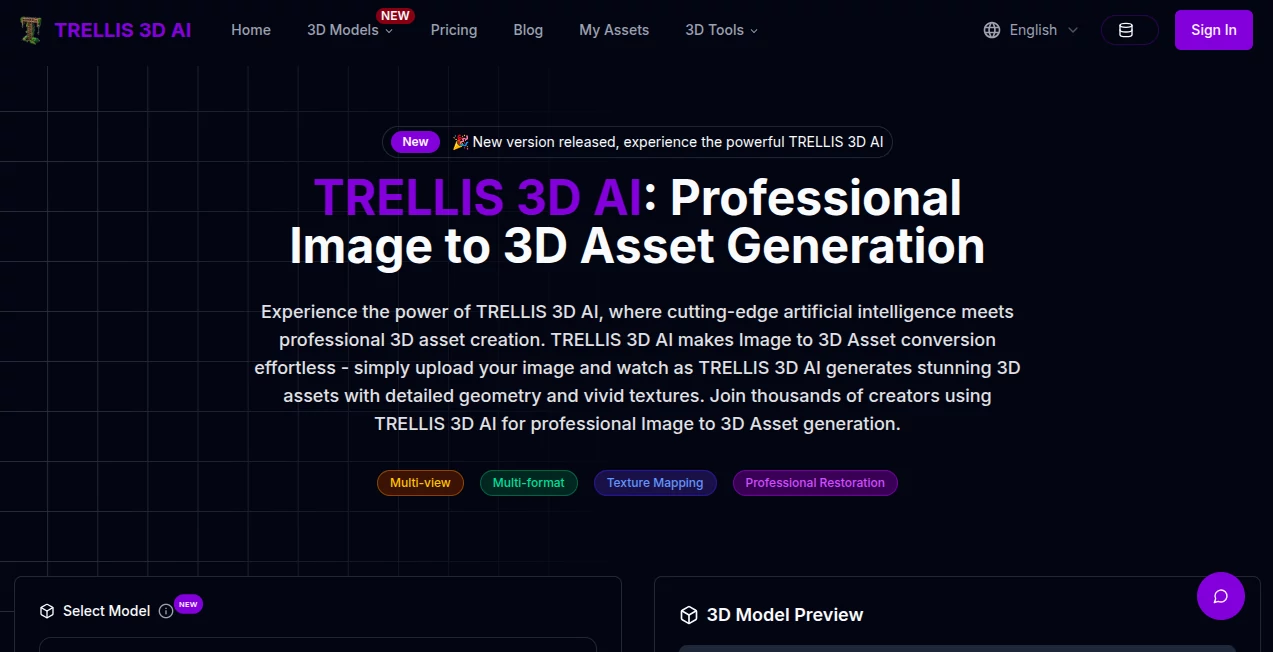
What is TRELLIS 3D AI?
Trellis 3D slips into the world of digital crafting like a trusty sidekick, turning flat pictures into full-bodied 3D models that you can twist, tweak, and take anywhere. This handy spot lets creators breathe depth into their sketches without the usual sweat, pulling off the magic right in your browser. Those who've dipped in often come back raving about how it shortcuts the slog, handing over assets that feel ready for the spotlight in games or prototypes alike.
Introduction
Trellis 3D showed up a short while ago, dreamed up by folks knee-deep in the grind of 3D workflows who craved a faster fix for flipping 2D into something with real form. It caught on quick among artists and tinkerers swapping tips on forums, with stories of prototypes that popped off the page overnight. Drawing on clever tricks like structured layers and sharp encoders, it keeps things grounded in what works, evolving bit by bit to handle the quirks of everyday uploads. What hooks people is that no-fuss vibe, where a quick drag turns a doodle into a downloadable wonder, making the leap from idea to item feel less like a hike and more like a hop.
Key Features
User Interface
The front door opens wide with a simple drag spot that grabs your file without a fight, handling the usual suspects like JPEGs or PNGs up to a reasonable size. Once it clicks, a viewer spins up your new creation right there, letting you poke and prod without firing up extra apps. It's the kind of setup that whispers "easy" from the jump, with clean buttons for saves and a gallery peek that keeps your past plays handy, all scrolling smooth on whatever screen you're staring at.
Accuracy & Performance
It latches onto the bones of your picture, mapping out shapes and shades with a steady eye that holds true to the original without wild inventions. Jobs fly by in a flash, often just seconds, even if your snap's got some grit, keeping the wait short enough to chain a few tries without losing steam. Makers point out how it shines on straightforward shots, delivering meshes that slice clean and textures that pop, though a little light and clarity go a long way in the input.
Capabilities
From a lone angle to multiple views, it builds out full models laced with colors and contours, ready to export in a bunch of flavors like GLB or STL for whatever your next step calls for. You can dial in the density or scale the details, and it even patches in missing bits with a nod to the whole scene, opening doors for everything from quick mocks to pro-grade pieces. The real charm lies in that seamless handoff to your toolkit, where the output slots right in without extra wrestling.
Security & Privacy
Your uploads get a swift pass through the mill and then fade away, with no sticky fingers holding onto them longer than needed. It keeps the process tucked in, giving you the nod on what stays or ships out, so those private prototypes don't peek out uninvited. That behind-the-curtain care lets you toss in test shots without a twinge, focusing on the fun instead of the fine print.
Use Cases
Industrial sketchers whip up stand-ins from napkin notes, testing fits before the real build kicks off. Game folks stock their scenes with props pulled from concept boards, speeding the loop from draw to play. VR dreamers layer in everyday objects for immersive worlds, blending quick gens with custom carves. Even educators spin class aids from stock pics, handing over rotatable relics that make lessons land harder.
Pros and Cons
Pros:
- Blasts through builds in a heartbeat, freeing up hours for the good stuff.
- Holds the line on details, turning snapshots into solid starts.
- No app installs or steep ramps—just browser and go.
- Exports galore fit right into your flow, from print to pixel.
Cons:
- Thrives on tidy inputs; messy ones might need a quick cleanup.
- Pro extras hide behind potential ups, teasing fuller feasts.
- Single-shot focus skips the multi-angle dance for now.
Pricing Plans
The base game rolls free, letting you crank out conversions without a dime, perfect for dipping toes or daily dashes. For those chasing deeper dives or bulk runs, pro paths likely open up with bells like finer tweaks, though the entry stays wide and welcoming. It's that open-door policy that keeps the crowd coming, proving you can prototype plenty without the pinch.
How to Use Trellis 3D
Start by hauling your pic into the drop zone, making sure it's clear and cropped close on the subject. Give it the green light to grind, and watch your viewer fill with a turnable treat in moments. Poke at the preview, pick your export style from the list, and snag the file for your files. Swing back with a fresh snap to stack your collection, each one building on the last without missing a beat.
Comparison with Similar Tools
Where some rivals rumble with heavy installs and learning loops, Trellis 3D keeps it light and browser-bound, trading bells for that instant in—though those might edge on endless options for old hands. Against quickie converters that skim the surface, it digs deeper with structure smarts, but could bow to suites with seamless software swaps. It hits sweet for the swift starter, blending zip with zippy quality in a field full of fits.
Conclusion
Trellis 3D nudges the needle on how we shape our digital dreams, handing over a shortcut that packs pro punch without the pull. It turns the flat into the formed, proving that a smart nudge can stretch a simple snap into something substantial. As creators keep chasing the next dimension, this one's primed to stay in the mix, fueling finds that feel fresh and full of form.
Frequently Asked Questions (FAQ)
What sets it apart from the pack?
That blend of structured smarts and encoder eyes keeps the core crisp, unlike the loose takes from basic builders.
Is the free ride really unlimited?
For the essentials, yes—enough to fuel fun without the fence.
Best bets for uploads?
Bright, bold subjects against clean backs pull the strongest results.
Can I flip these for cash?
With a glance at the rules, sure—fits right into pro plays.
What files come out the other end?
A spread from GLB to PLY, ready for your rig of choice.
Photo & Image Editor , AI Design Generator , AI 3D Model Generator , AI Image to 3D Model .
These classifications represent its core capabilities and areas of application. For related tools, explore the linked categories above.
TRELLIS 3D AI details
This tool is no longer available on submitaitools.org; find alternatives on Alternative to TRELLIS 3D AI.
Pricing
- Free
Apps
- Web Tools
Categories

TRELLIS 3D AI Alternatives Product

Nano Banana 2

AI Ease AI P…

Image to URL…

Nano Banana …

BananaFrame

NB2 Hub

AI Signature…

Banana AI

Reztune
