🧠 AI Quiz
Think you really understand Artificial Intelligence?
Test yourself and see how well you know the world of AI.
Answer AI-related questions, compete with other users, and prove that
you’re among the best when it comes to AI knowledge.
Reach the top of our leaderboard.


















UNi-1 AI
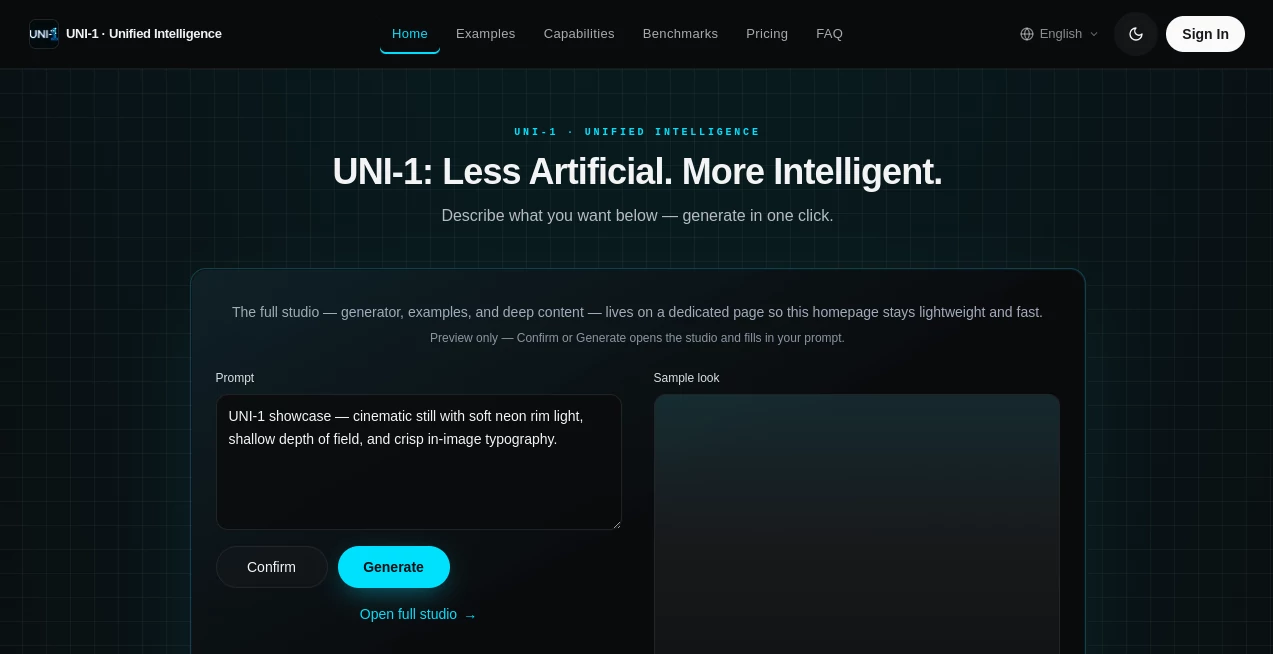
What is UNi-1 AI?
I still remember the first time I typed a complex scene prompt and got back an image that didn’t just look good — it actually understood what I meant. The lighting felt intentional, the composition had breathing room, and the details made sense together instead of fighting each other. That’s the quiet leap this tool brings. It doesn’t just generate pixels; it thinks with you. For creators tired of fighting with AI that misunderstands intention or produces beautiful but empty results, UNI-1 feels like finally having a collaborator who gets it.
Introduction
Most AI image tools still feel like clever tricks — they can make things pretty, but they often miss the deeper logic of a scene. UNI-1 takes a different path. Built as a unified reasoning and generation model, it plans before it paints. It decomposes what you ask for, considers constraints, respects reference images when you give them, and produces results that feel directed rather than guessed. Whether you’re a designer needing precise brand visuals, an artist exploring concepts, or a marketer creating campaign assets, it delivers that rare combination of creative spark and practical reliability. The difference is noticeable the moment you compare it side-by-side with older models.
Key Features
User Interface
The experience is refreshingly focused. A clean prompt box, optional reference image upload, and straightforward controls for aspect ratio, style guidance, and quality level. No overwhelming menus or hidden settings — you describe what you want, add references if needed, and generate. Previews load fast enough that you stay in flow, tweaking and regenerating without frustration. It feels like a thoughtful studio space rather than a complicated piece of software.
Accuracy & Performance
The reasoning engine shines here. It understands spatial relationships, common-sense physics, and cultural context in ways that lead to fewer weird artifacts and more believable compositions. Complex prompts involving multiple subjects, specific camera angles, or detailed interactions come out coherent far more often than with previous tools. Generation speed is competitive, especially for the quality level, and the model maintains strong consistency when you provide reference images for style or character.
Capabilities
It handles everything from photorealistic scenes to stylized illustration, reference-guided editing, multi-subject compositions, and culturally aware generation. You can guide it with text alone or combine text with images for precise control. The results work beautifully for product visualization, concept art, marketing assets, character sheets, and cinematic stills. It’s particularly strong at maintaining internal logic — objects stay where they belong, lighting makes sense, and details support the overall mood rather than fighting it.
Security & Privacy
Your prompts and reference images are handled with care. The platform maintains good privacy practices, with no unnecessary long-term storage of user content for training purposes. For professional creators working with client briefs or sensitive concepts, this respectful approach builds real confidence.
Use Cases
A product designer uploads a rough sketch and gets clean, brand-consistent variations ready for presentation. A filmmaker creates cinematic keyframe stills to pitch a scene before full production. A marketer generates campaign visuals that match their tone and messaging perfectly. An indie game developer builds consistent character and environment concepts without hiring concept artists for every iteration. The common thread is speed paired with quality — getting results you’re proud to show rather than ones you have to fix.
Pros and Cons
Pros:
- Strong reasoning leads to more logical and coherent images.
- Excellent reference image handling for style and character consistency.
- Beautiful, cinematic quality that feels directed and intentional.
- Fast enough iteration to keep creative momentum alive.
- Works well across photorealistic and stylized aesthetics.
Cons:
- Very complex or contradictory prompts can still need refinement.
- Higher-resolution or high-volume work benefits from paid access.
- Still evolving — some niche artistic styles may require more specific prompting.
Pricing Plans
It offers a generous free tier for exploration and light daily use — enough to test ideas and see the quality difference. Paid plans unlock faster generation, higher resolutions, more priority during peak times, and higher daily limits. The pricing feels fair for the leap in output intelligence and reliability many creators experience.
How to Use UNI-1
Start with a clear, descriptive prompt — the more specific about mood, lighting, composition, and details, the better. Optionally upload reference images for style or character consistency. Choose your aspect ratio and any style guidance if needed. Hit generate and review the result. Use the before/after comparison tools and regeneration options to refine. Download when it clicks. The loop is fast enough that you can explore several directions in one creative session.
Comparison with Similar Tools
While many strong image generators exist, few combine deep reasoning with generation as seamlessly as this one. Where others might produce beautiful but illogical scenes or struggle with references, UNI-1 maintains better internal consistency and follows direction more intelligently. It sits in a sweet spot — more thoughtful than pure speed tools, more practical than highly technical research models.
Conclusion
UNI-1 represents a meaningful step toward AI that doesn’t just create — it understands. For designers, artists, marketers, and storytellers, that understanding translates into faster workflows and better results with less frustration. It won’t replace human creativity, but it removes many of the tedious barriers that used to slow it down. If you’ve been waiting for image generation that feels like a true creative partner rather than a clever trick, this is worth experiencing.
Frequently Asked Questions (FAQ)
How specific should my prompts be?
The more detail you give about mood, lighting, composition, and style, the better the results. However, it also handles concise prompts surprisingly well.
Can I use reference images?
Yes — uploading references for style, character, or composition dramatically improves consistency and control.
Is there a free way to try it?
Yes, the free tier lets you generate and evaluate quality before committing to paid plans.
Are the images commercially usable?
Check the current terms for paid generations, but most users find them suitable for commercial creative work.
AI Photo & Image Generator , AI Art Generator , AI Design Generator , AI Image to Image .
These classifications represent its core capabilities and areas of application. For related tools, explore the linked categories above.
UNi-1 AI details
Pricing
- Free
Apps
- Web Tools
Categories

UNi-1 AI Alternatives Product

Nano Banana …
Change-BG

Nano Banana …

insMind

PicLumen AI …

Image to Pro…

ModelsLab

Chibi Art

Kirkify