
🧠 AI Quiz
Think you really understand Artificial Intelligence?
Test yourself and see how well you know the world of AI.
Answer AI-related questions, compete with other users, and prove that
you’re among the best when it comes to AI knowledge.
Reach the top of our leaderboard.


















ImgArt

What is ImgArt?
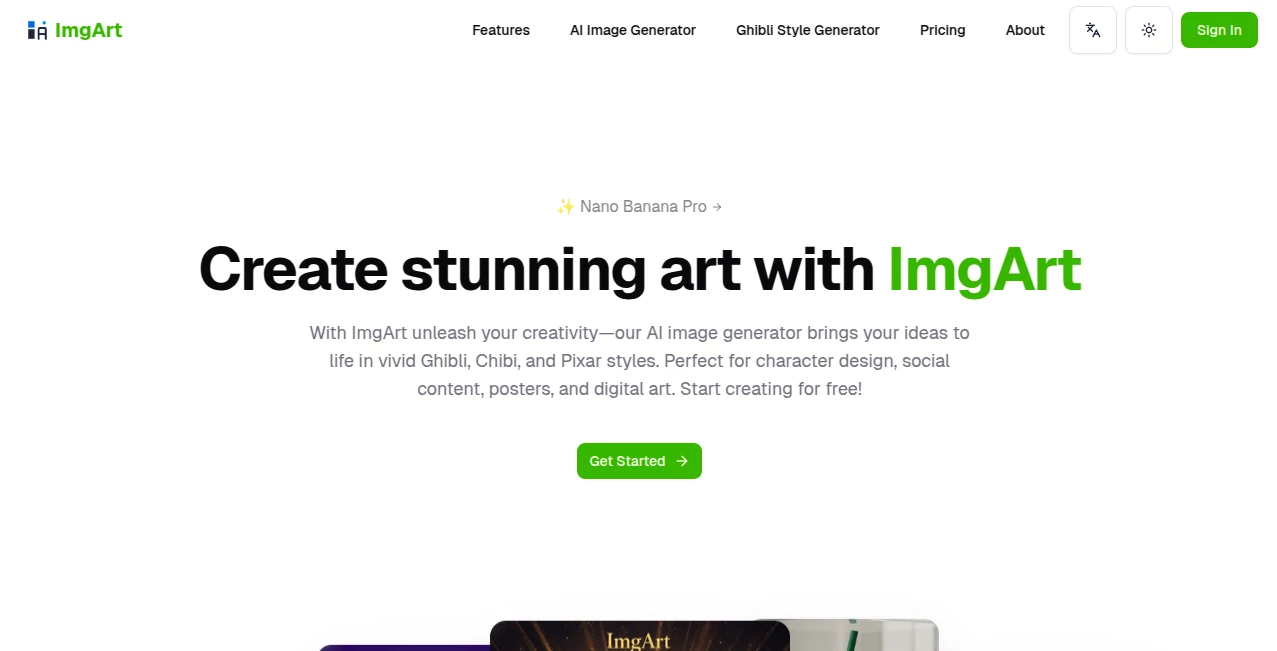
ImgArt opens a gateway for anyone with a spark of imagination to bring it to life in vibrant, detailed scenes that leap off the page. This platform wraps complex creation processes into simple steps, letting users describe their visions and watch them unfold into polished pieces ready for sharing or selling. Creators from all walks rave about how it cuts through the clutter, turning hours of sketching into moments of pure discovery, making high-end results feel within everyone's reach.
Introduction
ImgArt came alive a short while back, sparked by a group of artists and tech enthusiasts who saw too many great concepts fizzle out for lack of easy tools. They built it to bridge that gap, starting with basic sketches that quickly evolved into a full-fledged space buzzing with possibilities. Word spread through creative circles, with stories of illustrators slashing their timelines or marketers whipping up eye-catchers overnight. What draws people in is its blend of power and playfulness, offering a canvas where beginners build confidence and pros push boundaries, all while keeping the joy of making front and center.
Key Features
User Interface
The layout greets you like an old friend, with a central spot to jot your thoughts and a sidebar that suggests tweaks without overwhelming the flow. Upload a base image or start from scratch, and the screen shifts smoothly to show previews that you can spin or scale with a nudge. It's all laid out in clean sections, from style picks to quick saves, making even first-timers feel like they've been at it for years.
Accuracy & Performance
Descriptions land with a precision that surprises, capturing the essence of your words in layers that hold together just right, from subtle shadows to bold contrasts. It hums along at a steady clip, delivering full scenes in seconds on good days, though busier ideas might take a breath longer. Users often share how it nails those tricky balances, like keeping a figure's pose natural amid a whirlwind background, turning potential misses into spot-on wins.
Capabilities
From blending multiple snapshots into one seamless whole to locking in a character's look across frames, it handles the details that make visions stick. Dive into styles that range from whimsical sketches to lifelike renders, or layer in effects that add depth without extra effort. It's geared for everything from quick mood setters to intricate builds, with options to refine on the fly and export in formats that fit any project.
Security & Privacy
Your rough ideas stay tucked away unless you choose to show them off, with higher access levels adding locks that keep things just between you and the canvas. It clears out the temporary bits after each session, ensuring no stray sketches linger. Folks building personal portfolios or client mocks appreciate that peace of mind, letting them experiment freely without a second thought to who's peeking.
Use Cases
Illustrators sketch out book covers that match a story's soul, iterating fast to hit that perfect tone before deadlines loom. Social teams craft thumbnails that draw scrolls into stays, blending trends with brand quirks for clicks that convert. Game builders prototype heroes in playful poses, testing vibes that hook players from the first glance. Even shop owners stage products in dream settings, boosting browses without the photo shoot shuffle.
Pros and Cons
Pros:
- Sparks fresh takes on old ideas, with styles that surprise and delight.
- Saves serious time, letting creators focus on the fun over the fix.
- Free entry point packs enough punch for real tests.
- Keeps outputs crisp and consistent, ready for the world right away.
Cons:
- Peak hours can slow the spin, testing patience on tight turns.
- Basic runs cap out quick, nudging toward upgrades for steady use.
- Fine control grows with practice, not always instant for newcomers.
Pricing Plans
Start with the no-cost trial that hands over a batch of tries to explore the basics, perfect for dipping toes without diving deep. The mid-tier steps in around eight bucks a month for fuller access and no-marks outputs, while the top shelf at twenty-four brings speed boosts and private corners. Yearly commitments trim the tab nicely, and they ease you in with a full taste before the tab hits.
How to Use ImgArt
Sign on and head to the maker spot, then spill your scene in words or drop a starter pic to build from. Pick a vibe from the lineup, hit the button, and watch options unfold—swipe to favorites, tweak if needed, and pull down the pick that clicks. Stash it for later rounds or share straight out, turning one idea into a thread that keeps weaving.
Comparison with Similar Tools
Where some setups stick to one-note outputs, ImgArt mixes moods like a pro palette, though those might edge in raw speed for simple snaps. Against pricier pros, it opens wide without the wallet wallop, skipping frills for focused flair but perhaps missing deep dives for specialists. It shines for versatile creators who want breadth over bells, landing that sweet spot of ease and edge.
Conclusion
ImgArt stands as a beacon for bottled inspiration, handing creators the keys to worlds built from whispers. It turns the tangle of 'how' into a smooth stride, fostering outputs that not only look sharp but feel spot-on. As more minds turn to digital drafts, this platform keeps the canvas open, inviting all to paint possibilities that linger long after the session ends.
Frequently Asked Questions (FAQ)
What sparks the best results?
Clear, vivid descriptions with key ties between elements pull in the magic.
How quick is the turnaround?
Moments for most, with ups for busier builds or peak plays.
Can I use it for paid work?
Yes, higher steps unlock rights that fit pro paths.
What styles stand out?
A wide weave, from dreamy drifts to crisp cuts.
Any tips for starters?
Start small, layer in details, and let the previews guide the groove.
AI Text to Image , AI Photo & Image Generator , Photo & Image Editor , AI Art Generator .
These classifications represent its core capabilities and areas of application. For related tools, explore the linked categories above.
ImgArt details
This tool is no longer available on submitaitools.org; find alternatives on Alternative to ImgArt.
Pricing
- Free
Apps
- Web Tools
Categories

ImgArt Alternatives Product

Nanosora

GPT Image 1.5

Nano Banana …

Pixelied
upscayl
Caricature A…
Change-BG

gempix2

SeeDream 4.5
