🧠 AI Quiz
Think you really understand Artificial Intelligence?
Test yourself and see how well you know the world of AI.
Answer AI-related questions, compete with other users, and prove that
you’re among the best when it comes to AI knowledge.
Reach the top of our leaderboard.

















Project Genie 3
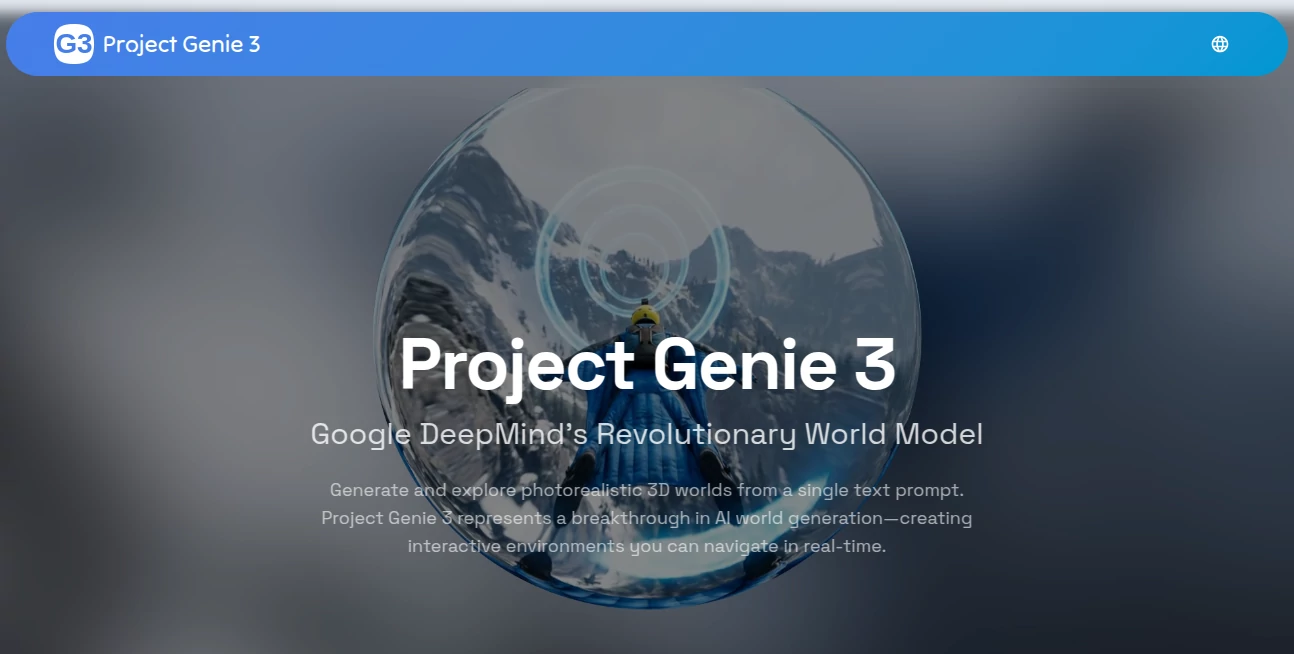
What is Project Genie 3?
Imagine typing “a quiet forest cabin at dawn with mist rolling over a lake” and suddenly finding yourself able to walk around inside that scene—trees swaying gently, light filtering through branches, water rippling when you step close. That’s the quiet thrill this brings: not just a picture or a fly-through video, but a living, breathing place you can actually explore. I tried a prompt about an old library with floating books and rain tapping the windows; within moments I was wandering the aisles, the atmosphere so convincing I almost forgot I was still at my desk. It feels like a doorway to places that only existed in your head until now.
Introduction
Most AI image tools stop at the surface—a single frame, a short clip, done. This one keeps going. It builds entire worlds that respond as you move, remember where you’ve been, and let you nudge the scene with new instructions on the fly. Powered by some of the sharpest tech out there, it combines deep simulation with photoreal visuals so the result isn’t just pretty—it’s coherent, persistent, and genuinely immersive. For anyone who’s ever wanted to step inside their imagination instead of just looking at it, this feels like the next logical step. Game devs, filmmakers, educators, and curious tinkerers are already finding ways to use it that surprise even themselves.
Key Features
User Interface
It keeps things delightfully simple. Type (or speak) your idea, maybe drop in a reference image if you have one, and hit go. The world loads up ready to explore—no complicated menus or settings to wrestle with. WASD controls feel natural right away, and there’s a prompt box always within reach so you can say “make it nighttime” or “add fireflies” without breaking stride. It’s designed so the tech disappears and you’re left with just you and the place you dreamed up.
Accuracy & Performance
The consistency is what keeps pulling people back. Walk behind a tree and come out the other side—it’s still there, lit the same way, no sudden glitches or disappearing geometry. Physics behaves like the real world (mostly)—water splashes, leaves drift, light shifts as clouds pass. It runs at a smooth 24 frames per second in 720p, and the generation happens fast enough that you rarely wait long. Even when you push it with wild prompts, the results hold together far better than you’d expect from something this new.
Capabilities
Start with a sentence and watch a whole environment unfold around you. Walk, fly, or drive through it; the world keeps building ahead and remembers what’s behind. Change your mind mid-exploration—say “make it snow” or “turn this into a cyberpunk city”—and it adapts without losing coherence. You can remix existing scenes by uploading images or tweaking prompts, creating variations that still feel like the same universe. It’s not just visual; emergent details like animal movement or weather shifts appear naturally, giving every world its own quiet personality.
Security & Privacy
Your prompts and sessions stay yours. The platform is upfront about handling data responsibly—no unnecessary storage, no sharing without clear consent. For creators working on sensitive concepts or proprietary ideas, that matters a lot. It’s reassuring to know you can experiment freely without worrying about where your worlds end up.
Use Cases
A game designer sketches a level concept in words and walks through it immediately, spotting flow issues before writing a single line of code. A filmmaker blocks out a dreamlike sequence, testing camera paths in a world that only exists in their head. Teachers build virtual field trips—ancient Rome one day, a coral reef the next—and let students roam freely. Even casual explorers use it to unwind, wandering through peaceful forests or strange planets just because they can. It fits wherever imagination needs space to breathe.
Pros and Cons
Pros:
- Feels genuinely alive—worlds respond and remember in ways that surprise and delight.
- No steep learning curve; type and explore almost instantly.
- Remixing and prompt injection let you evolve ideas without starting over.
- Photoreal quality with emergent details that give each scene real atmosphere.
Cons:
- Sessions are short for now—around a minute of continuous play before needing a refresh.
- Occasional quirks in physics or lighting when prompts get very abstract.
Pricing Plans
It keeps the door open wide—free access to try the basics and feel the potential. For longer sessions, higher resolution, or more frequent use, affordable paid tiers unlock the full experience without breaking the bank. The pricing feels thoughtful: enough free play to spark curiosity, clear value in the upgrades, and no punishing limits that kill the fun.
How to Use Project Genie 3
Start with a clear, vivid prompt—“a neon-lit cyberpunk alley at midnight with rain and flying cars.” Choose your starting point if you like, then step in with WASD (or your preferred controls). Move around, look up, fly if the scene allows. When you want to shift something, just type a new instruction—“make it dawn” or “add a dragon in the distance”—and watch the world adjust. Explore as long as the session lasts, then start fresh or remix with a new prompt or uploaded image. It rewards descriptive language and playful experimentation.
Comparison with Similar Tools
Static image generators give you one frozen moment; short video tools offer a scripted path. This sits somewhere new: a living space you control, not just observe. Where others stop at visuals, it adds persistence, physics, and real-time response. It’s less about polished final renders and more about discovery—closer to stepping into a dream than watching one on a screen. For that reason alone, it carves its own lane.
Conclusion
This isn’t just another AI trick—it’s a glimpse of what creative spaces could become. A place where ideas don’t stay trapped in words or flat images but unfold around you, ready to walk through, touch, and change. For dreamers, builders, teachers, storytellers—anyone who’s ever wished they could step inside their own imagination—this feels like the beginning of something big. Give it a prompt. Go for a walk. See where it takes you.
Frequently Asked Questions (FAQ)
How long can I explore one world?
Sessions typically run about 60 seconds of continuous generation—plenty for exploring and remixing, with easy restarts.
Do I need special hardware?
It runs smoothly in modern browsers; no high-end GPU required on your end.
Can I use my own images as starting points?
Yes—upload photos or sketches to remix or anchor the world.
Is the physics always realistic?
It aims for believable behavior, but very abstract prompts can lead to playful surprises.
What kinds of prompts work best?
Vivid, descriptive ones with clear atmosphere and elements—think mood, lighting, time of day.
AI Design Generator , AI Game , AI 3D Model Generator , AI Image to 3D Model .
These classifications represent its core capabilities and areas of application. For related tools, explore the linked categories above.
Project Genie 3 details
Pricing
- Free
Apps
- Web Tools
Categories

Project Genie 3 Alternatives Product

whisk ai

black souls

Try FLux2

Undertale Te…

Nano Banana …

6 Letter Wor…

PaperYak

Nano Banana …

Nano Banana …