
SkyReels V4
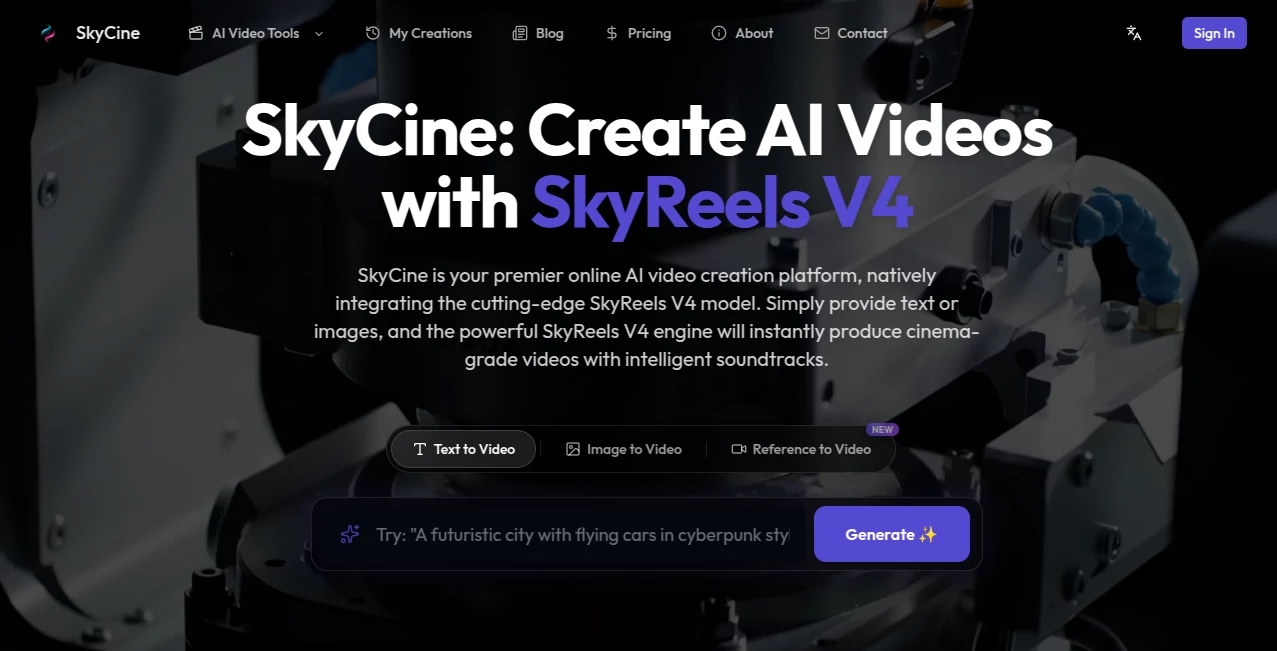
What is SkyReels V4?
Let’s be real for a second. For the past couple of years, AI video tools have been teasing us with incredible visuals, but they always left one massive thing on the table. Silence. You would generate a stunning cinematic clip of waves crashing, only to hear dead air. Or you'd get a perfect lip-sync visual, but the voice had to be slapped on in a clunky editing suite later. It felt broken, like buying a sports car with no engine.
That frustrating workflow is finally dead. The moment you hit generate on this new platform, you aren't just getting pixels. You are getting a complete audiovisual scene. The footsteps match the gravel visually and audibly. The rain looks heavy and sounds drum-like on the roof. This tool doesn't just "add sound" as an afterthought; it dreams up the video and the audio simultaneously, locked together at the molecular level. For content creators, short filmmakers, and marketing pros, this feels like the first time the machine actually understood how the real world works.
Key Features
What makes this engine stand out in a crowded market isn't just higher resolution; it is a fundamental rebuild of how AI perceives time and sound. Instead of juggling separate tools for visuals and audio, you get a unified powerhouse.
User Interface
Honestly, I was worried it would be overwhelming. Usually, tools with this much tech underneath are buried under sliders and confusing jargon. But the layout is refreshingly clean. You have your main prompt box, a simple toggle for modes (text-to-video, image-to-video, edit), and a clean asset tray. Uploading a reference image or an audio sample takes seconds. The first time I used it, I didn't need a tutorial. I just dragged in a photo of my desk, typed "slow morning pan with keyboard clicks," and let it rip. The simplicity lowers the barrier to entry, but the speed controls hidden in the advanced settings give pros the tweaks they need.
Accuracy & Performance
This is where the magic happens. I tested it with a tricky prompt: "A ceramic mug on a wooden table, steam rises, and a deep, resonant hum occurs exactly when the steam clouds." On other platforms, the timing is always off. Here, the sync was tight, within milliseconds. According to recent blind evaluations on the Artificial Analysis leaderboard, this architecture has shot to the number one spot globally for text-to-video with audio. It doesn't just look good in a demo reel; it holds up under the stress of complex, multi-shot narratives without losing the plot or the beat.
Capabilities
You aren't limited to just typing a sentence. You can feed it a storyboard image, a video clip for extension, or even an audio track to dictate the rhythm. The "inpainting" feature is a lifesaver. If a stray cable ruins your perfect product shot, you just mask it and type "remove cable." The AI fills the gap with the correct background texture. It also supports full video extension, meaning you can take a 5-second clip and let the AI naturally extend the action for another 10 seconds without jarring cuts. It handles 1080p resolution at a smooth 32 frames per second for up to 15 seconds, which is the sweet spot for Reels, Shorts, and TikToks.
Security & Privacy
I know the big question these days is, "Who owns this?" and "Is my data safe?" The platform operates on a clear commercial license structure. If you generate it, especially on a paid plan, you own the commercial rights to that output. That’s crucial for agencies or brands trying to avoid legal headaches. While the internal architecture handles complex visual guidance, the privacy policies are straightforward they don't claim ownership over your original reference images or training data. It feels built for business, not just hobbyists.
Use Cases
I’ve been testing this for a week, and I found three areas where it saves me hours of editing time.
- Social Media B-Roll: Instead of searching stock sites for "calm office ambiance," I generate it. A 10-second clip of hands typing with realistic keyboard clacks and office chair squeaks goes viral much easier than a silent clip.
- Product Visualization: You have a still render of a new sneaker. Upload it, prompt "360 rotation, whoosh sound effect as it turns," and you have a product video ready for a landing page in under two minutes.
- Storyboard to Screen: Directors can sketch a few keyframes, feed them to the model, and watch a rough cut come to life with temporary voiceovers and foley, saving thousands in pre-visualization costs.
Pros and Cons
No tool is perfect out of the gate. Here is the honest breakdown of where this shines and where it still has training wheels on.
Pros:
- Native Audio Sync: The lip movements and sound effects are baked in perfectly. No manual alignment.
- Unified Editing: You can generate, extend, and inpaint inside the same window without switching apps.
- Speed: It uses an efficiency trick (low-res sketching then high-res rendering) that gives you previews fast.
- Multi-Shot Coherence: It understands a sequence of shots, keeping the character and room consistent across cuts.
Cons:
- Duration Limit: The hard cap is 15 seconds. You can't make a 60-second music video in one shot yet.
- Text Legibility: If you ask for a sign that says "Coffee Shop," it usually looks like an alien language. Small text is a struggle.
- Access: While free tiers exist, full API access for developers is still rolling out slowly.
Pricing Plans
Getting started doesn't require a mortgage. They offer a Free Tier that gives you limited daily credits to test the waters. This is great for playing with the text-to-video features and seeing if the quality matches your needs. For creators who need to push volume, the Basic Plan starts at $19.90 per month, giving you 1,500 credits. The Pro Plan at $34.90 is the sweet spot for most, offering 3,500 credits per month. If you are an agency cranking out ads, the Ultra Plan at $69.90 gives you 7,500 monthly credits. All paid plans come with a full commercial license, which is the biggest relief.
How to Use It
Getting your first clip is surprisingly easy. First, sign up on the web platform. No complicated software downloads. Once inside, select your mode. If you want to test the hype, choose "Text-to-Video." Write a prompt that includes both the visual and the audio, like "A heavy door creaks open, dust motes float in the light." Select your aspect ratio (vertical for TikTok, landscape for YouTube) and hit generate. In about 30 seconds to a minute, you will see your clip render. If you see an object you hate, click "Inpaint," brush over the object, type "remove," and let it re-render just that spot. It is that intuitive.
Comparison with Similar Tools
You might be thinking, "Can't Runway or Pika do this?" Not really. Those tools are video-first, meaning audio is a separate, clunky addition. This specific engine uses a dual-stream MMDiT architecture, meaning video and audio are born as twins, not strangers forced to meet at a party. Compared to Sora 2 or Veo, which focus on raw visual length and fidelity, this one prioritizes temporal alignment. While others might give you 30 silent seconds, this gives you 15 perfect seconds where every footstep has a heartbeat. For short-form, rhythm-heavy content, this wins hands down.
Conclusion
This tool feels like the first real step toward "generative cinema." It removes the friction that made AI video a chore. You no longer have to be a sound designer or a foley artist to get a realistic clip. You just need a good idea. While the 15-second limit means it won't replace major film studios yet, for the indie creator, the marketer, or the storyteller on a deadline, this is a game-changer. It respects your time and finally understands that sound is half the story. If you are tired of silent renders, this is the tool you have been waiting for.
Frequently Asked Questions (FAQ)
Q: Do I need a powerful computer to run this?
A: No. The heavy lifting is done on the cloud. You just need a browser and an internet connection.
Q: Can I really use the videos for my business?
A: Yes. The paid plans specifically grant a full commercial license. You can use the outputs for ads, YouTube monetization, or product demos without paying royalties.
Q: How long does generation take?
A: Usually between 30 seconds to 2 minutes depending on server load. The low-res preview comes in faster so you can abort if the direction is wrong.
Q: Does it support different languages for lip sync?
A: It supports English primarily for voice synthesis, but it can handle musical tones and ambient sounds for any language context.
Q: What happens if I don't like the audio it made?
A: You can edit the prompt and "re-roll" just the audio generation, or mute it entirely and keep the video if you want to use your own soundtrack.
AI Music Video Generator , AI Video Generator , AI Short Clips Generator , AI Lip Sync Generator .
These classifications represent its core capabilities and areas of application. For related tools, explore the linked categories above.

SkyReels V4 Alternatives Product

Wan 2.6

AI Best

happyhorse

Sora by Open…

Veo

Klyra AI

Image to Vid…

Vidtool AI

Toon Composer