
🧠 AI Quiz
Think you really understand Artificial Intelligence?
Test yourself and see how well you know the world of AI.
Answer AI-related questions, compete with other users, and prove that
you’re among the best when it comes to AI knowledge.
Reach the top of our leaderboard.

















Photo Grid Collage
What is Photo Grid Collage?
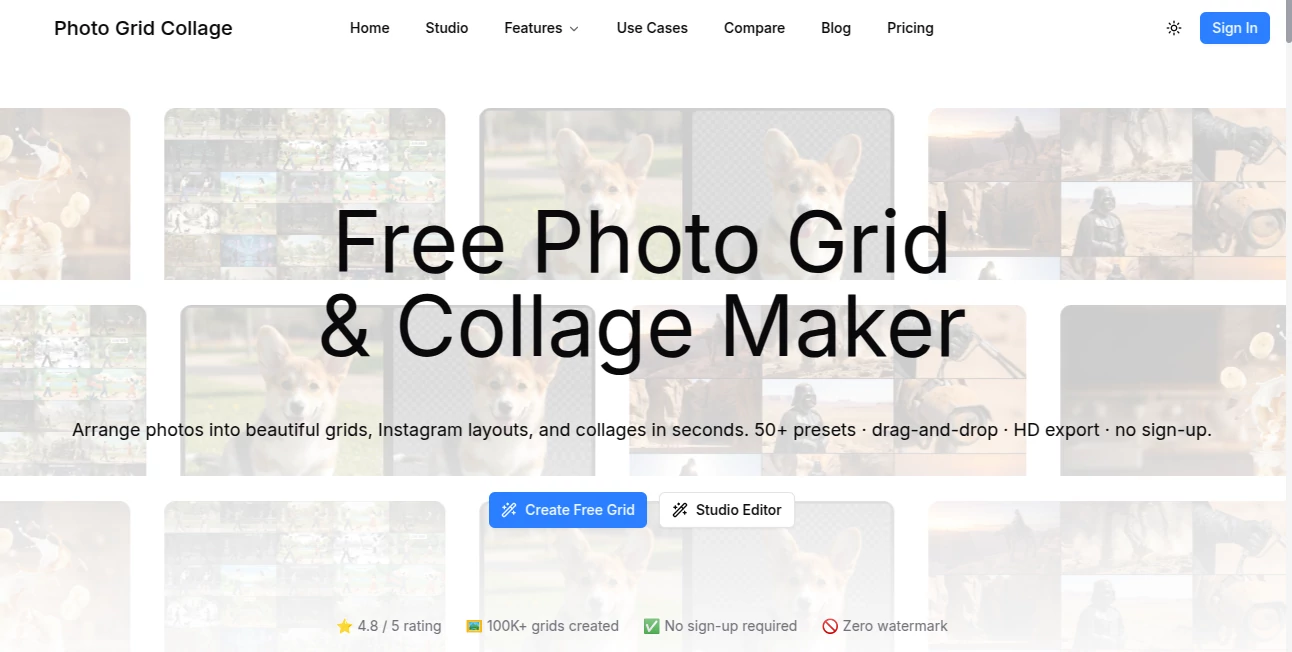
There’s something special about turning a handful of random photos into one cohesive, eye-catching image that tells a story. Whether it’s a vacation highlight reel, a family gathering, or a product showcase, a well-made collage instantly feels more personal and engaging than a single shot. This tool makes that process feel effortless and actually fun. You pick your pictures, choose a layout, and in moments you have a polished collage that looks like it took real effort — except it didn’t. I’ve used it for quick anniversary posts, travel recaps, and even client mood boards, and every time the result gets compliments because it just looks right.
Introduction
Creating a good collage used to mean opening complicated design software, fighting with layers, and spending way too much time adjusting borders and spacing. This platform changes that experience completely. It gives you hundreds of ready-to-use grid layouts, smart auto-arrangement, and simple customization tools that let you focus on the memories or message instead of the technical details. It’s become a favorite for everyday users who want beautiful results fast, as well as for small businesses and content creators who need professional-looking visuals without hiring a designer. The best part? It never feels overwhelming — you can go from zero to finished collage in under a minute.
Key Features
User Interface
The interface is clean and inviting from the first click. You start by uploading your photos (or selecting from your device), then browse through dozens of attractive grid templates arranged neatly by style. Drag-and-drop lets you reorder images easily, and real-time preview shows exactly how everything will look. There are no hidden menus or confusing options — everything you need is right there on the screen, making the whole process feel light and enjoyable rather than technical.
Accuracy & Performance
The layouts adapt intelligently to your photos, automatically cropping and positioning them to look balanced and natural. Edges align cleanly, spacing stays consistent, and the final result rarely needs manual tweaking. Generation is fast — even with 10–15 photos you’re looking at a finished collage in seconds. The output quality is consistently high, with sharp details and good color handling, whether you’re working with phone snapshots or higher-resolution images.
Capabilities
You can create everything from simple 3–4 photo grids to more elaborate multi-image collages with different shapes and ratios. It supports popular formats like square for Instagram, portrait for stories, and landscape for prints. You can adjust spacing, add borders, choose background colors or patterns, and even apply light filters if you want a specific mood. The tool also lets you save templates you like for future use, making repeat projects even quicker.
Security & Privacy
Your photos are processed only for the current session and are not stored permanently on the servers. There’s no forced account creation for basic use, so you can create and download without leaving a trace if you prefer. For personal family photos or client work, that respectful approach to privacy is genuinely appreciated.
Use Cases
Families put together beautiful yearly recap collages for holidays or anniversaries that everyone loves sharing. Travel enthusiasts create visual diaries of their trips that look far more professional than scattered posts. Small businesses showcase multiple products in one attractive image for social media or ads. Wedding planners build elegant preview collages for couples. Even teachers use it to create fun visual summaries of class projects or field trips. Wherever you have several photos that belong together, this tool turns them into something worth showing off.
Pros and Cons
Pros:
- Extremely fast and intuitive — perfect for last-minute needs.
- Hundreds of attractive, well-designed layouts to choose from.
- Smart auto-arrangement saves time and looks balanced.
- High-quality output suitable for both digital and print use.
- Free to use with generous options before any paid upgrade.
Cons:
- Advanced customization (custom fonts, more complex shapes) is limited in the free version.
- Very large batches or ultra-high-resolution work may require the paid plan.
Pricing Plans
The free version already gives you access to many popular layouts and full-resolution downloads for personal use. The premium plan removes any remaining limits, unlocks exclusive templates, higher-resolution exports, and ad-free experience. Pricing is reasonable and clearly aimed at users who create collages regularly — many people find the free tier sufficient for occasional needs, while frequent creators happily upgrade.
How to Use PhotoGrid Collage
Start by clicking the upload area and selecting your photos (you can pick several at once). Browse the layout gallery and tap the one you like. Drag images around if you want to change the order. Adjust spacing or background if desired, then click download. The whole process is quick enough that you can experiment with several different layouts in one session and pick the best one. Saved projects make future collages even faster.
Comparison with Similar Tools
Many collage makers feel either too basic (limited templates, poor auto-arrangement) or overly complicated with too many options. This one hits a sweet spot — generous template variety, smart automatic layout, and enough customization without complexity. The speed and clean results often make it the preferred choice over both free mobile apps and heavier desktop software.
Conclusion
A great collage has the power to turn ordinary photos into something memorable and share-worthy. This tool makes creating those moments simple, fast, and genuinely enjoyable. Whether you’re preserving family memories, promoting a small business, or just having fun with friends, it consistently delivers beautiful results without the usual hassle. In a world full of complicated creative apps, its straightforward approach and high-quality output make it a quiet favorite for many.
Frequently Asked Questions (FAQ)
How many photos can I use in one collage?
Most layouts support anywhere from 2 to 15+ photos, depending on the grid style.
Is the free version good enough for regular use?
Yes — many people create all their personal collages on the free plan without issues.
Can I download in high resolution?
Yes, both free and paid versions allow high-resolution downloads suitable for printing.
Do I need to create an account?
No account is required for basic collage creation and download.
Are the collages watermark-free?
Free collages are watermark-free for personal use; premium offers additional options.
AI Photo & Image Generator , Photo & Image Editor , AI Design Generator , AI Graphic Design .
These classifications represent its core capabilities and areas of application. For related tools, explore the linked categories above.
Photo Grid Collage details
Pricing
- Free
Apps
- Web Tools
Categories

Photo Grid Collage Alternatives Product

bratgenerator

CapCut

AI Polaroid …

Mage

volume shade…

Beardless Fi…

Shutterstock

ChatGPT Imag…
Wplace Live
